How Do Steering Wheel Controls Work with a Car Radio?
Steering wheel controls send a button signal from the wheel to the car’s body or radio network, then to an adapter or head unit that translates it into volume, track, mode, or phone commands. Skip the correct interface and the buttons stop working, act erratically, or lose functions after a radio swap. This guide maps the signal path and shows how to spot analog, CAN bus, or Android-style inputs before you buy.
What steering wheel controls do
Factory steering wheel buttons usually handle volume, next or previous track, source, mute, and phone actions. The radio only responds if it can accept the signal format the vehicle sends. That is why a replacement unit may need an interface, not just a plug that fits the power and speaker pins.
Why factory controls matter after a radio swap
Once the OEM radio comes out, the new head unit must understand the steering wheel command stream. Some aftermarket stereos read a direct analog input. Others need a brand-specific interface module. Android head units often use learning inputs instead of a dedicated radio-brand protocol.
How the signal travels from button to radio
A button press starts at the steering wheel switch pack. From there, the signal typically follows one of three paths: a resistive wire changes voltage, a CAN bus message goes onto the vehicle data network, or a dedicated input line goes to a programmable head unit. The final device then turns that signal into a radio command.
Button press, control signal, interface, command
In a wired analog setup, the steering wheel button changes resistance on a circuit. The head unit reads a voltage level and matches it to a learned function. In a CAN bus setup, the button press becomes a network message, and a decoder module translates that message into the format the radio can use.
OEM radios often understand the vehicle’s native signal directly. Aftermarket radios usually do not. That is where a steering wheel control interface enters the chain: it translates vehicle-specific signals into radio-brand-compatible commands, or into a learning input the radio can store.
Where OEM radios and aftermarket radios differ
An OEM radio is designed for one vehicle platform, so it often expects the factory signal type. An aftermarket stereo may accept a 3.5 mm SWC input, a dedicated brand interface port, or separate KEY wires. If the wrong input type is used, the radio may ignore the buttons or learn only part of them.
Which control type does your car use?

You need the vehicle control type before you buy an adapter. The same steering wheel button can reach the radio through a resistive analog circuit, a CAN bus module, or Android-style KEY inputs after conversion. Matching the vehicle side and the radio side matters more than the button shape on the wheel.
Resistive analog or direct wire mapping
Resistive analog steering wheel controls use a ladder of resistor values or direct wire mapping. A button press changes the voltage seen by the head unit or by the interface. Many radios with this setup accept a 3.5 mm SWC input, while some use bare wires for button learning. If only volume works, the learned resistance steps may not match the radio’s expected values.
CAN bus steering wheel control systems?
CAN bus systems send steering wheel data over the vehicle network. A decoding module reads that traffic and outputs a radio-friendly command. This is common in newer vehicles where the wheel buttons are part of the factory data network rather than a simple wire loop. Without the correct CAN module, the radio may power on but ignore the wheel controls.
Android KEY1 and KEY2 inputs
Android head units often use KEY1 and KEY2 input wires, sometimes with a ground reference. These are programmable button learning inputs, not a finished protocol on their own. The radio learns each button during setup. Dual-wire variants can split the buttons across two inputs, which helps when the vehicle sends multiple resistive levels or separate button groups.
Steering control compatibility checklist
Use this checklist to match the vehicle control type to the radio input before buying an adapter. The goal is simple: identify the signal leaving the car, then confirm the exact input the new head unit accepts. That prevents the common mistake of buying a module that fits the car but not the radio.
| Vehicle control type | Radio input type | Adapter needed | Common failure symptom | Quick test |
|---|---|---|---|---|
| Resistive analog | 3.5 mm SWC input or learning wire pair | Vehicle-specific adapter or direct learning lead | Volume works, but track or mode does not | Check whether the radio has a labeled SWC jack or KEY learning wire, then confirm the adapter output matches it |
| CAN bus | Brand-specific SWC interface input or learning lead after CAN decoding | CAN bus decoder module plus vehicle-specific adapter | Buttons do nothing, or only a few factory functions remain | Look for a CAN decoder in the wiring and verify it is listed for the exact make, model, and year |
| Android KEY1 / KEY2 setup | KEY1, KEY2, and ground reference | Android-ready wiring or adapter with KEY leads | Buttons learn once, then fail after restart | Enter the radio’s key-learning menu and check that each wire is assigned before saving |
Do you need an adapter?
Many factory steering wheel controls need an adapter or interface when you replace the radio. The answer depends on the vehicle make and model, the new head unit brand, and the input type on the radio itself. If the head unit has no SWC input, no adapter can create one without an additional interface.
When a vehicle-specific adapter is required
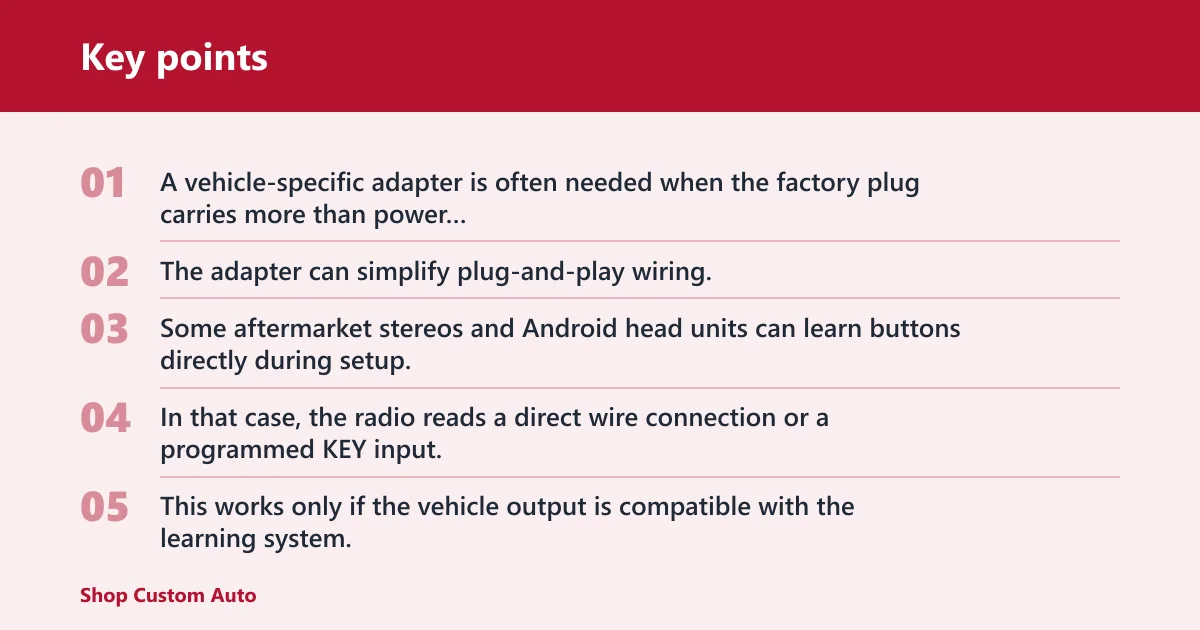
A vehicle-specific adapter is often needed when the factory plug carries more than power and speakers, especially if it retains steering wheel controls, amplifier turn-on, or other factory features. The adapter can simplify plug-and-play wiring, but it only works when both sides match: the car’s signal type and the radio’s accepted input.
When a radio can learn buttons directly
Some aftermarket stereos and Android head units can learn buttons directly during setup. In that case, the radio reads a direct wire connection or a programmed KEY input, then stores the button map. This works only if the vehicle output is compatible with the learning system. A CAN bus car still needs a decoder before any learning starts.
How radio-brand compatibility changes the answer
Brand compatibility matters because some radios expect a dedicated interface from their own ecosystem, while others accept generic analog or KEY inputs. A radio with a 3.5 mm SWC jack is not the same as one that needs a specific module or a separate learning menu. Always check the input type, not just the brand name on the faceplate.
Say your car sends analog steering wheel signals and the new stereo has only KEY1 and KEY2 wires. The buttons may light up in the learning menu, then fail later because the radio never received a proper ground reference. Matching the vehicle output to the input type fixes that before installation becomes a guessing game.
Why some buttons work and others do not
Partial function usually points to wiring, programming, or a mismatched input type. Volume may work because it uses one learned value, while track or phone buttons fail because they need different resistance steps, a second wire, or a CAN decoder output the adapter never provided. That split is a clue, not random behavior.
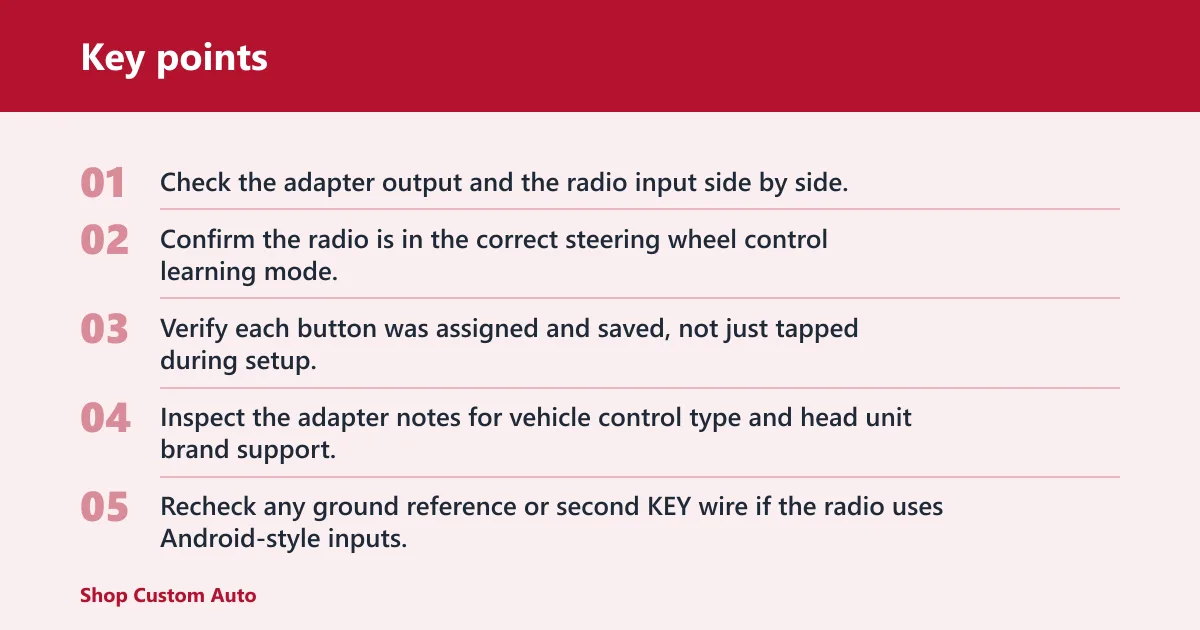
Wiring, programming, and wrong input type
- Check the adapter output and the radio input side by side.
- Confirm the radio is in the correct steering wheel control learning mode.
- Verify each button was assigned and saved, not just tapped during setup.
- Inspect the adapter notes for vehicle control type and head unit brand support.
- Recheck any ground reference or second KEY wire if the radio uses Android-style inputs.
A common first-timer mistake is buying a CAN bus wiring set for a car that actually uses a resistive analog ladder. The connector may fit, but the radio never sees the right signal. The result is partial control or no control at all, even though the wiring looks complete.
Partial function after installation
If only some buttons work, the adapter may be translating the wrong signal family, or the radio may have learned only part of the map. Start with the simple checks: wiring continuity, proper programming, and exact fitment to the vehicle control type. If those match, move to the head unit input standard and brand-specific compatibility list.
How do steering wheel controls work with a car radio?
Steering wheel controls work by turning a button press into a signal the radio can read, then mapping that signal to a command like volume, track, source, or phone. The key step is translation. The radio must accept the same signal format the car sends, or an adapter must convert it first.
Do I need an adapter for steering wheel controls?
Usually yes, if you are replacing the factory radio and want the wheel buttons to keep working. The adapter depends on the vehicle control type and the radio input. An analog car may need a 3.5 mm SWC lead, a CAN bus car may need a decoder, and an Android head unit may need KEY1 and KEY2 wires.
Will my factory steering wheel buttons still work after a radio replacement?
They often can, but only if the new radio and the vehicle interface are matched correctly. Factory buttons may keep volume while losing track or phone functions if the adapter is wrong or only partly programmed. Compatibility depends on the car, the head unit, and whether the correct signal translation is in place.
Frequently asked questions
Can I use my steering wheel controls with an aftermarket stereo?
Yes, in many vehicles, but the stereo must accept the right input and the car’s signal must be translated correctly. A factory analog wheel may work with a 3.5 mm SWC jack, while a CAN bus vehicle usually needs a decoder module. Brand and model fitment still decide the final result.
How do I connect my steering wheel controls to my stereo?
Identify the vehicle control type first, then match it to the stereo input. Connect resistive analog systems to the radio’s SWC or learning wires, connect Android-style systems to KEY1 and KEY2 with ground, and use a CAN bus decoder where needed. Then program the buttons in the radio menu if the unit supports learning.