What Is a Rearview Mirror Monitor and How Does It Work?
A rearview mirror monitor is a mirror with a built-in display that shows video from a camera, usually the rear camera, so you can see behind the vehicle even when cargo or bodywork blocks the glass view. If it is wired wrong or set up poorly, you get lag, glare, blank screens, or a false sense of rear visibility. This guide explains the camera-to-screen path, how mirror-replacement and clip-on systems differ, and which features and faults matter before you buy or troubleshoot one.
Rearview mirror monitor basics
A rearview mirror monitor is an in-cab display that shows live camera video in place of, or alongside, a conventional mirror. In practice, it can be a digital rearview camera monitor system used in commercial vehicles and fleets to reduce blind spots and glare, or a consumer-style add-on that clips over an existing mirror.
The term covers more than one product style. Some units replace the exterior mirrors and move the rear view fully into video. Others keep the glass mirror and add a screen behind it or on top of it. That difference matters when you compare visibility, wiring, and compliance needs.
What it does in the vehicle
At minimum, the monitor receives a camera feed and shows it in real time. Better setups add anti-glare coating, auto-brightness, and camera inputs that work with 1080p or similar video feeds. Some models also tie into DVR hardware, so the display and recording functions travel together.
For everyday driving, the direct benefit is clear. The screen can show a wider rearward view than a narrow glass mirror, especially when a load blocks the back window or when headlight glare hits the cabin. That benefit depends on camera placement and image quality, not the screen alone.
How does a rearview mirror monitor work?
A rearview mirror monitor works as a short video pipeline: an exterior camera captures the scene, the signal travels by cable or wireless link, the monitor processes the feed, and the LCD panel shows the image. If any part of that chain fails, the driver loses the picture or gets the wrong picture.
Camera capture
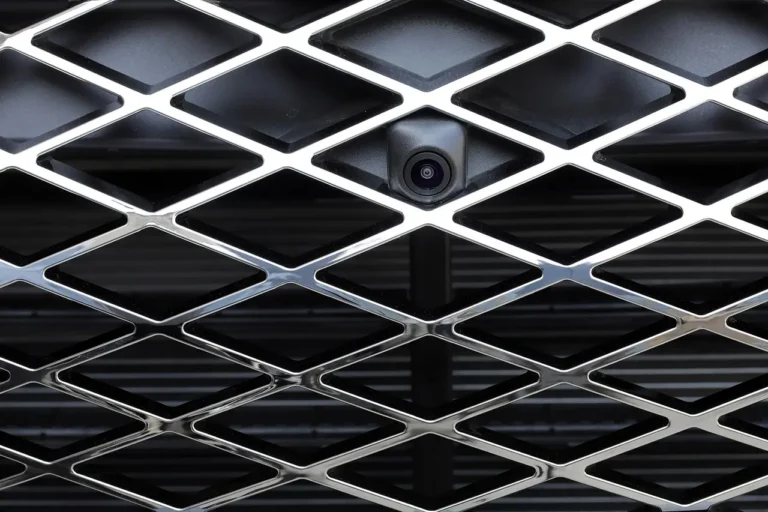
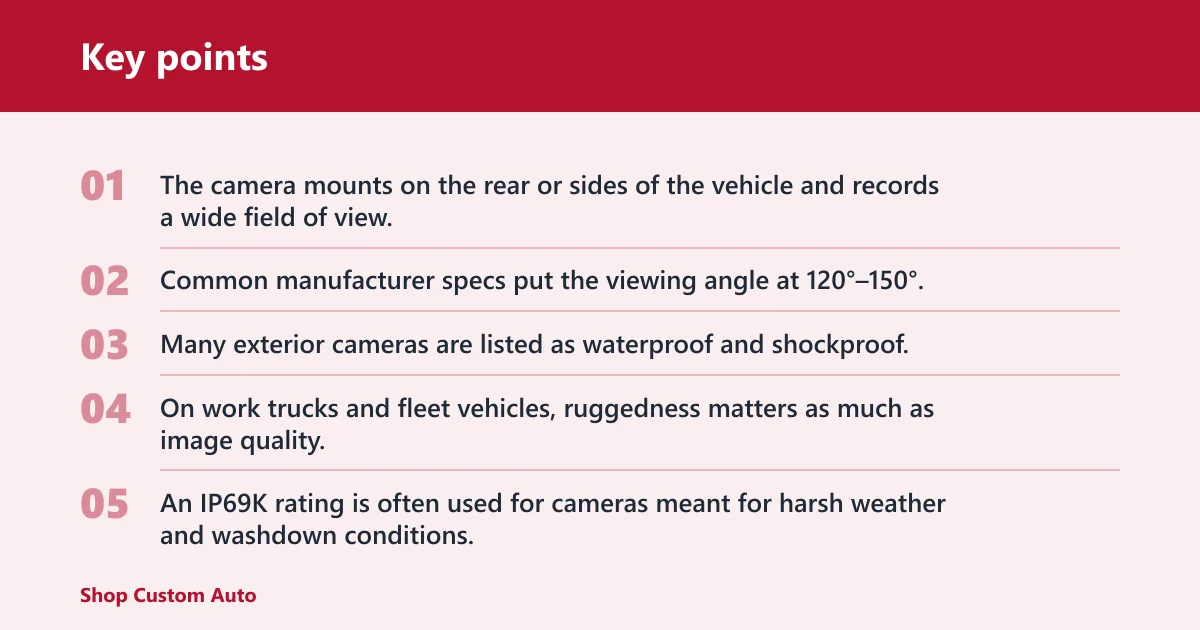
The camera mounts on the rear or sides of the vehicle and records a wide field of view. Common manufacturer specs put the viewing angle at 120°–150°, which helps cover adjacent lanes and the area near the bumper. Many exterior cameras are listed as waterproof and shockproof, and some add night vision or starlight capability for low light.
On work trucks and fleet vehicles, ruggedness matters as much as image quality. An IP69K rating is often used for cameras meant for harsh weather and washdown conditions. That rating is especially relevant when road spray, mud, and pressure washing are part of daily use.
Signal transmission
The video signal moves from the camera to the mirror display through a wired cable or, in some systems, a wireless link. Wired systems are more common because they are easier to trace and less prone to interference. Some displays support AHD/HD-TVI/CVBS input, which matters if the camera or DVR uses one of those formats.
Suppose your camera sends AHD video, but the mirror display accepts only CVBS. The screen may stay black even though the camera has power. That is not a lens problem; it is a format mismatch.
Processing and display output
The monitor converts the incoming video into a live image on an LCD digital monitor, usually with anti-glare coating and automatic brightness behavior. MacFaith lists a 7″ to 12″ in-cab display range, which gives you a sense of how these units are sized for cars, vans, and commercial cabs. The display may also mirror, split, or flip the image depending on the camera position.
That processing step is where orientation problems often appear. A rear camera may need the image reversed so the left and right sides match driver expectations. If the setting is wrong, lane position and backing distance feel off immediately.
Rearview mirror monitor component map
This is the simplest way to read the system: each part has one job, one common spec, and one typical failure point. That makes troubleshooting faster than guessing at the whole unit at once.
| Component | Job | Common spec | Failure point |
|---|---|---|---|
| Exterior camera | Captures rear or side road view | 120°–150° viewing angle; IP69K on rugged models | Dirty lens, water intrusion, vibration damage |
| Cable or wireless link | Moves the video signal to the cab | Analog or digital video path; some systems use AHD/HD-TVI/CVBS | Loose connector, pinched wire, signal loss |
| Processing board | Scales, flips, or blends the image | Rear-image flip; split-screen support on some units | Wrong orientation, delayed image, no sync |
| LCD digital monitor | Shows live camera feed | 7″ to 12″ display; anti-glare coating; auto-brightness on some models | Dim display, dead pixels, blank screen |
| Power feed | Supplies system voltage | 12V–36V input on some commercial systems | Blown fuse, low voltage, ignition wiring fault |
| DVR or recorder | Saves video instead of only displaying it | Camera feed can connect to DVRs for recording | Storage full, wrong trigger, recording off |
Quick troubleshooting map
- No signal: Check power first, then the video connector, then the input format.
- Wrong orientation: Look for mirror/normal or flip settings in the menu.
- Dim image: Inspect brightness settings, anti-glare layer, and ambient-light response.
- Flicker or dropout: Inspect the cable, grounding, and cable routing near hinges.
- Bad rear view in rain: Clean the camera and check the IP rating against the mounting location.
How is it different from a regular mirror?
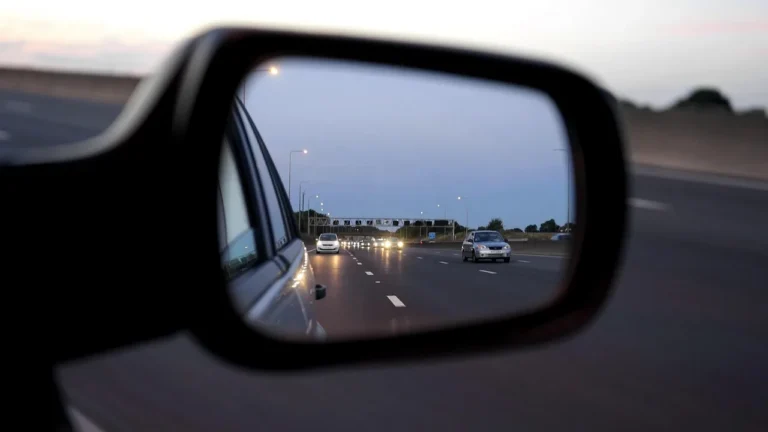
A regular mirror depends on reflected light from glass, while a rearview mirror monitor depends on a live camera feed. That means the digital system can see around cargo, body panels, or mounted equipment that would block a normal mirror. It also means the view depends on power, wiring, and camera quality.
Glare and low-light behavior
Glass mirrors can be washed out by headlights behind you. A camera-based system can reduce that glare because the display is not reflecting direct light into your eyes. MacFaith also describes glare reduction and blind spot elimination as part of the system’s role, but those outcomes still depend on correct camera angle and image setup.
Low-light performance is another difference. A mirror can only show what reaches it. A camera with night vision or starlight capability can pull a usable picture from darker scenes, though it still needs clean optics and enough ambient light to render detail.
Blind-spot coverage limits
A rearview mirror monitor can help with blind spots, but it does not erase them automatically. Coverage depends on where the camera is mounted, how wide its field of view is, and whether the image is calibrated for the vehicle. A poor angle can hide a lane edge even on a high-resolution screen.
Picture a van with a roof rack and rear doors that block the center mirror. A camera mounted high at the back door can restore the rear view, but if it points too steeply downward, it may show the bumper well and the traffic behind poorly. The fix is mounting and angle, not a larger screen alone.
Mirror replacement or clip-on?
A replacement unit can take the place of the exterior mirror or the cabin mirror entirely, while a clip-on or add-on system keeps the existing mirror and adds a display layer. The right choice depends on vehicle type, wiring space, and the view you need.
Mirror-replacement systems
These systems are built to replace traditional exterior rearview mirrors. MacFaith appears to describe that use directly, and UNECE R46 is commonly referenced as a standards point for certain mirror-replacement systems in commercial applications. That reference matters when the vehicle is part of a regulated fleet, but it does not mean every product is universally approved.
Replacement systems make the most sense when the old mirror housing is being removed, when aerodynamic design matters, or when the vehicle is already configured around camera-based rear vision. They need cleaner wiring, more careful calibration, and a stronger compliance check before installation.
Clip-on or add-on systems
Clip-on systems fit over an existing mirror or sit beside it as a supplementary display. They are easier to fit on many passenger vehicles, especially when the goal is to add a rear camera view without changing the original mirror structure. They are also easier to remove if the vehicle changes hands.
| System type | Best fit | What it changes | When to choose it |
|---|---|---|---|
| Mirror-replacement | Commercial trucks, fleets, regulated installations | Replaces the old mirror view with a camera-based view | When you need a full camera-mirror system and can support proper wiring and compliance review |
| Clip-on or add-on | Cars, vans, retrofit installs | Adds a screen while keeping the original mirror | When you want simpler installation and a backup glass mirror |
Which one fits a first-time buyer?
A common first-timer mistake is buying a replacement system for a vehicle that only needs a supplemental display. If you still want a normal mirror view as backup, a clip-on or add-on style is usually the safer starting point. If the vehicle is being spec’d for fleet use, a replacement system may be the better match.
What specs matter most?
The specs that matter most are the ones that affect what you actually see: screen size, input compatibility, camera durability, and brightness behavior. A larger panel can be easier to read, but the display still needs the right signal format and enough weather resistance for the camera location.
Screen size and resolution
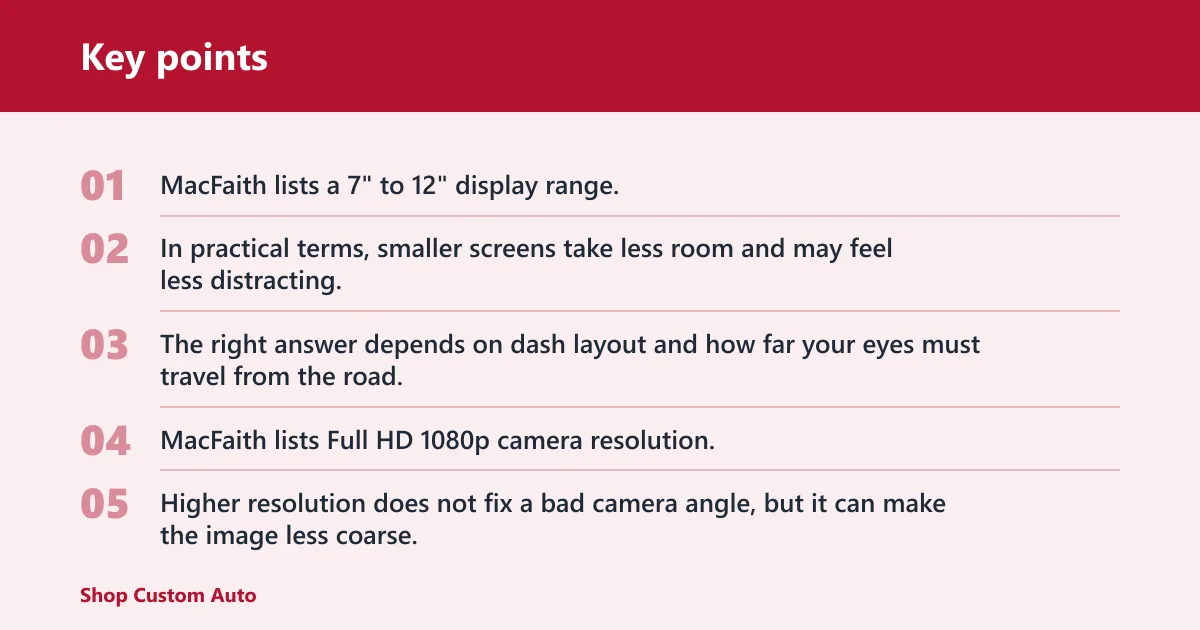
The same source lists a 7″ to 12″ display range, which is wide enough to fit compact cabins and larger cabs. In practical terms, smaller screens take less room and may feel less distracting, while larger screens are easier to read at a glance. The right answer depends on dash layout and how far your eyes must travel from the road.
Resolution matters too. The same source lists Full HD 1080p camera resolution, and many buyers look for that level of detail because it makes lane markings, tail lamps, and nearby traffic easier to judge. Higher resolution does not fix a bad camera angle, but it can make the image less coarse.
Input formats and DVR compatibility
If the monitor accepts AHD/HD-TVI/CVBS input, it can work with a broader range of cameras and recorders. That matters when the system is being paired with an existing DVR or with mixed hardware from different suppliers. Without the right input, the camera may power up but never display correctly.
Recording is a separate decision from viewing. Some rearview mirror monitors are display-only. Others connect to DVRs for recording, and products in the dash-cam style may add 4K front recording, 1080p rear recording, or GPS logging. If you want evidence capture, verify that the unit includes recording hardware rather than assuming the screen does that by itself.
Weather resistance and camera durability
For rear cameras mounted outside the cab, waterproofing and shock resistance matter more than appearance. IP69K is a strong sign that the camera is meant for weather, spray, and washdown exposure. That is a useful marker for work trucks, delivery vans, and fleet vehicles that spend time in bad weather.
Display durability matters too, especially in bright cabins. An anti-glare coating helps the LCD digital monitor stay readable in sunlight and under interior reflections. Auto-brightness can also help when the vehicle moves from tunnel shade to direct midday light.
Suppose your pickup uses a rear camera with a 120° view and the screen is set too bright at night. You may still see the lane clearly, but the display can feel harsh and distracting. Lower brightness or auto-brightness usually fixes that before you start blaming the camera.
Frequently asked questions
What is your rearview mirror?
Your rearview mirror is the mirror inside the cabin that lets you see traffic through the back glass. On a vehicle with a monitor system, that mirror may stay in place or be replaced by a display that shows camera video instead of a reflected image.
What does the rearview monitor do?
The rearview monitor shows a live video feed from one or more cameras, usually the rear camera. It gives you a direct screen view of what is behind the vehicle, and in some setups it can also show side views or connect to recording hardware.
What is a digital rearview mirror?
A digital rearview mirror is a mirror-style display that uses camera video rather than glass reflection for the main rear view. In many vehicles it is part of a digital rearview camera monitor system, especially where the normal mirror view is blocked or where glare reduction matters.
How is a rearview mirror monitor different from a regular mirror?
A regular mirror reflects light from behind the vehicle. A rearview mirror monitor shows live camera video on an LCD display. That changes glare behavior, low-light performance, wiring needs, and failure points, since the digital system depends on power, signal format, and camera placement.
Does a rearview mirror monitor need a camera to work?
Yes. The monitor itself only shows an image. Without a camera and a working video path, it has nothing to display. If the monitor is installed but shows a blank screen, the likely issue is in the camera, wiring, power feed, or input format.
How does the image get from the camera to the mirror screen?
The camera captures the scene, sends the video through a cable or wireless link, and the monitor processes that feed before showing it on the screen. If the system supports AHD/HD-TVI/CVBS input, the camera and display still need to match on signal type and orientation.
What size rearview mirror monitor is common in cars?
Common sizes run from 7″ to 12″ according to MacFaith’s listed range. Smaller units suit tight cabins and less obtrusive installs. Larger ones are easier to read, especially if you want a wider split-screen view or need to glance at the display quickly.
Can a rearview mirror monitor record video like a dash cam?
Some can, but not all. Recording depends on whether the unit has DVR hardware or connects to a DVR. Products marketed as dash-cam mirror units may include front and rear recording, while a plain display-only mirror monitor only shows live video and stores nothing by itself.
What are the main drawbacks or limitations of a rearview mirror monitor?
The main limits are power dependence, wiring complexity, possible signal mismatch, and reduced usefulness if the camera is dirty, misaligned, or poorly placed. You also lose the simple reliability of glass reflection. A digital system is only as good as its camera, cable, settings, and weather sealing.