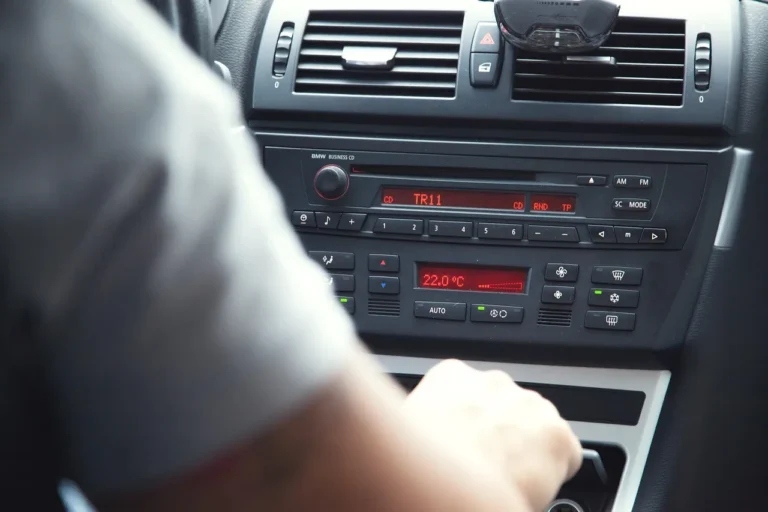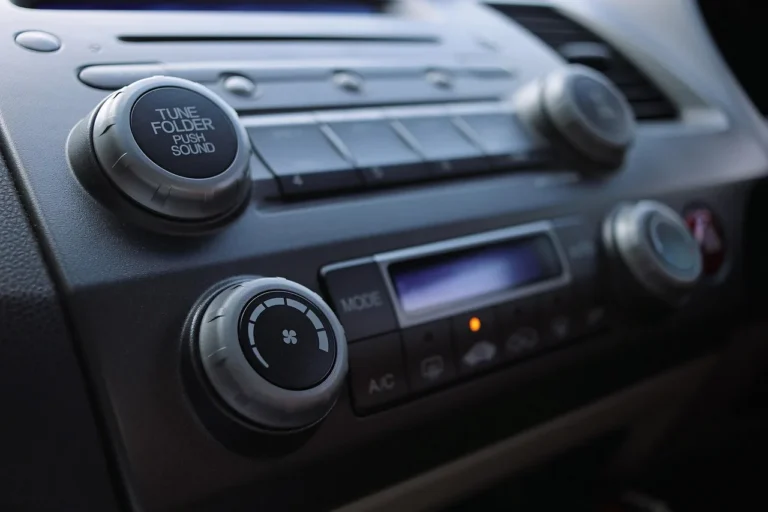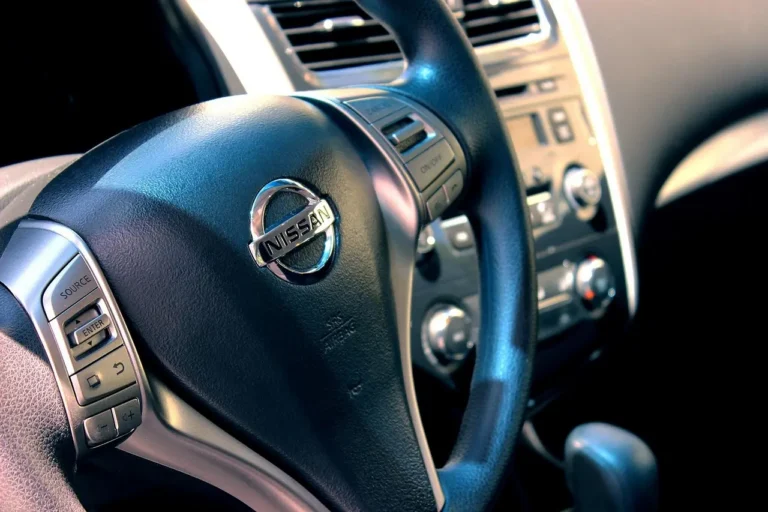
What Are Steering Wheel Controls on a Car Stereo?
Steering wheel controls are the buttons on the wheel that send audio commands to the factory radio through either a simple resistive wire or a data module. If you ignore that link, volume, track, and source buttons stop working after a stereo swap, and the wrong adapter can leave you with no controls at all. This guide shows how to tell a wired system from a module-based one and what that means for your radio upgrade.
What steering wheel controls do

Steering wheel audio controls are factory buttons mounted on the wheel itself, often for volume, track skip, source change, voice, and phone functions. They keep common stereo actions close at hand while your hands stay near the wheel. The buttons are part of the steering wheel and column assembly, not the steering mechanism that turns the road wheels.
The steering system itself converts steering wheel rotation into road-wheel movement. In common steering layouts, the wheel and the audio buttons share space, but they do different jobs. One controls direction. The other sends low-voltage commands to the car stereo or radio.
Where the buttons sit
Steering wheel controls are commonly placed on the left or right spoke of the wheel, with wiring routed through the steering column. That physical placement matters during installation because the audio button circuit is separate from the steering linkage. Do not treat the wheel controls like part of the rack, pinion, or steering box hardware.
A common first-timer mistake is assuming a radio problem means the steering system itself was disturbed. Picture a sedan with volume buttons on the left spoke and a new head unit installed. The car still steers normally, but the buttons do nothing because the radio never received the correct button signal path.
📊 A typical steering wheel diameter mentioned is 15 inches (380 mm). Source: How the steering system works.
How do steering wheel controls work?

Steering wheel controls work by sending a coded signal from the buttons to the radio, and the radio turns that signal into a command. Some vehicles use simple analog or resistive inputs. Others send button data over the vehicle communication protocol, so the stereo needs an interface that understands that language.
Analog and resistive inputs
In older or simpler systems, each button changes resistance on a wire. The radio reads a specific resistance value and matches it to volume, track, or source. That is why a compatible adapter must match the expected resistance range for the vehicle and the input type on the stereo.
Data-bus communication
Newer vehicles often move button commands over a data bus rather than a direct analog wire. The command may pass through the body network or another control module before it reaches the radio. In those cases, the head unit usually needs a vehicle-specific interface module to translate the signal into radio commands.
That distinction matters because factory wiring and vehicle communication protocol are model-year specific, not universal. Two cars from the same brand may use different control methods. A replacement stereo that works with one may need a different adapter, or no controls at all, in another.
Why the stereo cannot read every car the same way
An aftermarket head unit often supports steering-wheel button learning, but that feature only works if the radio receives the right kind of input. Some units accept a direct wired input. Others need a brand-specific interface so the factory button signal is converted into the radio’s control format.
Suppose an SUV uses a data-bus steering-wheel signal and the new receiver expects a simple wired input. The buttons may light up or appear to be wired correctly, yet the stereo never sees a valid command. That is a protocol mismatch, not a bad button panel.
Steering wheel controls decision table
The table below maps common setups to the usual integration path. Use it to decide whether your vehicle is likely to need a simple wired adapter or a vehicle-specific interface module.
| Factory buttons present? | Input type | Likely integration path | What usually works |
|---|---|---|---|
| Yes | Analog or resistive | Simple steering wheel control adapter | Adapter matched to the vehicle and stereo brand, then mapped or learned |
| Yes | Data-bus | Vehicle-specific interface module | Module that translates vehicle commands to the radio’s steering-wheel input |
| Yes | Unknown | Identify the factory wiring and protocol first | Check the vehicle year, trim, and radio type before buying parts |
| No | None | No adapter for missing controls | Retrofitting may require wheel switches, wiring, and a compatible module |
| Yes | Mixed or incomplete | Interface plus correct programming | Module setup, button learning, and testing each function one by one |
Do you need an adapter for an aftermarket radio?
Most aftermarket radios need an adapter or interface if you want steering-wheel buttons to keep working. A head unit may support steering-wheel learning, but that does not mean it can decode the vehicle’s factory signal by itself. The vehicle and the radio brand both matter.
When a head unit supports button learning
Some aftermarket receivers have a steering-wheel-control input that can let the user assign volume, track, source, and phone commands after installation. That helps when the vehicle sends a compatible wired signal. It does not replace the need to match the vehicle wiring and the receiver’s expected input type.
When a brand-specific interface is required
Many factory systems use a module-based path. In those vehicles, the adapter must read the car’s protocol and output a signal the new radio understands. That is why steering wheel control adapter choices depend on both the vehicle and the stereo brand, not just the dashboard opening size or connector shape.
Radio replacement installation usually follows the same order: identify the vehicle system, choose the correct interface, wire or program it, then test every button. If the adapter is wrong, the symptoms are often partial mapping, missed phone keys, or no response from any button.
Can you add steering wheel controls?
Sometimes, but not always. If the vehicle did not come with factory steering-wheel audio buttons, adding them is a retrofit project, not a simple radio setting. The car may need wheel switches, column wiring, and an interface that can talk to the new receiver.
When retrofit is practical
Retrofit is most practical when the platform offered steering-wheel controls on some trims or in the same model year. In that case, the wheel, column wiring, or clock spring may already support the signal path. The remaining work is matching the hardware and the radio interface correctly.
When the vehicle was not prewired
If the car was never built for steering-wheel audio buttons, a button kit alone is rarely enough. You may need more than a switch panel. That can include the correct wheel assembly, added wiring through the column, and an interface that the aftermarket head unit can read.
Say your compact hatchback never had factory audio buttons, but a higher trim of the same model did. A retrofit may be possible if the steering wheel and wiring provisions exist. If the platform never supported the feature, adding it becomes a custom integration job rather than a normal radio upgrade.
Steering wheel controls checklist
Use this checklist before and during installation. It reduces the chance of lost controls, wrong pinouts, and programming errors.
- Confirm whether the vehicle has factory steering wheel audio controls.
- Check whether the factory signal is analog or resistive, or whether it uses data-bus communication.
- Identify the exact vehicle year, trim, and radio brand compatibility.
- Choose a steering wheel control adapter or interface module that matches both the vehicle and the new head unit.
- Wire the interface according to the vehicle-specific diagram, not a generic color guess.
- Program or learn the button mapping if the radio requires setup.
- Test volume, track, source, phone, and voice buttons one at a time.
- Recheck any button that works only intermittently or maps to the wrong command.
Common failure modes after replacement
If steering wheel controls stop working after a radio replacement, the most common causes are the wrong interface, a missed programming step, or incomplete wiring. Partial mapping is also common. Volume may work while track and phone buttons do not, which usually points to setup rather than a dead switch panel.
Because protocol differences are model-year specific, a part that fits the dash opening can still fail at the command level. Do not assume the adapter is correct just because the plugs fit. The interface must match the vehicle’s signal type and the receiver’s steering-wheel input expectations.
How to keep steering wheel controls with an aftermarket radio
Keep the factory buttons by matching the vehicle signal type, the right adapter or interface, and the new radio’s control input before the install starts. That is the reliable path. If the vehicle uses resistive wiring, a simple adapter may be enough. If it uses data-bus communication, choose the correct module first.
The safest approach is to treat the steering-wheel button system as its own part of the radio replacement, not an optional extra. That means checking fitment, protocol, and programming instructions before the dash is opened. Skipping that step is how partial function and dead buttons show up later.
Frequently asked questions
What are steering wheel controls on a car stereo?
They are the buttons on the wheel that let you change volume, track, source, or phone functions without reaching for the radio. The buttons sit on the steering wheel and column assembly, and they send commands to the car stereo through either a resistive wire or a data module.
How do steering wheel controls work with a car radio?
The buttons send a signal to the radio, and the radio interprets that signal as a command. Older systems often use analog or resistive inputs. Newer vehicles may send the command over a data bus, which means the stereo needs the right interface to read it.
How do I connect my steering wheel controls to my stereo?
Identify the vehicle’s control type, pick a steering wheel control adapter or interface that matches the car and head unit, then wire and program it according to the installation guide. After that, test each button separately. If the setup is wrong, only part of the button set may work.
Can I use my steering wheel controls with an aftermarket stereo?
Often yes, but not automatically. Many aftermarket head units need a compatible adapter or a vehicle-specific interface module before they can read the factory buttons. Brand compatibility matters, so the same car may need a different solution depending on which receiver you install.
Can you add steering wheel controls to a car without them?
Sometimes, if the platform supports the hardware or wiring path. A retrofit may require a compatible wheel, added wiring through the column, and an interface that the new radio can read. If the vehicle was never designed for that feature, the project may be impractical.
Why do my steering wheel controls stop working after a radio replacement?
The most common reasons are the wrong adapter, a missed programming step, or a wiring mismatch. In some vehicles, the factory signal is data-bus based, so a simple wired connection will not work. Partial button mapping usually means the interface was not set up correctly.