Will Parking Mode Drain Your Car Battery Overnight?
Yes, parking mode can drain a weak or cold battery overnight. With a healthy battery and a low-draw dash cam, the risk is usually low for one night, but older batteries or subfreezing weather can push it over the edge. Ignore it and you can wake up to a no-start battery. This guide gives a practical risk matrix for battery age, weather, and parking time, plus safer settings.
How overnight parking worsens battery drain risks
Yes. Parking mode typically draws power when the engine is off, and zero drain is generally not realistic. The real question is whether the draw is small enough for your battery’s age, temperature, and parking length. A healthy battery may handle one night well, while an older or cold-soaked battery may not.
What parking mode actually draws from the battery
Parking mode is the dash cam’s off-engine recording mode. It can use motion detection, impact detection with a G-sensor, time-lapse, or low bitrate recording. Any of them creates parasitic load, which is battery draw while parked with the alternator off. Other electronics add to that draw, so the dash cam is not always the only load.
A hardwire kit is often what makes parking mode practical in many cars. Most setups use a 3-wire system: a constant power wire, an accessory or ACC wire, and a ground wire. The constant feed keeps the camera alive, while the ACC wire tells it when the car is on and when to switch into parking mode.
Why overnight parking is a different risk than a quick stop
Short parking sessions usually leave more reserve capacity in the battery. Overnight parking gives the camera many hours to keep drawing, and the drain compounds if the battery is already old, partially charged, or exposed to cold. That is why a setup that seems fine for a grocery stop can be a bad idea in a driveway overnight.
Suppose a sedan sits for about 10 hours in 25°F weather with the radio memory, alarm, and dash cam all drawing power. The dash cam alone may be modest, but the combined load can push a marginal lead-acid starter battery below a safe starting point by morning.
Overnight drain risk matrix
| Battery age | Outside temperature | Parking duration | Parking mode type | Risk level | Recommended cutoff and action |
|---|---|---|---|---|---|
| Newer battery, strong condition | Above 50°F | 6-8 hours | Impact detection or motion detection | Lower | Set 12.2V; timer-cap at 6 or 12 hours if needed |
| Newer battery, strong condition | 32°F to 50°F | Overnight | Motion detection | Moderate | Set 12.2V or 12.4V; limit to one night |
| Older battery, fair condition | Above 50°F | Overnight | Impact detection | Moderate to higher | Set 12.2V; use a 6-hour timer or limit parking mode |
| Older battery, fair condition | 32°F to 50°F | Overnight | Motion detection | Higher | Set 12.4V; timer-cap or disable if the battery is weak |
| Older battery, weak condition | Below 32°F | Overnight | Any mode | High | Set 12.4V; limit heavily or disable parking mode |
| Any battery | Below 32°F | Multi-night storage | Time-lapse or continuous recording | Very high | Disable parking mode or use a battery pack, not vehicle battery power |
This table is a practical guide, not a promise. A healthy cutoff still cannot rescue a battery that is already weak. That is the failure case many drivers miss: the setting may be “safe” on paper while the battery’s reserve capacity is already too low for winter starting.
How much battery parking mode uses
Motion detection usually draws less than continuous recording because the camera can sleep between events. Impact detection with a G-sensor can be similar, since it waits for a bump or jolt. Time-lapse or low bitrate recording runs longer and keeps the camera active more of the night, so it uses more power overall.
Time-lapse or continuous parking recording is the highest drain and most dangerous mode. Low bitrate recording is often less demanding than full video, but it is still a live recording mode and still adds parasitic load. Motion and impact modes are usually the better fit when the battery is the limiting factor.
Say your car is parked at an airport for 12 hours in warm weather. Motion detection with a 12.2V cutoff is a different risk from time-lapse with the same cutoff, because the recording mode itself changes how fast the battery is pulled down.
What voltage cutoff should you set?
For many drivers, 12.2V is a common starting point, especially for overnight parking. Low-voltage cutoff shuts the dash cam off once battery voltage drops too low, but it should be treated as one control, not the only one. The right setting depends on battery age, temperature, and how long the car sits.
11.6V and 11.8V
11.6V sits in the dangerous zone for battery health, and the guide warns not to use 11.6V or 11.8V settings. 11.8V is borderline safe and depends on battery age and temperature, which makes it a poor choice for many drivers who park overnight in cold weather or with an older battery.
Is 11.8V too low for parking mode? For many cars, yes. It may work on a strong battery in mild weather, but it leaves less cushion for a weak lead-acid starter battery, and the margin gets thinner when the temperature drops.
12.0V and 12.2V
12.0V is a better buffer than 11.8V, but 12.2V is the recommended cutoff for safer overnight parking. The same guide recommends 12.2V or 12.4V to keep the battery healthy enough to start in winter. For most daily drivers, that is the more practical range.
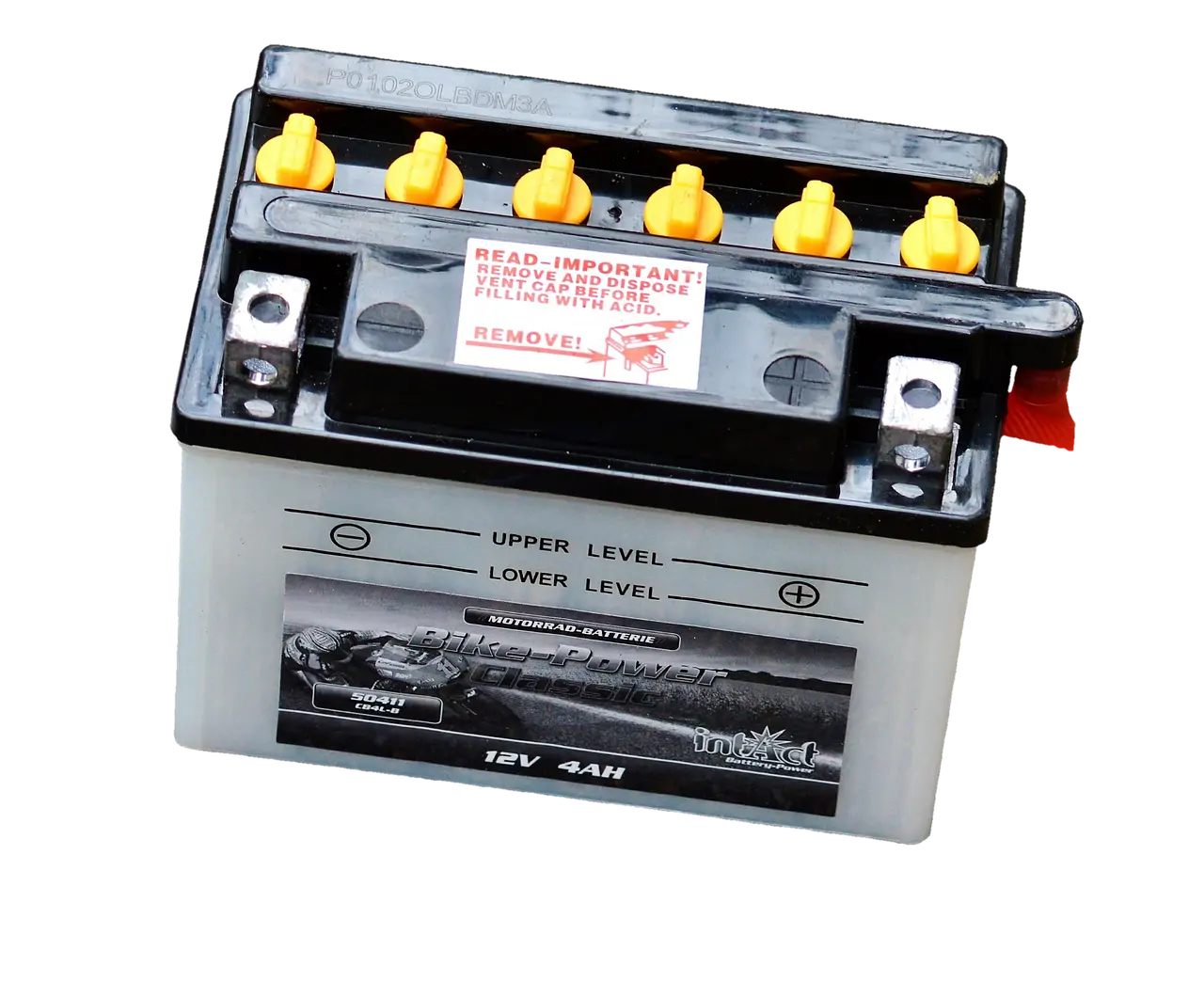
Most standard 12V batteries are fully charged at roughly 12.6V to 12.8V when resting. That resting voltage matters because a battery that starts the night closer to full has more reserve capacity before the dash cam cutoff activates. If the battery is already down near the middle of that range, the margin is much smaller.
12.4V for extra caution
12.4V is often the safer choice when the battery is older, the weather is cold, or the parking window is long. It cuts parking mode off sooner, which protects starting power. The tradeoff is shorter recording time, but that is usually the better outcome for winter street parking or an aging commuter battery.
-
Check the battery condition. Look at age, resting voltage, and any signs of slow cranking. Older batteries with reduced reserve capacity need a higher cutoff than a fresh battery.
-
Match the cutoff to the season. Use 12.2V in mild weather for one-night parking, and move toward 12.4V when temperatures fall below freezing. Cold weather reduces battery performance and raises the no-start risk.
-
Match the cutoff to the parking length. For a short stop, a lower cutoff may be acceptable. For overnight or multi-night parking, raise the cutoff and consider a timer or a battery pack.
Why battery age and cold weather change the answer
Older batteries and cold weather both reduce starting margin. A lead-acid starter battery with wear has less reserve capacity, and cold weather makes that reserve harder to use. That is why a setting that seems fine in summer can leave you stranded in winter.
Older lead-acid batteries
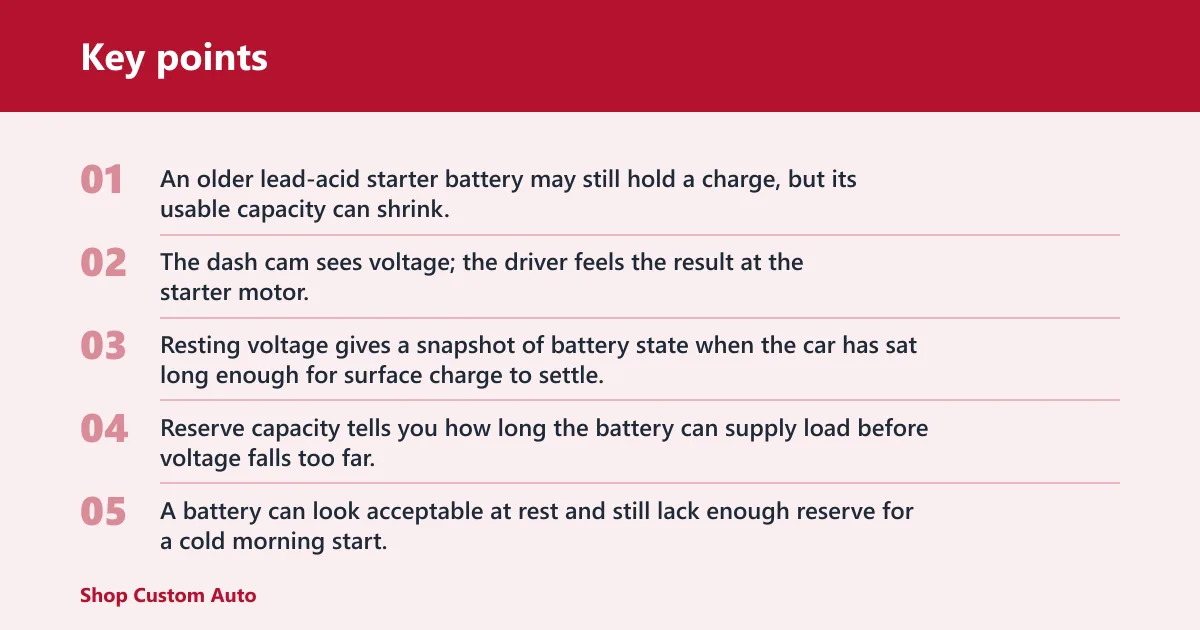
An older lead-acid starter battery may still hold a charge, but its usable capacity can shrink. The dash cam sees voltage; the driver feels the result at the starter motor. That gap is why a healthy cutoff can still leave an older vehicle unable to crank.
Resting voltage and reserve capacity
Resting voltage gives a snapshot of battery state when the car has sat long enough for surface charge to settle. Reserve capacity tells you how long the battery can supply load before voltage falls too far. A battery can look acceptable at rest and still lack enough reserve for a cold morning start.
Cold-weather performance
Cold weather reduces chemical activity inside the battery and increases the load needed to turn the engine. That means less usable power at the exact time you need more of it. A winter cutoff of 12.4V is often the safer call for overnight parking, especially with a battery that is not new.
How to reduce overnight drain
Use more than one safeguard. A timer shutoff, a safer parking mode, and attention to other parasitic loads can matter as much as voltage cutoff. If the battery is weak or the parking window is long, a battery pack for dash cam use may be the better option because it reduces vehicle battery drain.
-
Use a timer shutoff. A 6-hour timer is a common rule of thumb when you only need part of the night covered. A 12-hour timer can fit airport parking, but it still should be paired with a sensible cutoff.
-
Choose the lighter mode. Prefer motion detection or impact detection over time-lapse or continuous recording when battery reserve is limited. Time-lapse can be useful, but it is the higher-drain choice.
-
Trim other loads. Turn off aftermarket accessories that continue to draw power while parked. Parasitic load adds up when the alternator is off, and the dash cam is only one part of that draw.
-
Consider a battery pack. An external power source can keep the dash cam running while reducing vehicle battery drain. It is not unlimited, though; runtime is limited, so it still needs planning for long parking periods.
Parking mode settings by parking scenario
- Airport parking: Use motion detection or impact detection, set 12.2V, and add a 12-hour timer if the battery is healthy.
- Winter street parking: Use 12.4V, prefer impact detection, and avoid time-lapse on an older battery.
- Multi-night storage: Disable parking mode on the vehicle battery or switch to a battery pack with limited runtime.
Frequently asked questions
Will parking mode drain my car battery overnight?
Yes, but the size of the drain depends on the battery and the mode. A healthy battery in warm weather may handle one night, while an older battery or freezing temperatures can make the same setup risky. Parking mode is not harmless; it always consumes some power.
How much battery does dash cam parking mode use in a night?
There is no single number that fits every car. Motion detection and impact detection usually draw less than time-lapse or continuous recording, and the battery’s age and temperature matter just as much as the camera setting. Overnight use is about accumulated draw, not one instant reading.
What voltage cutoff should I set to avoid a dead battery?
For many drivers, 12.2V is the safer starting point, and 12.4V is better in cold weather or with an older battery. 11.6V is in the dangerous zone, and 11.8V is borderline safe at best. Cutoff helps, but it is not the only safeguard.
Is 11.8V too low for parking mode?
Often, yes. The guide treats 11.8V as borderline safe and says not to use 11.6V or 11.8V settings. If the battery is older, weak, or exposed to cold, 11.8V leaves too little margin for a reliable start the next morning.
Does time-lapse parking mode drain less than motion detection?
No. Time-lapse or continuous parking recording is the highest drain and most dangerous mode. Motion detection and impact detection usually use less because the camera can stay idle between events. If battery life matters, time-lapse is the less forgiving choice.
How long can a dash cam run in parking mode safely?
That depends on battery age, temperature, parking duration, and the mode you choose. A healthy battery may handle a single night, but an older battery in winter may not. For longer parking, use a timer, raise the cutoff, or move to a battery pack instead of the vehicle battery.