
Parking Mode for Pickup Trucks and Vans: What Changes?
Parking mode for pickup trucks and vans usually needs a higher cutoff, heavier-gauge wiring, and a longer-time power source than a passenger car, because these vehicles pull more from auxiliary systems and often sit longer. Ignore that, and the dash cam can drain the battery, stop recording too soon, or trigger low-voltage faults that leave you with no evidence. This guide explains parking-mode settings, hardwire and battery options, fuse choices, and what changes for single-battery, dual-battery, and upfitter-style setups.
Best settings by vehicle type: For a lightly equipped pickup, start with buffered or time-lapse parking mode and a conservative cutoff. For a passenger van, impact detection with buffering is often the best balance. For a work van with fleet electronics or long idle gaps, use time-lapse or low-bitrate recording and consider an auxiliary power source instead of the starter battery.
Parking mode basics for larger vehicles
Parking mode lets a dash cam keep recording after the key is off. Common modes include motion detection, impact detection, time-lapse, low-bitrate recording, and buffered recording. On pickup trucks and vans, the right mode depends on how long the vehicle sits, how much battery reserve you can spare, and how much false triggering you can tolerate near traffic or jobsites.
What parking mode records when the vehicle is off
Motion detection starts recording when the camera sees movement. Impact detection wakes on vibration or a hit. Time-lapse compresses a long sit into a shorter file by recording at set intervals. Low-bitrate recording keeps recording continuously at reduced file size. Buffered recording saves a short clip before and after the trigger, which matters when an event starts before the impact sensor fires.
For larger vehicles, buffered recording is often the most useful upgrade to a basic impact mode. A truck parked on a street can be hit and moved before a plain trigger catches enough context. The pre-event seconds and post-event seconds give you a more complete clip, especially if the truck sits farther from the camera mount or the van is long enough that the action happens away from the lens.
What changes in pickups and vans?
Pickup trucks and vans change parking-mode planning because the battery reserve, accessory load, and time between drives are often different from a sedan’s. A larger starting battery can help, but cold weather, auxiliary electronics, cargo-area wiring, and long idle gaps can still drain the system faster than you expect. Fleet downtime raises the risk further because the vehicle may sit for hours or days without a recharge.
Battery reserve, parasitic load, and idle time between drives
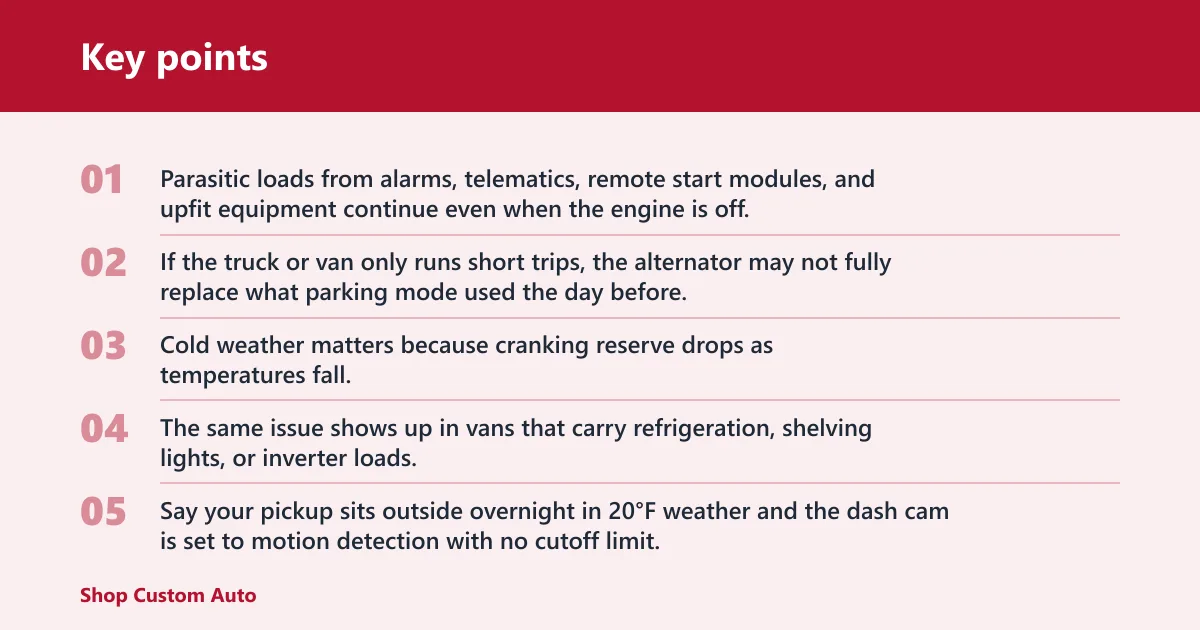
A pickup truck 12V battery may have more capacity than a smaller vehicle’s battery, but that does not mean it can absorb any dash cam load for long. Parasitic loads from alarms, telematics, remote start modules, and upfit equipment continue even when the engine is off. If the truck or van only runs short trips, the alternator may not fully replace what parking mode used the day before.
Cold weather matters because cranking reserve drops as temperatures fall. A battery that seems comfortable in mild weather can struggle after an overnight sit in freezing conditions, especially if parking mode recorded a long event or if the vehicle was already near a low state of charge. The same issue shows up in vans that carry refrigeration, shelving lights, or inverter loads.
Say your pickup sits outside overnight in 20°F weather and the dash cam is set to motion detection with no cutoff limit. The truck may still start the next morning in summer, but the same setting can push the battery too close to a no-start condition in winter. The fix is not only shorter recording; it is a cutoff that matches the vehicle’s reserve and load.
How should you power parking mode?
Most larger vehicles use a hardwire kit for parking mode because it gives you an ACC fuse, a constant-power fuse, a ground wire, and a parking mode trigger in one setup. That said, fuse taps, OBD-II power cables, and auxiliary battery packs each solve a different problem. The right choice depends on whether you need long runtime, a simple install, or isolation from the starter battery.
Hardwire kit, fuse tap, OBD-II cable, and auxiliary pack
A hardwire kit is the standard method. It usually connects to a constant-power fuse for standby power, an ACC fuse so the dash cam knows when the vehicle is on or off, and a ground wire to complete the circuit. Use a fuse tap, often sold as an add-a-circuit, when you need to add the dash cam without cutting factory wiring. Match the tap to the panel type, such as mini fuse or low-profile mini fuse.
-
Check fuse-panel layout.
Find a constant-power fuse, an ACC fuse, and a nearby ground point before you choose the kit. In many trucks and vans, the closest panel may be in the cab, footwell, or cargo area. -
Match the fuse tap.
Use the correct mini fuse or low-profile mini fuse tap so the blade size fits tightly. A loose add-a-circuit install can cause intermittent parking-mode shutdowns. -
Set the trigger.
Confirm that the hardwire kit switches to parking mode when the ACC circuit drops. If the trigger never changes, the camera may stay in driving mode and drain more power than planned.
An OBD-II power cable is a plug-in alternative, but current limits and vehicle compatibility matter. It can be useful when you want a reversible install, yet it may not suit every truck or van if the port is shared with fleet telematics or if the camera draw is too high for the adapter’s rating. An auxiliary battery pack is better when the goal is to separate parking-mode runtime from the starter battery entirely.
Auxiliary battery packs are measured in Wh or mAh, and the usable runtime depends on the camera load and the pack’s own efficiency. Installed packs can charge from the vehicle and then feed the dash cam when parked. Portable packs are easier to move, but they may not support the same long idle periods as a fixed auxiliary system.
Low-voltage cutoff for trucks and vans
Low-voltage cutoff shuts parking mode off before the vehicle battery drops too far. The best setting is vehicle-specific because a pickup with a strong starting battery, a cargo van with telematics, and a work van with a house battery do not have the same reserve. A cutoff that is too low can leave you with a weak crank; a cutoff that is too high can end parking mode too early.
How to choose a vehicle-specific cutoff range
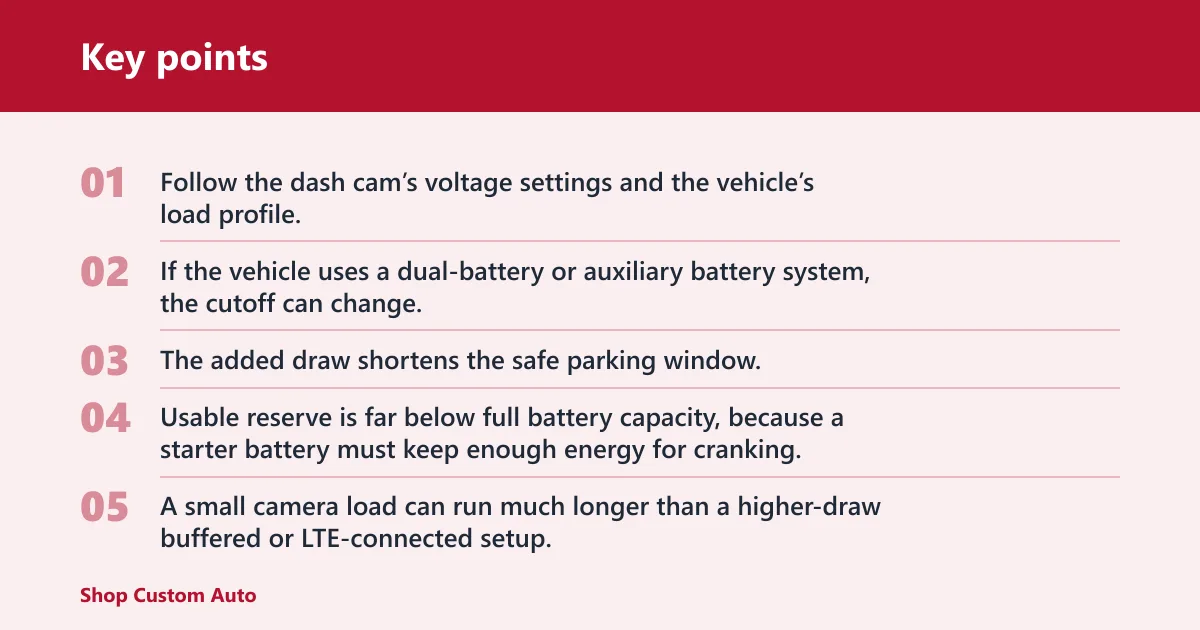
For many 12V setups, a common adjustable cutoff range is about 11.8V to 12.2V for lead-acid systems, with some owners choosing a slightly higher threshold in cold weather or for vehicles that need to start reliably at the end of every shift. That range is a starting point, not a universal answer. Follow the dash cam’s voltage settings and the vehicle’s load profile.
If the vehicle uses a dual-battery or auxiliary battery system, the cutoff can change. A house battery may support parking mode while the starter battery stays isolated, which allows a different threshold than a single-battery truck. If the system shares loads between batteries, set the cutoff conservatively and confirm which battery the dash cam actually sees.
A work van with refrigeration, lift equipment, or interior lighting should get a more cautious cutoff than a lightly equipped passenger van. The added draw shortens the safe parking window. In fleet use, a vehicle-specific setting is more useful than a generic “low” or “medium” choice because the next start may happen on a strict schedule.
How long can a dash cam record in parking mode on a truck battery?
Use this simple estimate: runtime in hours equals usable battery reserve in watt-hours divided by dash cam draw in watts. Usable reserve is far below full battery capacity, because a starter battery must keep enough energy for cranking. A small camera load can run much longer than a higher-draw buffered or LTE-connected setup.
For example, a low-draw camera on a truck with limited spare reserve may record for a short overnight window, while the same truck with an auxiliary battery can run far longer. A higher-draw camera, an always-on cellular module, or a cold battery shortens runtime quickly. The real limiter is not the label on the battery; it is the reserve you can safely spare.
Which recording mode fits your parking situation?
Motion detection fits quiet lots, but it can false-trigger near traffic, people, rain, or swaying branches. Impact detection is better when you care about hits, bumps, and door dings. Time-lapse and low-bitrate recording suit long sits because they reduce storage use and power demand. Buffered recording is strongest when you need a few seconds before the event, not only after it.
Troubleshooting mini-checklist
- False triggers: Switch from motion detection to impact detection, or move to buffered time-lapse if traffic, headlights, or reflections keep waking the camera.
- Premature shutdown: Raise the cutoff slightly, shorten the recording mode, or confirm the battery is not already weak from short-trip use and cold weather.
- No parking-mode switch: Verify the ACC fuse, constant-power fuse, ground, and hardwire trigger; a missing ACC signal can leave the camera in the wrong mode.
Motion detection for quiet lots
Use motion detection when the truck or van stays in a low-traffic driveway, a storage lot, or a calm garage. It records less often than continuous modes, which helps battery reserve. Near a busy curb or a jobsite with constant movement, it can wake too often and burn more power than a time-lapse setting would.
Impact detection and buffered recording for street parking
Impact detection is a good fit for street parking because it ignores ordinary movement until a hit or vibration occurs. Buffered recording adds context before and after the trigger, which matters when someone brushes a mirror or a trailer corner. For a larger vehicle, this is often more useful than motion detection alone.
Suppose a passenger van is parked near a sidewalk and bikes pass every few minutes. Motion detection may fill the card with short clips. Impact detection with buffered recording will usually stay quieter and preserve more battery, while still catching a strike or heavy jolt.
Time-lapse and low-bitrate recording for long sits
Choose time-lapse or low-bitrate recording if the truck or van may sit through a full shift, an overnight street park, or a fleet downtime window. These modes reduce storage use and usually create a more predictable power budget. They are the safer default when the vehicle must still start in the morning and the parking period is long.
Pickup, passenger van, and work van checklist
This checklist compares the power choices that fit larger vehicles. The ranges below are practical starting points, not universal numbers, because battery condition, climate, and accessory loads change the safe window. If the vehicle has dual batteries, a house battery, or fleet electronics, treat the listed cutoff as a baseline and verify the actual supply path.
| Vehicle type | Recommended power source | Safe low-voltage cutoff range | Preferred recording mode | Red-flag scenarios |
|---|---|---|---|---|
| Pickup trucks | Hardwire kit to an ACC fuse and constant-power fuse; auxiliary battery pack if the truck has long idle gaps | 12.0V to 12.2V for lead-acid starter batteries | Buffered recording or time-lapse | Cold weather, dual-battery setups, heavy aftermarket accessories, long overnight street parking |
| Passenger vans | Hardwire kit or OBD-II power cable if current draw is modest and the port is compatible | 11.9V to 12.2V, adjusted higher for cold starts | Impact detection with buffered recording | Extended parking near traffic, repeated door openings, single-battery layouts with interior loads |
| Work vans | Installed auxiliary battery or dedicated power distribution, not just starter battery power | 12.1V to 12.3V on the starter battery side, depending on the system | Time-lapse or low-bitrate recording | Fleet use, cargo-area fuse panels, upfit electronics, refrigeration, overnight downtime |
Frequently asked questions
Does parking mode drain a pickup truck battery faster than a car battery?
Often, yes, because pickup trucks may sit longer and carry more accessory load even when parked. The battery may also face colder starts and more parasitic draw from add-ons. A larger battery helps, but it does not remove the need for a cutoff and a sensible recording mode.
What parking mode settings are safest for a van that sits for days?
Use time-lapse or low-bitrate recording, plus a conservative low-voltage cutoff. A van that sits for days is a poor match for motion detection if traffic or foot movement is common nearby. If the van has a house battery or auxiliary battery, use that as the parking-mode source when possible.
Do trucks need a hardwire kit for parking mode?
Not always, but a hardwire kit is the standard choice because it gives the dash cam a clean ACC trigger, constant power, and ground. OBD-II cables can work for some installs, and auxiliary battery packs can power longer sits. For most trucks, hardwire is the most direct setup.
Can parking mode work with an auxiliary battery in a pickup?
Yes. An auxiliary battery pack can keep parking mode off the starter battery, which is useful for long waits, winter parking, or trucks with heavy accessories. The key is to confirm charging time, usable capacity, and whether the dash cam load will stay within the pack’s output limits.
What low-voltage cutoff should I use for a work van?
Start around 12.1V to 12.3V if the van depends on the starter battery, then adjust based on climate and load. If the van has a separate house battery or auxiliary battery, the starter-side cutoff can be more conservative. The right setting depends on how much reserve the van must keep for the next start.
What changes with parking mode in vehicles with dual batteries?
Dual batteries can give you more reserve, but they can also hide a wiring problem if the dash cam is tied to the wrong battery. Confirm whether parking mode is drawing from the starter battery, house battery, or an isolated auxiliary circuit. The cutoff should match that exact supply path.
Will parking mode trigger too often in a van parked near traffic?
It can. Motion detection is the most likely to false-trigger near passing vehicles, pedestrians, headlights, or vibration from road noise. Impact detection or buffered recording is usually the better fit for a van parked on a busy street, because it records fewer unwanted clips and wastes less power.