Rear Dash Cam vs Backup Camera: What Is the Difference?
A rear dash cam records the road behind you and typically saves clips after an impact. A backup camera shows a live rear view while you reverse, which can help you judge distance to curbs, posts, and cars. Pick the wrong one, and you may lose crash footage or back into something you could have seen.
Recording for proof versus live assistance for parking
The difference is direct: a rear dash cam is built to record, while a backup camera is built to help you steer in reverse. That split matters because you may need proof after a rear-end crash, or a live close-range view while parking.
A rear dash cam typically uses a rear-facing lens, continuous video recording, and loop recording to save recent footage to a microSD card. A backup camera usually wakes up when reverse gear is selected, then sends a live image to an infotainment screen or mirror display, often with parking guidelines overlaid on the picture.
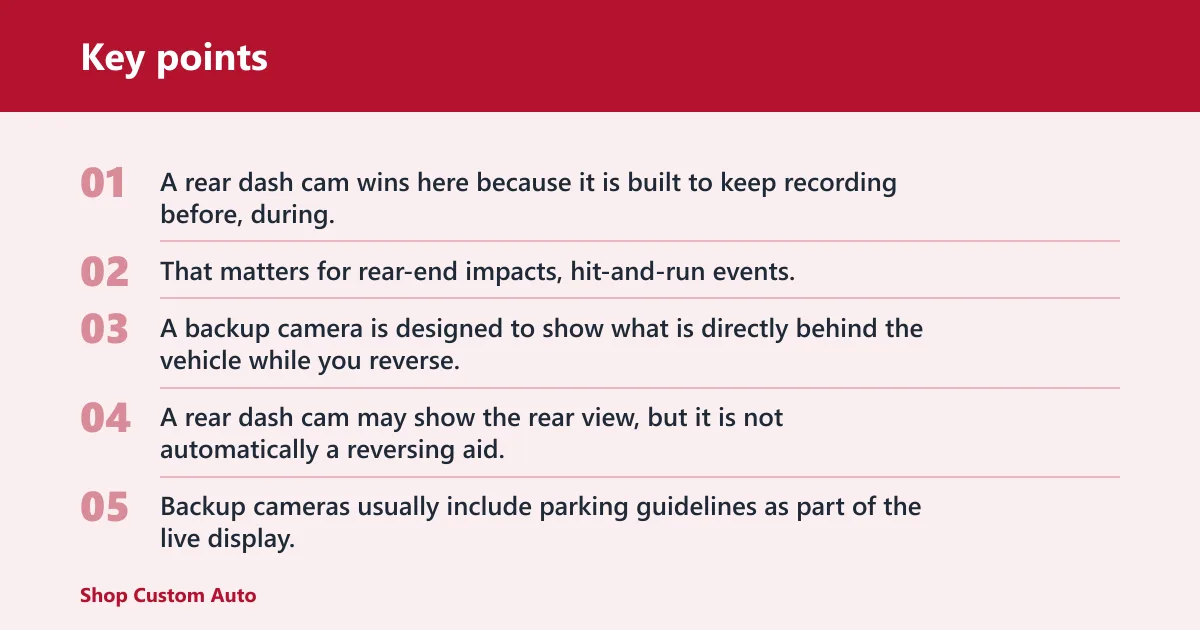
Rear camera decision table
| Decision factor | Rear dash cam | backup camera | Winner |
|---|---|---|---|
| Accident evidence | Records incidents with continuous video and loop overwrite | Usually not built to store incident footage | Rear dash cam |
| Reversing visibility | Can help only if it has live display support and the right wiring | Built for short-range reversing help | backup camera |
| Parking guidelines | May not include them, or only on some models | Usually includes on-screen guidelines | backup camera |
| Auto-activation | Often records continuously or in parking mode, not by reverse gear | Turns on through the reverse gear trigger | backup camera |
| Parking mode | Motion detection and impact detection available on some models | Not a parking-mode recorder | Rear dash cam |
| Hardwire need | Often needs a hardwire kit or other always-on power source | Usually tied to reverse-circuit power | tie |
| Best vehicle types | Good for sedans, SUVs, trucks, and vans with usable rear glass or cabin mounting | Good for any vehicle that needs reverse help, including factory-equipped models | tie |
Accident evidence
A rear dash cam wins here because it is built to keep recording before, during, and after a collision. That matters for rear-end impacts, hit-and-run events, and parking-lot damage where you need footage, not only a live image while backing up.
Reversing visibility
A backup camera is designed to show what is directly behind the vehicle while you reverse. A rear dash cam may show the rear view, but it is not automatically a reversing aid, and it may not display with the low-latency response drivers expect from a true reverse camera.
Parking guidelines
Backup cameras usually include parking guidelines as part of the live display. Rear dash cams may omit them entirely, and on some models the overlay is optional or unavailable, so you should not assume dashed lines will be there.
Auto-activation
A backup camera is normally tied to the reverse gear trigger, usually through the transmission signal, so it comes on as soon as the car shifts into reverse. A rear dash cam is built around recording logic, not reverse selection, so it does not have the same automatic behavior unless it is installed with extra display and trigger wiring.
Parking mode
Rear dash cams can monitor motion or impact while the car is parked, which is useful for door dings and bump-and-run incidents. That function needs constant power, so it usually depends on a hardwire kit or another always-on source.
Hardwire need
Both devices can involve hardwiring, but for different reasons. A rear dash cam often needs a fuse-tap power source, ignition sensing, and battery protection with a voltage cutoff so parking mode does not drain the battery; a backup camera is often tied to reverse-light power or to the vehicle’s factory system.
Best vehicle types
Both can fit many vehicles, but the mounting details differ. Rear dash cams depend on rear window placement and the quality of the view through the glass, while backup cameras depend more on how the vehicle is wired and where the display lives.
How a rear dash cam works
A rear dash cam records from a rear-facing lens, usually with continuous video and loop recording. That means the card keeps writing over the oldest unlocked clips once storage fills up, which is why footage after a collision stays available if the camera saves it before the card cycles again.
MicroSD storage matters more than many buyers expect. High-endurance cards are preferred because they are built for repeated writes, and card capacity must match the camera’s supported range; some models accept only certain sizes or file systems, so compatibility should be checked before purchase.
Parking mode is a separate function from normal driving recording. It may rely on motion detection, impact detection, or both, and it typically needs constant power from a hardwire kit or another always-on source; otherwise the camera shuts off with the ignition and cannot monitor the vehicle while parked.
Rear window placement is a real fitment issue. A sedan may give a cleaner view through the back glass, while an SUV, truck, or van may have steeper rear angles, more tint, more obstruction, or a rear wiper sweep that cuts across the lens view; hatchback glass can be especially awkward if the angle points too high or too low.
How a backup camera works
A backup camera is a low-speed reversing aid, not a recording device. It usually activates through the reverse gear trigger and sends a live image to the factory infotainment screen, an aftermarket monitor, or a mirror display so you can see obstacles close to the rear bumper.
Parking guidelines are commonly built into the image. On some systems the overlay is driver-adjustable, which helps with alignment while reversing into a space, but the exact lines and behavior depend on the vehicle or camera kit.
Many vehicles already include a factory backup camera. Aftermarket systems can add the function to older vehicles, but the wiring, display placement, and trigger behavior must still match the car’s electrical setup if you want fast response when shifting into reverse.
Can a rear dash cam replace a backup camera?
Sometimes, but only as a partial substitute. A rear dash cam can provide a live rear view only if it is connected to a compatible screen or app, the display response is quick enough, and the wiring supports reverse-triggered viewing; even then, it is not always as immediate or as simple as a true backup camera.
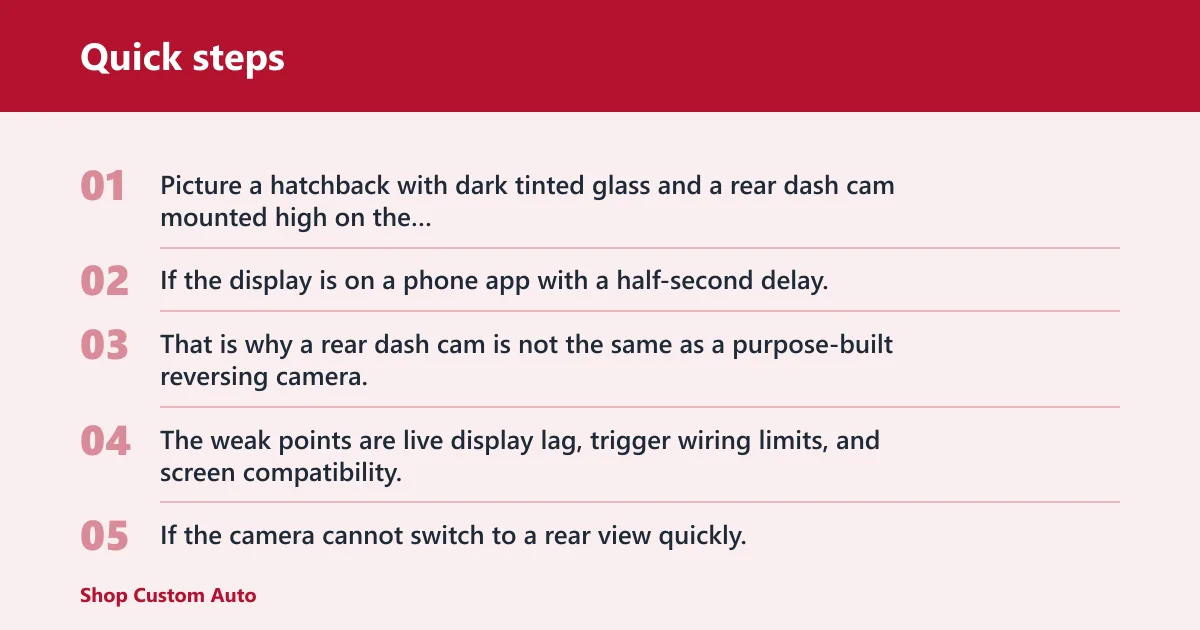
Picture a hatchback with dark tinted glass and a rear dash cam mounted high on the inside glass. If the display is on a phone app with a half-second delay, that lag can make close parking harder, especially when you are inching toward a wall or trailer tongue. That is why a rear dash cam is not the same as a purpose-built reversing camera.
When the replacement works poorly
The weak points are live display lag, trigger wiring limits, and screen compatibility. If the camera cannot switch to a rear view quickly, or if it lacks a usable monitor in the cabin, it will not function like the factory reverse camera most drivers expect.
When it can be useful
A rear dash cam can still help if you mainly want one device to record behind the car and occasionally view the rear image. That is a compromise, not a full replacement, and it works best when the installation includes the right display path from the start.
Will a rear dash cam work with tinted rear windows?
It can work, but tint changes the result. Dark glass, rear defroster heat strips, rear wiper sweep, and hatchback angle can all reduce clarity or leave part of the frame blocked, so rear window placement matters a lot more for a dash cam than many buyers expect.
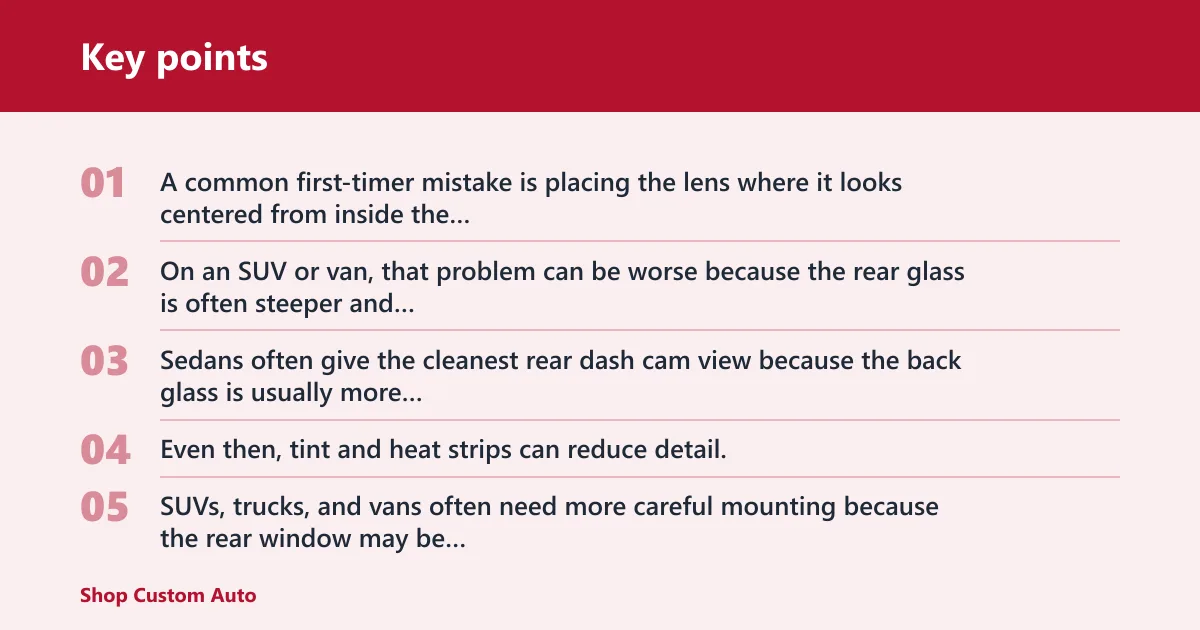
A common first-timer mistake is placing the lens where it looks centered from inside the cabin, only to find the hatch angle points the camera at the sky or the top edge of a spoiler. On an SUV or van, that problem can be worse because the rear glass is often steeper and more crowded with obstructions.
Sedan fitment
Sedans often give the cleanest rear dash cam view because the back glass is usually more direct. Even then, tint and heat strips can reduce detail, so the camera should be placed where the lens sees the widest usable slice of the road behind the vehicle.
SUV, truck, and van fitment
SUVs, trucks, and vans often need more careful mounting because the rear window may be higher, steeper, or partially obstructed. A rear wiper can help clear rain, but the sweep can also reveal that the camera angle is too low or too close to the glass edge.
Choose Rear dash cam if… / Choose backup camera if…
Choose Rear dash cam if you want evidence after a rear-end crash, a parking-lot hit, or a hit-and-run, and if you are willing to manage microSD storage and possible hardwire installation for parking mode. It is also the better pick when the main job is recording, not steering in reverse.
Choose backup camera if your main goal is reversing visibility, close-range parking help, and a live image that turns on automatically with reverse gear. It is the better daily driving aid when you want parking guidelines, fast display response, and a system built for maneuvering instead of evidence capture.
Choose both if you want full coverage. That combination is the cleanest answer for drivers who need incident recording behind the car and a dedicated reversing view, especially on larger vehicles where rear glass, tint, and angle make one camera type do only half the job.
Frequently asked questions
What is the difference between a rear dash cam and a backup camera?
A rear dash cam records video from behind the vehicle so you have evidence after a crash or hit-and-run. A backup camera gives you a live view while reversing, usually with parking guidelines. One is for recording incidents; the other is for low-speed maneuvering.
Can a rear dash cam replace a reversing camera?
Only in limited setups. To act like a reversing camera, the rear dash cam needs a compatible display, fast response, and trigger wiring that switches the view when reverse gear is selected. Even then, it may not behave as reliably as a purpose-built backup camera.
Does a rear dash cam show parking guidelines?
Sometimes, but not always. Some rear dash cams include on-screen overlays, while others do not support guidelines at all. A backup camera is more likely to include them because the camera is designed for reverse parking, not just continuous recording.
Do rear dash cams record when the car is parked?
They can, if the model supports parking mode. That usually means motion detection or impact detection, plus constant power from a hardwire kit or another always-on source. Without that power setup, the camera shuts off when the ignition turns off.
Can I use a backup camera for evidence after an accident?
Usually no. A backup camera is designed to show a live rear view while reversing, not to save clips or keep a record of an incident. If you want evidence, you need a rear dash cam with loop recording and storage designed for that job.
Do I need a separate screen for a rear dash cam?
Often yes, if you want a live rear view. Some rear dash cams connect to an app or a compatible display, but many do not include a dedicated monitor the way a backup camera system does. Check the output options before buying.