Wireless CarPlay vs Bluetooth: What Is the Difference?
Wireless CarPlay is a higher-level phone-to-dash system that usually uses Bluetooth to start the connection, then switches to Wi‑Fi for CarPlay data. Bluetooth alone handles calls, audio, and basic media, but not the full CarPlay interface. Choose wireless CarPlay if you want app navigation, Siri, and iPhone screens on the dash. Skip it if you only need calls and streaming. This guide shows what Bluetooth does by itself, what wireless CarPlay adds, and where the extra cost matters.
| Factor | Wireless CarPlay | Bluetooth | Winner |
|---|---|---|---|
| Dash interface | Shows CarPlay apps on the car screen | No visual interface on the car’s display | Wireless CarPlay |
| Calls and audio | Handles calls and audio through CarPlay | Handles hands-free calling and audio streaming | Tie |
| Navigation and texts | Supports Maps, Messages, and Siri-driven replies | Does not put Maps or Messages on the dash | Wireless CarPlay |
| Setup and compatibility | Needs a compatible car or aftermarket head unit | Works with virtually all smartphones and most car audio systems made in the last decade | Bluetooth |
| Phone charging | Does not charge the phone | Does not charge the phone | Tie |
| Connection behavior | Automatically connects when you enter the vehicle | Often requires a familiar pairing routine, depending on the car | Wireless CarPlay |
| Reliability risk | Depends on Bluetooth, Wi‑Fi, and vehicle hardware | Usually simpler and less sensitive to Wi‑Fi issues | Bluetooth |
Wireless CarPlay vs Bluetooth in one line
Wireless CarPlay adds a dashboard interface on top of the phone connection, while Bluetooth stops at audio and call handling. The key difference is not how the phone links to the car, but what the car can do with that link once it is active.
Why they get compared so often
Both systems can get your iPhone talking to the car without a cable. That overlap makes them easy to confuse, especially because wireless CarPlay still uses Bluetooth during setup and may still leave Bluetooth active for some pairing behavior.
The practical split is simple: Bluetooth carries the basic link, and CarPlay adds the screen-based layer.
Wireless CarPlay vs Bluetooth table
This table focuses on the decisions that matter most in daily driving: what you can do, what appears on screen, and what breaks first when the connection gets messy. If you already have Bluetooth, the question is whether CarPlay adds enough value to justify the hardware requirement.
| Task | Bluetooth only | Wireless CarPlay | Best choice |
|---|---|---|---|
| Calls | Hands-free calling and contact audio | Hands-free calling with CarPlay controls | Tie |
| Music | Streams audio from the phone | Streams audio with app control on the dash | Wireless CarPlay |
| Navigation | Phone can navigate, but not on the car screen | Maps appear on the infotainment display | Wireless CarPlay |
| Texts | No native dash messaging interface | Messages and Siri replies appear through CarPlay | Wireless CarPlay |
| Siri use | Basic phone voice features only | Built for Siri voice control in the car | Wireless CarPlay |
| Auto-connect | Depends on the vehicle’s pairing behavior | Typically auto-connects when you start the car | Wireless CarPlay |
| Battery impact | Usually less drain than an active wireless CarPlay session | Drains faster because it does not charge the phone | Bluetooth |
| Screen control | No car-screen app control | Car screen becomes the control surface | Wireless CarPlay |
| App support | Audio apps only, with no dashboard app layer | Supports Maps, Messages, Phone, Music, Podcasts, Spotify, Waze, and WhatsApp | Wireless CarPlay |
| Reliability | Usually simpler to keep steady | Can be affected by Wi‑Fi conditions and vehicle hardware | Bluetooth |
Calls
Bluetooth and wireless CarPlay both handle calls well, so this row is mostly a tie. If a driver only wants hands-free calling, Bluetooth already covers the need without adding the CarPlay layer.
Music
Bluetooth streams music, but wireless CarPlay gives you the app layer on the car screen. That matters when a driver wants to move between albums, playlists, or podcasts without leaning on the phone.
Navigation and texts
This is where wireless CarPlay pulls ahead. Bluetooth can carry the audio from a map app or message alert, but it does not put the route, message thread, or reply controls on the dash.
Auto-connect, battery, and reliability
Wireless CarPlay usually feels more automatic at startup, but it also asks more of the phone and the vehicle. Bluetooth is less demanding and tends to fail in simpler ways, which is one reason it remains useful even in cars that support CarPlay.
What Bluetooth does in the car
Bluetooth gives you short-range wireless audio and hands-free calling. It works with iPhone and Android, and most cars made in the last decade support it, which is why it remains the easy baseline option for basic in-car connectivity.
What Bluetooth cannot put on the dash
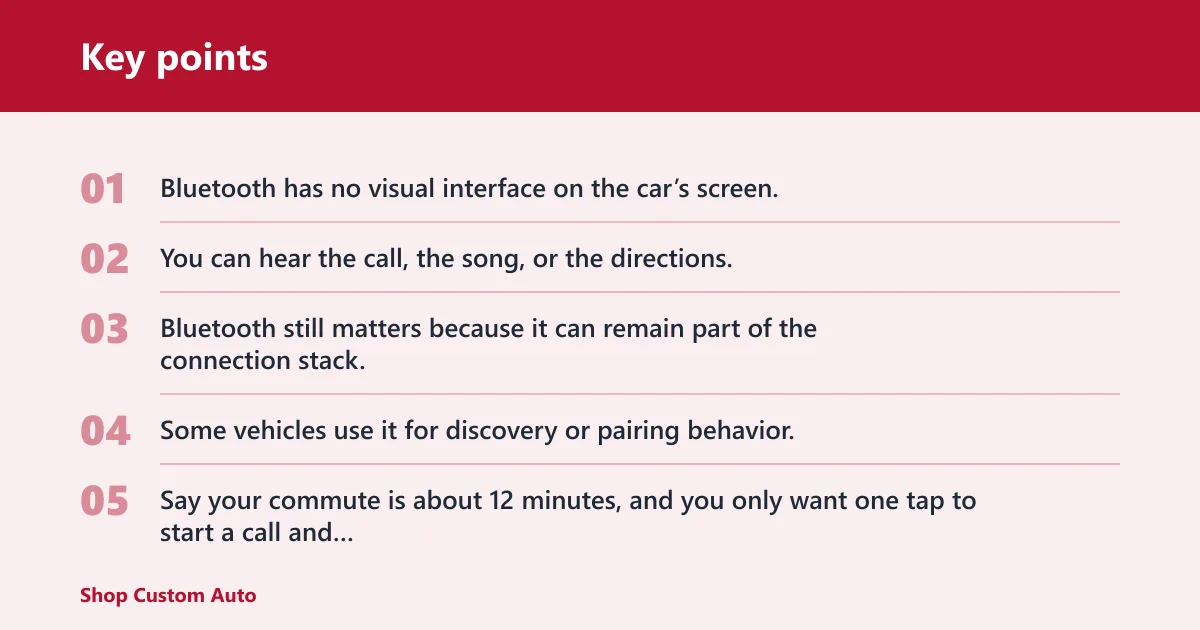
Bluetooth has no visual interface on the car’s screen. You can hear the call, the song, or the directions, but you do not get the CarPlay-style dashboard where Maps, Messages, Phone, Podcasts, and supported apps live.
Why Bluetooth still matters in CarPlay setups
Bluetooth still matters because it can remain part of the connection stack. Some vehicles use it for discovery or pairing behavior, and some audio routing decisions still depend on how the infotainment system is built.
Say your commute is about 12 minutes, and you only want one tap to start a call and stream a podcast. Bluetooth covers that cleanly, and the extra screen layer of CarPlay may not change much for that route.
What wireless CarPlay adds
Wireless CarPlay turns the infotainment system into a display and controller for the iPhone. It is iPhone-only, needs CarPlay-ready hardware, and brings the phone’s interface into the car instead of leaving it in your pocket or cup holder.
Car screen app access
CarPlay supports apps like Maps, Messages, Phone, Music, Podcasts, Spotify, Waze, and WhatsApp. That is the practical difference between a phone connection and a dashboard interface: the app content becomes usable from the car screen.
Siri for voice control
Siri is part of the value here. With CarPlay, you can send messages, place calls, and issue commands without reaching for the phone, which is useful when you want fewer touches while driving.
Automatic connection when you enter the vehicle
Wireless CarPlay typically auto-connects when you start the car. That convenience is one of its biggest advantages over plain Bluetooth, especially for drivers who use navigation every day or switch between short trips and longer drives.
Does wireless CarPlay use Bluetooth or wi‑Fi?
Wireless CarPlay uses both Bluetooth and Wi‑Fi. Bluetooth handles discovery and the initial handshake, then Wi‑Fi carries the active CarPlay session that moves data to the infotainment screen.
Bluetooth for discovery and pairing
Bluetooth gets the phone and car talking at the start. In practice, that is the piece that helps the car recognize the iPhone and begin the setup process.
Wi‑Fi for the active wireless session
Once the connection is live, Wi‑Fi takes over the heavier CarPlay traffic. Wireless CarPlay relies on Bluetooth 4.0 and dual-band 5 GHz Wi‑Fi in the cited page, which is why vehicle hardware matters so much.
What happens when the wireless link fails
If Wi‑Fi gets unstable, the symptom is usually a laggy interface, a dropped CarPlay session, or a need to reconnect. Bluetooth-only audio may keep working longer in the same vehicle because it does less.
Can Bluetooth do the same things?
Bluetooth can come close on calls and music, but it cannot match CarPlay for screen control, app access, or Siri-based interaction. The difference is not cosmetic. It changes what the driver can actually do without touching the phone.
Calls and music are close
For calls and audio streaming, Bluetooth covers the basics well. If your use case stops there, the extra dashboard layer of CarPlay may not be worth the hardware requirement.
Navigation, texts, and app control are not
Once the task involves Maps, Messages, or supported apps on the car display, Bluetooth stops short. The phone may still do the work, but the car does not become the interface.
Screen control is the main divider
That screen layer is the point of CarPlay. It changes the infotainment system from a speaker-and-mic endpoint into a dashboard interface for the iPhone.
Choose Wireless CarPlay if… / Choose Bluetooth if…
Choose Wireless CarPlay if you want navigation, texts, and app control on the car screen, especially if you rely on Siri in daily driving. Choose Bluetooth if you only need calls and music, want the widest compatibility, or do not have CarPlay-ready hardware.
Choose wireless carPlay if…
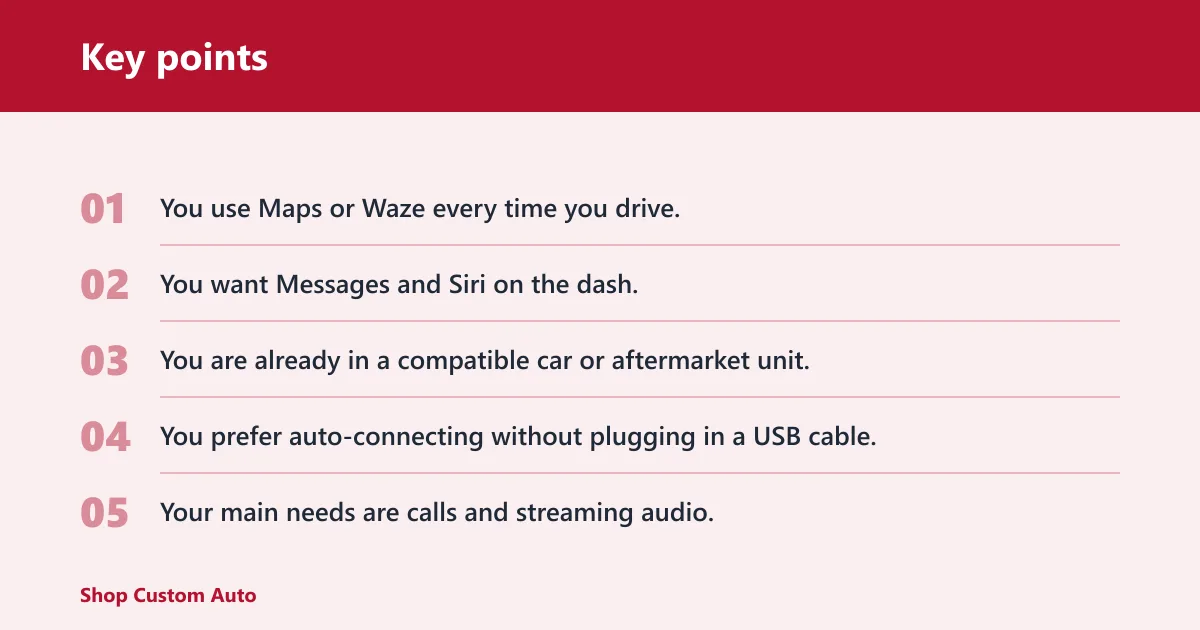
- You use Maps or Waze every time you drive.
- You want Messages and Siri on the dash.
- You are already in a compatible car or aftermarket unit.
- You prefer auto-connecting without plugging in a USB cable.
Choose Bluetooth if…
- Your main needs are calls and streaming audio.
- You drive a car that lacks CarPlay support.
- You share a vehicle with different phones, including Android.
- You want the simplest, least demanding connection path.
When wired CarPlay still makes more sense
Wired CarPlay uses a USB cable or Lightning cable, charges the phone while driving, and is usually more stable with lower latency than wireless. If the vehicle supports both, wired still makes sense for long drives, weak wireless conditions, or when keeping the phone charged matters more than cable-free convenience.
Suppose a 2020 sedan has both Bluetooth and CarPlay, but the wireless session drops in a tunnel-heavy commute. The driver may still keep Bluetooth for audio and switch to wired CarPlay for the full dashboard interface, because the cable gives charging plus a steadier data path.
Frequently asked questions
What is the difference between wireless CarPlay and Bluetooth?
Wireless CarPlay adds an iPhone dashboard interface, app access, and Siri control on the car screen. Bluetooth only carries audio and calls. If you want Maps, Messages, and supported apps on the infotainment display, wireless CarPlay is the bigger system.
Can Bluetooth do the same things as CarPlay?
No. Bluetooth can handle calls and music, but it does not create the CarPlay interface on the car screen. It cannot show Maps, Messages, or supported apps the way CarPlay does.
Does wireless CarPlay sound better than Bluetooth?
Not in a simple, universal way. Audio quality depends on the phone, car speakers, source app, and the vehicle’s processing. The more noticeable difference for most drivers is control and display, not a dramatic change in sound.
Is wireless CarPlay more reliable than Bluetooth?
Usually not. Wireless CarPlay can be more convenient, but it depends on both Bluetooth and Wi‑Fi, so there are more chances for dropouts or delays. Bluetooth is simpler and often holds up better when wireless conditions are weak.
Can I use Bluetooth and wireless CarPlay at the same time?
Sometimes, yes. Some vehicles can keep Bluetooth pairing active alongside CarPlay, but others cannot operate CarPlay and standalone Bluetooth audio simultaneously. The infotainment system decides how audio routing behaves, so the result depends on the vehicle.
Will wireless CarPlay drain my iPhone battery faster than Bluetooth?
Yes. Wireless CarPlay does not charge the phone, so battery drains faster than with wired CarPlay and usually more than with Bluetooth alone. If you drive often, a charging cable or wireless charging pad can matter.