What Is Wireless CarPlay, and How Does It Work?
Wireless CarPlay is Apple’s car screen projection system. It typically pairs over Bluetooth first, then switches to Wi‑Fi for the live link that can carry audio, maps, calls, and apps. If that setup is wrong or your vehicle is incompatible, CarPlay may fail to connect, drop audio, or push you back to cables. This guide explains how wireless CarPlay works, what your car and iPhone need, how it differs from wired CarPlay and Bluetooth, and what upgrades can add it.
What is wireless CarPlay?
Wireless CarPlay is Apple CarPlay without a USB cable after the first pairing. It still needs a supported iPhone and a compatible infotainment head unit, and the phone sends supported apps to the vehicle display through a Bluetooth-plus-Wi‑Fi connection rather than a wired one.
Apple CarPlay in plain terms
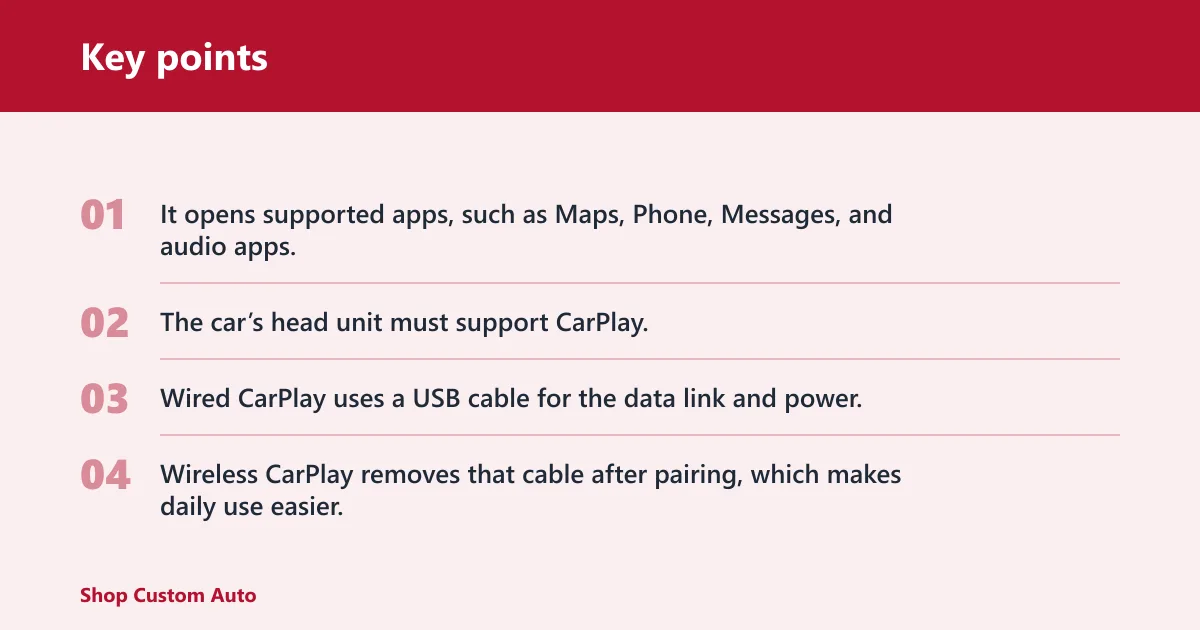
Apple CarPlay is an in-car iPhone interface. It opens supported apps, such as Maps, Phone, Messages, and audio apps, through the vehicle screen and controls. The car’s head unit must support CarPlay, and the iPhone must be a supported model with CarPlay capability.
Wireless versus wired CarPlay
Wired CarPlay uses a USB cable for the data link and power. Wireless CarPlay removes that cable after pairing, which makes daily use easier, but it adds one more connection layer that can fail if Bluetooth, Wi‑Fi, software versions, or pairing records are out of sync.
How wireless CarPlay connects
Wireless CarPlay typically connects in two stages. Bluetooth typically handles discovery and pairing, then Wi‑Fi carries the active CarPlay session. That is why a car can “see” the iPhone over Bluetooth first, yet still need Wi‑Fi to keep CarPlay running with low latency.
Bluetooth discovery and pairing
Bluetooth is the short-range radio used for the introduction step. The car and iPhone exchange identification data, confirm pairing, and store trust information. Bluetooth is not the main path for CarPlay audio and video, so Bluetooth audio alone is not the same thing as CarPlay.
Wi‑Fi for the CarPlay session
Wi‑Fi carries the live CarPlay data session. In many cars, the head unit creates or joins a local Wi‑Fi link with the iPhone, which is why wireless CarPlay usually needs Wi‑Fi enabled on the phone. This Wi‑Fi link is part of the CarPlay connection path, not the same thing as home internet.
Why the cable stays out
After the first pair, the phone and head unit reconnect on their own when both radios are on and the system is compatible. The USB port may still charge the phone in some cars, but it is no longer needed for the CarPlay data link.
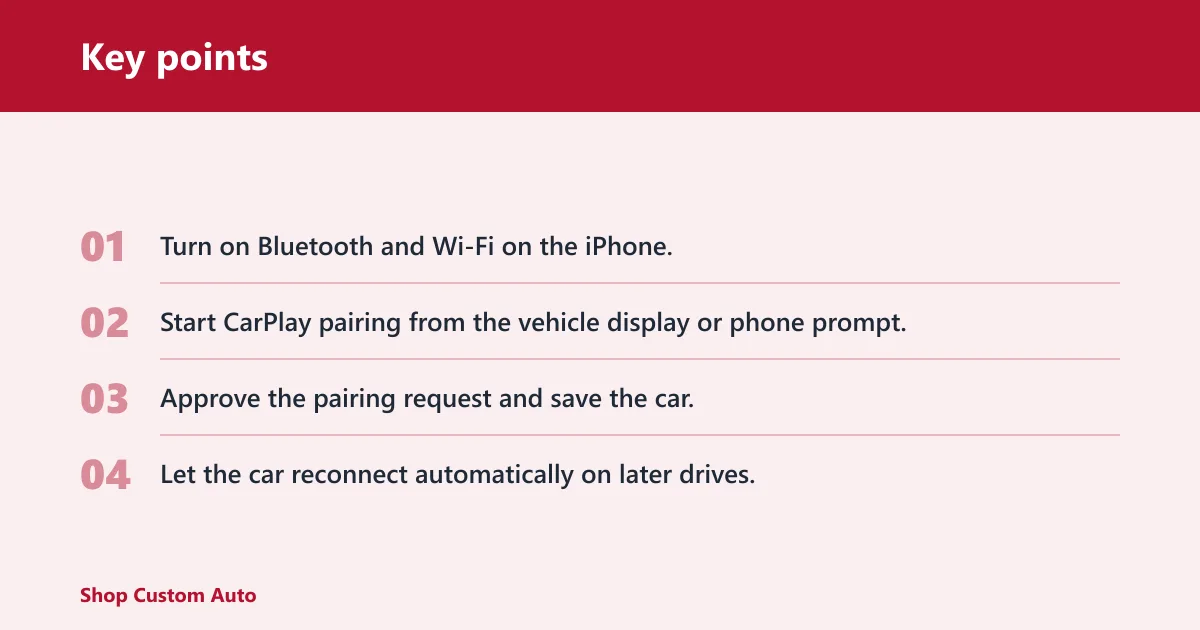
- Turn on Bluetooth and Wi‑Fi on the iPhone.
- Start CarPlay pairing from the vehicle display or phone prompt.
- Approve the pairing request and save the car.
- Let the car reconnect automatically on later drives.
What you need for wireless CarPlay
You need a supported iPhone, a compatible infotainment head unit, and wireless CarPlay support on that head unit. A car with wired CarPlay alone does not automatically support wireless CarPlay. The head unit must support CarPlay specifically, and it must support the wireless version specifically.
Supported iPhone and iOS settings
The iPhone must support CarPlay, and its Bluetooth and Wi‑Fi radios must be enabled for wireless use. If either radio is off, the car may fail to discover the phone or may pair without launching the CarPlay session. CarPlay settings in iOS also affect whether the car is allowed to reconnect.
Compatible infotainment head unit
The head unit must support CarPlay and wireless CarPlay. OEM factory systems often list wireless CarPlay as a trim-level or software feature, while aftermarket units may add it through built-in support. If a unit only lists wired CarPlay, it usually will not run wireless CarPlay without extra hardware.
Factory systems versus aftermarket units
Factory systems can be straightforward when wireless CarPlay is included from the start. Aftermarket head units can add wireless CarPlay to older vehicles, but fitment, vehicle controls, and feature support vary. Do not assume every replacement radio with CarPlay will support wireless CarPlay.
Wireless CarPlay connection path
| Vehicle type | Current setup | Required hardware | Likely connection method | Best next step |
|---|---|---|---|---|
| Factory wireless CarPlay | OEM head unit already supports wireless CarPlay | Supported iPhone with Bluetooth and Wi‑Fi on | Bluetooth pairing, then Wi‑Fi session | Pair once, then confirm auto-connect behavior |
| Wired-only CarPlay | CarPlay works only over USB | Wireless CarPlay adapter or new head unit | USB for CarPlay unless upgraded | Try a compatible adapter first |
| No CarPlay | No Apple CarPlay support at all | Aftermarket head unit or vehicle-specific retrofit | No CarPlay connection available yet | Plan a head unit upgrade |
| Aftermarket head units | Replacement radio with CarPlay support | Unit must list wireless CarPlay support | Bluetooth discovery, then Wi‑Fi session | Check feature list before buying |
Why wireless CarPlay will not connect automatically
Auto-connect usually fails because Bluetooth or Wi‑Fi is off, old pairing data is stuck in the phone or head unit, or the software versions do not line up. Incompatibility is another common cause. If the head unit does not support wireless CarPlay, the phone cannot force it to work.
Bluetooth or Wi‑Fi turned off
Wireless CarPlay needs both radios. If Bluetooth is disabled, the car may not find the phone. If Wi‑Fi is disabled, the pairing step may finish but the CarPlay session will not start. That is a common cause of “connected” status with no screen projection.
Old pairing data
Stale pairing records can block a clean reconnect. If the phone was paired to another car, or the head unit kept an old entry after a reset, the devices may keep looking for the wrong trust record. Removing the old pairing on both sides often fixes that.
Software or compatibility mismatch
iOS updates, head unit firmware, and vehicle settings can all affect wireless CarPlay. A unit that supports wired CarPlay may still lack the wireless feature. A common first-timer mistake is assuming a CarPlay logo means both versions are present.
Say your sedan has wired CarPlay and the screen shows the car as paired, but the dashboard never switches to CarPlay. Bluetooth may be connected for phone calls only, while Wi‑Fi was never enabled on the iPhone. Turning Wi‑Fi on and deleting the old pairing usually clears that mismatch.
Suppose a 2022 SUV supports wireless CarPlay, but it stopped auto-connecting after a phone update. The likely fix is to remove the car from the iPhone’s CarPlay list, erase the phone entry from the head unit, then pair again with both Bluetooth and Wi‑Fi active.
When to reset and re-pair
Reset and re-pair when the phone is visible but CarPlay never launches, audio drops in and out, or the system keeps reverting to wired-only behavior. Start by forgetting the car on the iPhone, clearing the phone from the head unit, and pairing again from scratch.
Wireless CarPlay versus Bluetooth audio
Bluetooth audio streams sound. Wireless CarPlay projects the iPhone interface, supports supported apps on the car display, and uses Wi‑Fi for the main session. That difference matters because a car can have solid Bluetooth audio and still lack CarPlay entirely.
What Bluetooth does well
Bluetooth is fine for calls and basic music streaming. It is low bandwidth, widely supported, and simple. But it does not bring the CarPlay interface, app tiles, turn-by-turn map view, or the full control set that CarPlay provides through the head unit.
What CarPlay adds
CarPlay adds the iPhone interface to the dashboard. It opens supported apps through the vehicle display and often lets you use steering-wheel controls, touchscreen input, and voice control. Wireless CarPlay keeps that interface available without plugging in each drive.
Is wireless CarPlay worth it?
Wireless CarPlay is worth it when you want the dashboard interface without cable management and your car supports it reliably. It is less attractive if you rely on the phone for charging, if your vehicle’s wireless implementation is inconsistent, or if wired CarPlay is already stable and convenient.
Convenience tradeoffs
The main advantage is simple: get in, drive, and reconnect without a cable. The tradeoff is another wireless link that can be affected by pairing history, radio settings, and software versions. Wired CarPlay is often more predictable.
Charging and battery considerations
Wireless CarPlay does not power the phone through the data link the way a cable can. If your drives are long or you use navigation and audio together, battery drain may matter. Many owners still keep a charging cable or wireless charging pad in the car.
When wired CarPlay may still be the better fit
Wired CarPlay can make sense when you want the most direct connection, you already use the USB port for charging, or your vehicle has weak wireless behavior. If the system is stable over cable, there is no rule that says wireless is the better choice.
How to add wireless CarPlay to a wired-only system
Some wired-only systems can gain wireless CarPlay with an adapter that plugs into the USB port. Compatibility varies by vehicle and head unit, so the adapter must match the car’s CarPlay implementation. If the unit does not support CarPlay at all, an adapter will not create the feature from nothing.
Wireless CarPlay adapter limits
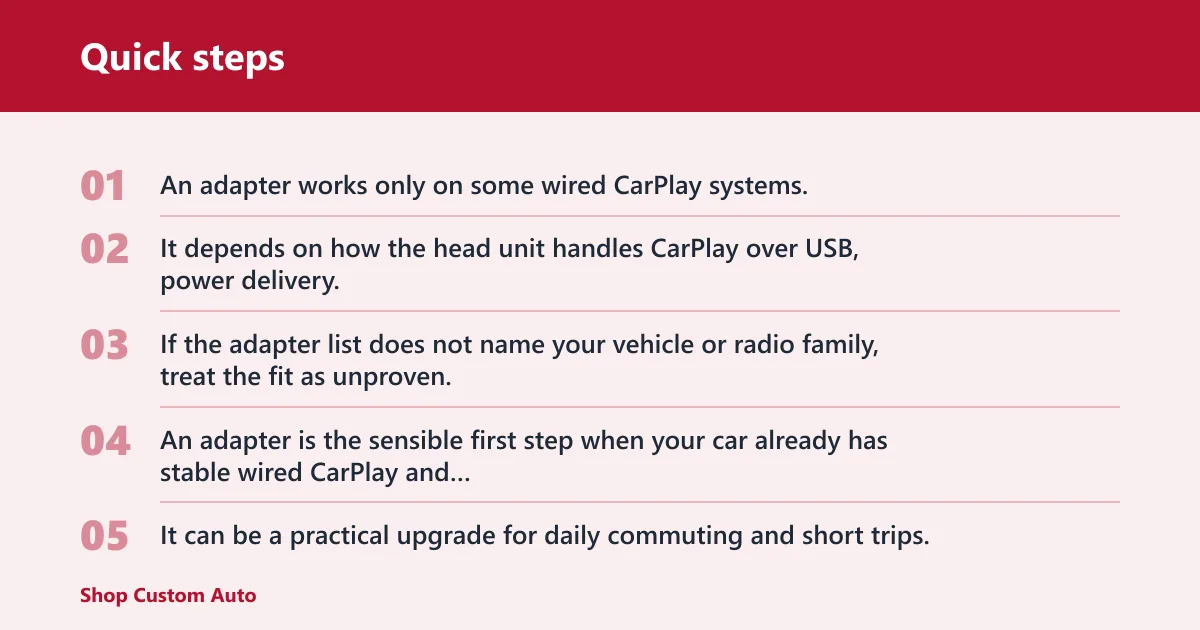
An adapter works only on some wired CarPlay systems. It depends on how the head unit handles CarPlay over USB, power delivery, and firmware behavior. If the adapter list does not name your vehicle or radio family, treat the fit as unproven.
When an adapter is enough
An adapter is the sensible first step when your car already has stable wired CarPlay and you only want cable-free reconnects. It can be a practical upgrade for daily commuting and short trips, especially if the main goal is convenience rather than a full infotainment overhaul.
When a head unit upgrade makes more sense
A full head unit upgrade is the better route when the car has no CarPlay, when the existing radio does not support wireless CarPlay, or when you want better screen size, controls, and feature support. In those cases, a replacement unit is more likely to solve the problem than an adapter.
Frequently asked questions
What is wireless carplay and how does it work?
Wireless CarPlay is Apple CarPlay without a USB cable after the first setup. Bluetooth handles discovery and pairing, then Wi‑Fi carries the active CarPlay session so the phone can project supported apps, maps, calls, and audio through the vehicle display.
What is wireless carplay: wireless CarPlay is the version?
Wireless CarPlay is the version of Apple CarPlay that reconnects over Bluetooth and Wi‑Fi instead of a cable. It still needs a supported iPhone and a head unit that specifically supports wireless CarPlay, not just CarPlay in general.
Does wireless CarPlay use Bluetooth?
Yes. Bluetooth is used for the initial discovery and pairing step. It is not the main data path for CarPlay audio and video. After pairing, Wi‑Fi carries the live CarPlay session that appears on the vehicle screen.
Do you need Wi-Fi for wireless CarPlay?
Yes. Wireless CarPlay uses Wi‑Fi for the active connection after Bluetooth pairing. That Wi‑Fi link is part of the CarPlay system, not your home internet. If Wi‑Fi is off on the iPhone, wireless CarPlay usually will not start.
What phones and cars support wireless CarPlay
You need a supported iPhone and a compatible head unit that lists wireless CarPlay support. Many cars offer only wired CarPlay, and some offer no CarPlay at all. Check the vehicle trim, head unit specs, or aftermarket radio features before you count on wireless use.
Why won’t wireless CarPlay connect automatically
Auto-connect usually fails because Bluetooth or Wi‑Fi is off, the pairing record is stale, or the car does not truly support wireless CarPlay. A software mismatch can also get in the way. Resetting the pairing on both the iPhone and head unit often fixes it.
Is wireless CarPlay worth it: it is worth?
It is worth it if you want cable-free CarPlay and your car supports it reliably. It may not be the best fit if you want the most stable link, depend on the USB port for charging, or already have wired CarPlay that works well.