What Is Parking Mode on a Dash Cam?
Parking mode is a dash cam feature that keeps recording while your car is parked, usually by waking on motion, impact, time-lapse, or buffered detection. It needs constant power from a hardwire kit, OBD-II cable, or battery pack. Pick the wrong trigger or power source, and you can miss the event, drain the car battery, or fill the card with useless clips. This guide explains how parking mode works, which trigger fits your parking situation, and how to pick the right power setup.
What parking mode does
Parking mode records while the vehicle is parked. It is built to catch hit-and-run damage, vandalism, or other activity around a stationary car, then save footage for later review. It is not the same as normal driving recording, because the camera may sleep, wait for a trigger, or switch to a lower-power recording method.
Most owners use it for evidence, not for constant entertainment. A dash cam in parked mode may stay quiet for long stretches, then wake when it sees movement or a shock, or it may run at a reduced frame rate to stretch storage and power.
What it records while the car is parked
Parking mode can capture a person walking close to the car, a cart bump, a door ding, or a hit-and-run incident. It may also keep a short clip before and after the trigger, depending on the model. That pre-event buffer matters, because the key moment often happens just before the main impact or motion alert.
How it differs from driving mode
Driving mode records continuously while the ignition is on. Parking mode changes the power logic. The camera may sleep, wake on a trigger, or record in time-lapse so it can cover a longer parked period without using as much card space or vehicle power.
How parking mode works on a dash cam
Parking mode works as a trigger-and-power system. The trigger tells the dash cam when to record, and the power setup tells it how long it can stay ready. Some cameras wait for motion, some wait for impact, and some keep recording at a reduced frame rate such as 1 FPS.
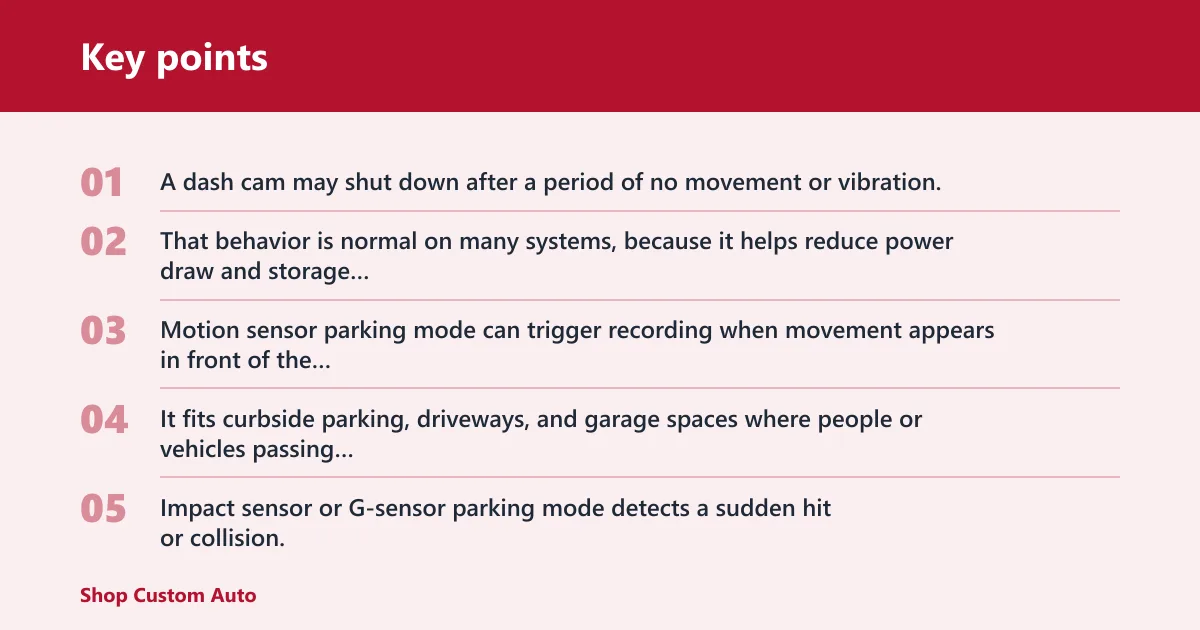
A dash cam may shut down after a period of no movement or vibration. That behavior is normal on many systems, because it helps reduce power draw and storage use when nothing is happening near the vehicle.
Trigger types: motion, impact, and time-lapse
Motion sensor parking mode can trigger recording when movement appears in front of the camera. It fits curbside parking, driveways, and garage spaces where people or vehicles passing nearby are the main concern.
Impact sensor or G-sensor parking mode detects a sudden hit or collision. Many cameras lock the event clip so it is harder to overwrite. That is the better choice when you care more about bumps, vandalism, or a parking lot strike than about every person walking by.
Time-lapse recording records at a reduced frame rate such as 1 FPS. It works well when you want broad coverage over many hours without filling the card quickly. It also lowers storage use, which matters if your microSD card is modest in size.
Why clips may start before or after an event
Some dash cams keep a short buffer in memory so the clip includes what happened just before the trigger. Others begin recording only after the trigger, which can miss the first second or two of an incident. That is one reason setup and model behavior matter as much as the feature name on the box.
Why parking mode may stop after inactivity
If a camera sees no movement or vibration for a set period, it may stop recording to save power. That is useful in quiet lots, but it can also mean a motion-only system wakes too late if the incident is brief or subtle. Low-speed taps and slow roll-bys are common misses in poorly tuned setups.
Motion sensor vs impact sensor
Motion and impact triggers solve different problems. Motion detection watches for activity near the car, while impact detection reacts to a bump or hit. The right choice depends on whether your parking area is busy, how close other people or cars get, and whether your main risk is a visible approach or a sudden strike.
When motion detection fits best
Motion detection is a good fit for street parking and shared garages where you want the camera to wake only when something moves near the vehicle. It helps save power and storage because the camera does not record every idle minute.
Motion-based parking mode can also be used for 24/7 parking surveillance when storage is limited, but it can miss low-speed contact if the motion is too small or the camera points in the wrong direction.
When impact detection fits best
Impact detection fits best when you care about contact events: a bump, a scrape, or a collision. It is often more reliable than motion alone for a parked-car hit-and-run because the camera does not need to “see” the approach first.
That said, a mild door tap or a slow roll into a bumper may not always trigger a poorly tuned sensor. Sensitivity settings matter, and so does where the dash cam is mounted.
False triggers and sensitivity settings
Rain, passing traffic, strong wind, and people walking close to the vehicle can all cause false triggers on motion-based systems. If the sensitivity is set too high, the card fills with clips that show nothing useful. If it is too low, the camera may miss the event you wanted to capture.
A common first-timer mistake is setting motion sensitivity high in a busy apartment garage. The camera wakes constantly, then the microSD card fills with short clips long before the car leaves the space.
What is 24 hour parking mode on a dash cam?
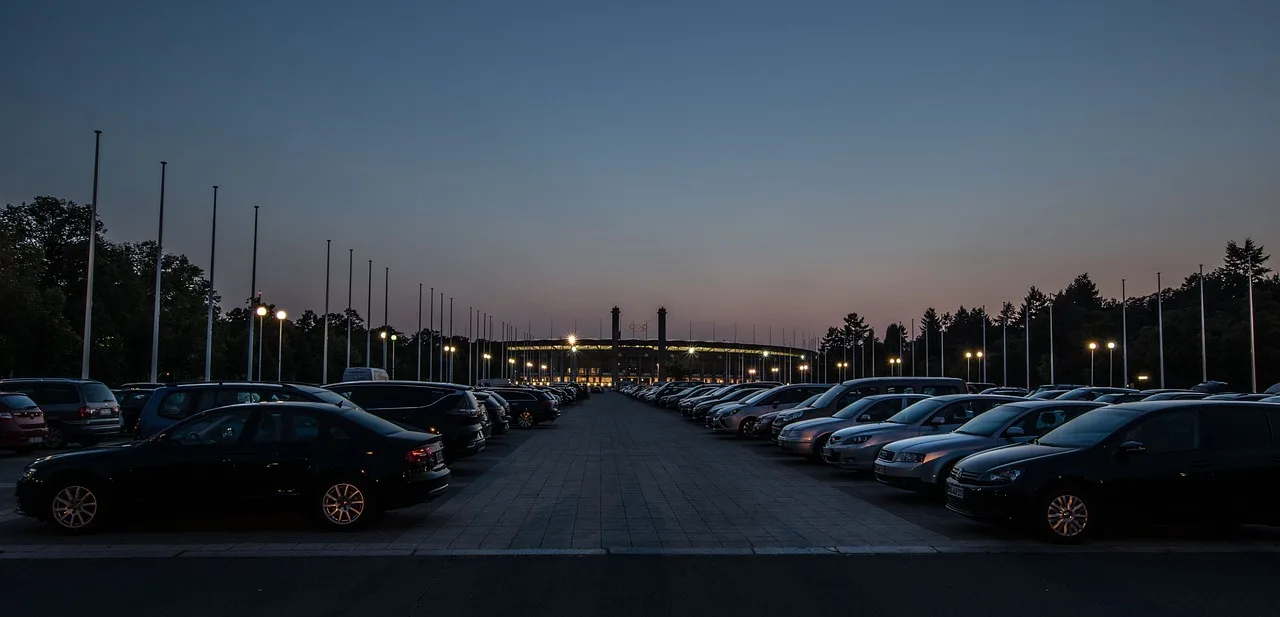
24 hour parking mode is continuous parked-car surveillance. It keeps the camera ready around the clock instead of only waking for selected events. On higher-end multi-channel models, that usually means hardwiring is required so the camera has steady access to vehicle power while the car is off.
Continuous monitoring vs event-only recording
Event-only parking mode waits for motion or impact. Continuous parking mode keeps a longer watch, often with time-lapse or always-ready surveillance behavior. The tradeoff is clear: more coverage usually means more power use and more storage demand.
Time-lapse parking mode can record at 1 FPS, which is one way to keep longer coverage without filling the card too fast. A motion detector may also be used for 24/7 parking surveillance when storage is limited.
Why hardwiring is usually required
24-hour mode usually needs a hardwire kit because the camera must draw power when the ignition is off. A hardwire kit connects the dash cam to vehicle power and may include low-voltage cutoff protection to help keep the car battery from being drained too far.
Some models use a super capacitor instead of a lithium battery. That helps in heat and cold, and it can extend battery lifespan, but it does not replace the need for a parked-power source if the camera is meant to run for long periods.
Where 24-hour mode makes sense
It makes sense in higher-risk parking spots: overnight street parking, repeated vandalism, or lots with a history of door dings and side-swipes. It is less useful if the car sits in a quiet private garage and storage space is tight.
Parking mode decision table
Use the table below to match the parking spot, trigger type, and power method to the kind of risk you are trying to manage. The right choice depends on how long the car sits, how active the area is, and how much battery and storage you can spare.
| Scenario | Recommended mode | Why it fits | Battery risk | Storage impact | Setup note |
|---|---|---|---|---|---|
| Street parking | Impact sensor with motion backup | Useful for hit-and-run and vandalism evidence when people and cars pass close by | Medium to high unless low-voltage cutoff is enabled | Moderate; false triggers can add clips fast | Use a hardwire kit if you want overnight coverage |
| Apartment garage | Motion sensor with moderate sensitivity | Detects activity near the car without recording every idle hour | Medium | Moderate; pedestrians and nearby cars may trigger clips | Reduce sensitivity if the garage is busy |
| Work parking for 8 to 10 hours | Time-lapse or motion-triggered parking mode | Long parked period, but you still want a usable event record without filling the card too quickly | Low to medium with proper cutoff protection | Low with time-lapse; higher with motion-only recording | Check whether the camera wakes correctly after ignition off |
| Overnight parking | 24 hour parking mode | Best when the car sits for many hours and you want continuous parked-car surveillance | Medium to high | Medium to high, depending on clip length and frame rate | Hardwire the camera and confirm cutoff voltage is set correctly |
| High-theft areas | Impact sensor with time-lapse backup | Captures bumps or tampering while keeping longer coverage ready if the car sits for a long time | High without protection; medium with hardwiring and cutoff | Moderate to high | Choose a card with enough capacity for repeated event clips |
Can you use parking mode without a hardwire kit?
Yes, sometimes, but the runtime is limited. A dash cam can use internal power briefly through its own battery or super capacitor setup, or through an external battery pack, but that is not the same as true long-duration parked surveillance. If you want long parking coverage, a hardwire kit is usually the better choice.
What internal power can and cannot do
Internal power can let the camera finish a clip, save settings, or stay ready for a short period after the car turns off. It cannot usually support long parked recording on its own. That is why many models need a hardwire kit for collision-triggered footage or 24Hr Parking Mode.
The Vantrue N4 includes 24 hour parking mode, and it needs hardwiring for collision-triggered footage or 24Hr Parking Mode. It is a triple-channel dash cam and can record up to 4K front video. That mix makes the power setup especially important.
How low-voltage cutoff protects the car battery
Low-voltage cutoff stops the dash cam before the battery is drained too far. Without it, a parked camera can keep pulling power long after the car should have been left alone. That is the key reason unmanaged parking mode can become a battery problem.
Parking mode can drain the car battery if it is left unmanaged. The risk rises when the camera is set for long coverage, the battery is already weak, or the vehicle sits unused for days.
When a hardwire kit becomes the better choice
Choose a hardwire kit when the car parks for long stretches, when you want 24-hour surveillance, or when the camera must wake reliably from a parked state. It is also the better choice if you want a cleaner power setup than a battery pack hanging from the cabin.
If you are shopping for features, the Rove R3 includes a 3-inch HD IPS display and dual-band WiFi on 5GHz and 2.4GHz. Those extras do not replace parking power, but they can make setup and file review easier after installation.
Suppose your sedan sits on a city block from 8 p.m. to 7 a.m. every night. Motion-only mode may miss a slow scrape at the bumper, while impact-triggered parking mode with hardwired power is more likely to save the event and keep running through the night.
How to confirm parking mode is active after installation
Do not assume the feature is on just because the menu says so. After installation, confirm that the camera changes behavior when the car is turned off, that it switches into the expected trigger mode, and that event clips are actually being written to the microSD card.
- Turn the car off and watch for the dash cam to enter parked behavior.
- Wait for the camera to sleep, time-lapse, or arm itself, depending on the mode you selected.
- Walk past the car or create a light bump test in a safe setting to confirm the chosen trigger wakes recording.
- Check the card for a saved clip and look for a locked event file if impact detection is enabled.
- Review the settings for cutoff voltage, sensitivity, and parking mode status after power cycling the car.
MicroSD card capacity affects how much parking footage you can retain. If the card is too small, repeated parking events overwrite older clips quickly. Larger cards help, but only if the camera and file format support them.
What is parking mode on a nextbase dash cam?
On some dash cams, parking mode is the parked-car recording feature used to capture activity when the vehicle is off. The brand’s naming can vary by model, but the core idea is the same: trigger-based recording while parked, with power management so the camera can wake when needed.
Model-specific setup matters here. Some Nextbase units use “intelligent” parking behavior, which generally means the camera is meant to monitor for parked-car events without draining the battery as quickly as a constant always-on setup. The exact trigger and power requirements depend on the model.
What is intelligent parking mode on a nextbase dash cam?
Intelligent parking mode on Nextbase models usually refers to parking surveillance that relies on the camera’s parked-state logic to decide when to record. In practice, that means motion, impact, or a similar trigger pattern, along with power management that keeps the car battery safer than an unmanaged always-on feed.
If you are comparing models, check whether the feature needs a hardwire kit, whether it records only on impact, and how the camera behaves after the ignition turns off. The label is less important than the trigger type and power path.
Frequently asked questions
What does parking mode do on a dash cam?
Parking mode records while the car is parked. It is meant to capture hit-and-run, vandalism, bumps, and nearby motion when the vehicle is not being driven. Depending on the model, it may wake on motion, impact, or time-lapse rather than record continuously.
How does parking mode work on a dash cam?
It works by pairing a trigger with a power source. Motion sensors, impact sensors, or time-lapse logic tell the camera when to record, while a hardwire kit, battery pack, or internal reserve power keeps the system ready after the ignition turns off.
Does dash cam parking mode drain battery?
Yes, it can. Parking mode draws from the vehicle battery unless managed with a cutoff, external battery, or another protected power source. Low-voltage cutoff helps reduce the risk, but long parked recording will always use some amount of power.
What is the best parking mode dash cam?
The best one is the model that matches your parking spot, not the one with the most features on the box. For frequent street parking, look for strong impact-triggered parking mode, reliable hardwiring support, and a super capacitor if temperature swings are a concern.