How to Wire a Backup Camera to an Android Radio
Connect the camera power lead to the reverse-light +12V circuit, ground it to chassis or the radio ground, run the video cable to the Android head unit’s camera input, and set the radio’s rear-camera trigger to “reverse” or “car settings.”
What to check first
Check the camera’s required voltage, the radio’s camera input type, and the video standard before you touch trim again. A mismatch can leave the screen blank, flip the image the wrong way, or stop auto-switching in reverse.
Camera power and format
Do not assume every backup camera wants the same supply. Some systems use a different voltage than the vehicle’s reverse light circuit, and some factory camera modules may expect a specific feed. The camera also needs the right video format, such as CVBS, AHD, PAL, or NTSC, depending on what the Android radio supports.
Radio input and trigger
Many Android head units use a rear camera input labeled camera in or RCA, plus a reverse trigger wire that tells the radio when to switch. Check the settings menu for camera enable, mirror or normal image mode, and any video standard option before blaming the cable.
Power source choice
Two common wiring paths exist. One powers the camera only from the reverse light circuit. The other uses accessory power for the camera and uses the reverse lamp circuit only as the trigger, which may reduce boot delay on some installs. Both can work if the voltage and trigger logic match the equipment.
What you’ll need
- Android head unit with a camera input and reverse trigger wire
- Backup camera with the correct power requirement and video output type
- RCA video cable with a shielded yellow video path
- Power wire, ground lead, and inline fuse protection
- Multimeter for voltage and continuity checks
- Trim tools, crimp connectors, and basic hand tools
- Wheel chocks and a helper for safe reverse-light testing
Mount the camera, then route the cable away from ignition wiring, amplifier leads, and sharp edges. Next, power the camera from the correct feed, tie the radio’s trigger wire to the chosen reverse signal, and connect the video line to the Android radio’s camera input. If the system has a factory camera, the wiring path may be different from a universal aftermarket camera.
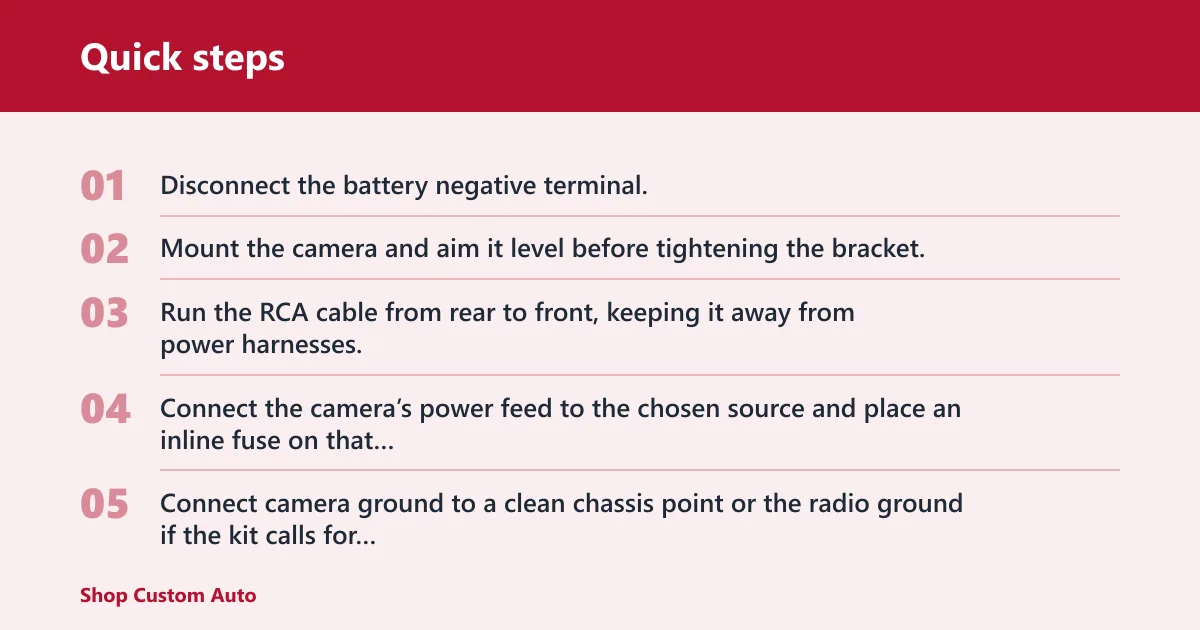
- Disconnect the battery negative terminal.
- Mount the camera and aim it level before tightening the bracket.
- Run the RCA cable from rear to front, keeping it away from power harnesses.
- Connect the camera’s power feed to the chosen source and place an inline fuse on that feed.
- Connect camera ground to a clean chassis point or the radio ground if the kit calls for it.
- Connect the yellow RCA video plug to the Android radio’s camera input.
- Connect the radio’s reverse trigger wire to the reverse light circuit or to the trigger output provided by the kit.
- Reconnect power and check the system before refitting trim.
Reverse-light trigger check
Use a multimeter to verify polarity on the reverse lamp circuit before connecting anything. If the vehicle must be shifted into reverse for testing, set the parking brake, chock the wheels, and use a helper to hold the brake while someone else checks the meter. Confirm the circuit shows the expected trigger voltage only in reverse.
RCA path and cable length
The yellow RCA carries the video signal, and the shield around that run helps reject noise. Long-wheelbase vehicles and trucks are more sensitive to voltage drop and cable damage, so keep the run as short and protected as possible. If an extension is needed, use a proper shielded extension rather than twisting or splicing the signal wire loosely.
Ground and fuse placement
A poor ground is a common cause of a blank or noisy image. Scrape paint from the chassis point, tighten the ring terminal, and check continuity with the multimeter. Put a fuse in the camera’s positive feed close to the source. If you add a feed for the radio side, protect that circuit too.
Troubleshooting matrix
Use this matrix in order: power, ground, trigger, then video. That order isolates the fault faster than swapping parts at random. If a symptom points to more than one cause, test the meter reading first and move only one wire or setting at a time.
| Symptom | Likely cause | Meter reading | Wire to check | Fix |
|---|---|---|---|---|
| No picture | No camera power, bad ground, or wrong video standard | 0V at camera feed, or no continuity to chassis | Camera positive, ground lead, RCA plug | Restore power, clean the ground, then match CVBS/AHD and PAL/NTSC |
| Image only in reverse | Reverse trigger wired correctly, but the camera is on the wrong power source for the intended behavior | Voltage appears only in reverse | Reverse trigger wire and camera feed | Move camera power to accessory feed if the kit supports that layout, and keep reverse only as trigger |
| No auto-switch | Trigger wire missing, wrong polarity, or camera input disabled in settings | No trigger voltage at the radio when reverse is selected | Reverse trigger wire | Confirm reverse lamp polarity, then enable rear camera input in the menu |
| Static or interference | Poor ground, cable routed beside power wiring, or damaged shield | Ground resistance present or unstable signal path | RCA cable and ground point | Rework the ground, reroute the cable, and replace a damaged RCA run |
| Upside-down image | Mirror/normal setting wrong | Power and trigger normal | Camera switch and radio setting | Flip the camera’s mirror/normal switch or change the radio’s image orientation |
| Blue screen | Radio sees a video input but cannot decode the format | Video present, but no usable picture | Format setting and camera type | Match CVBS or AHD, then set PAL or NTSC to the camera spec |
Factory camera retrofit note
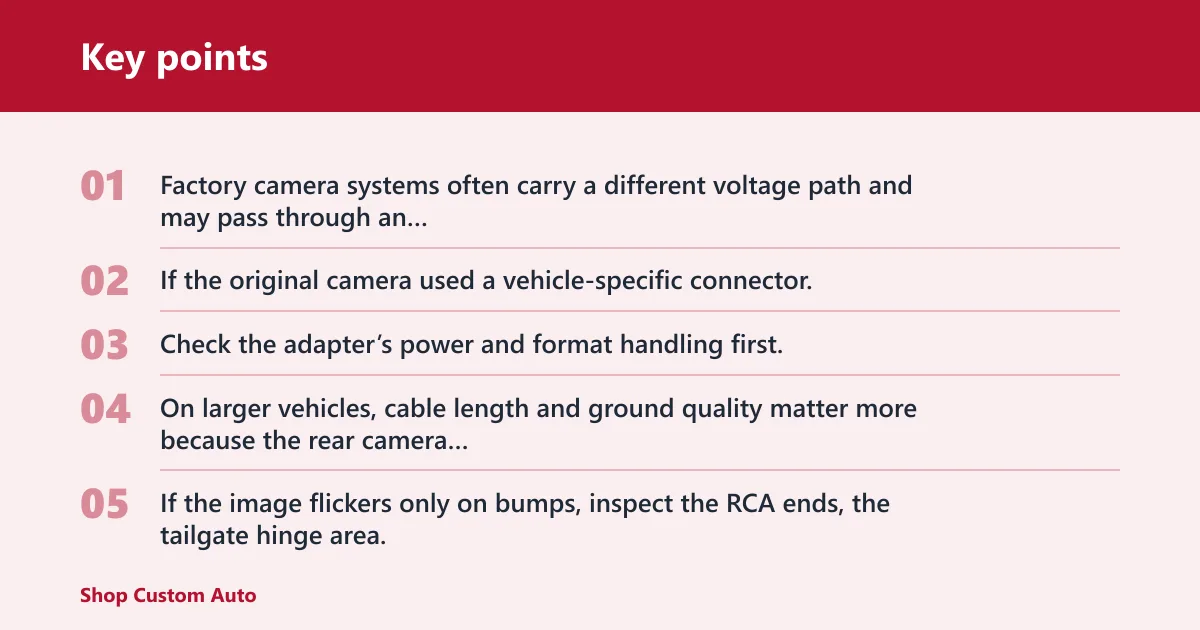
Factory camera systems often carry a different voltage path and may pass through an adapter or interface box before the Android radio sees the signal. If the original camera used a vehicle-specific connector, do not assume the yellow RCA alone completes the job. Check the adapter’s power and format handling first.
Long-run and truck note
On larger vehicles, cable length and ground quality matter more because the rear camera is farther from the head unit and more exposed to noise. If the image flickers only on bumps, inspect the RCA ends, the tailgate hinge area, and any splice near the rear bumper. A short test lead can confirm whether the long run is the problem.
Common mistakes
Most failures come from a few avoidable wiring errors. Fix these before replacing the camera.
- Using the wrong camera voltage instead of checking the label first
- Skipping the inline fuse on the camera power feed
- Connecting the reverse trigger to the wrong lamp wire
- Leaving the RCA loose or routing it beside high-current cables
- Ignoring the radio’s camera enable, mirror, or format settings
- Using a poor chassis ground and then chasing noise elsewhere
What to do if the first fix fails
Say your screen goes black only after the hatch closes on a wagon. Recheck the tailgate hinge section first, because the cable can flex and open the shield. Suppose the image appears for a second and then disappears. That usually points to trigger logic or format mismatch, not the camera lens itself.
Prevention
Before you close the trim, cycle reverse three times and verify the image appears quickly, stays steady, and switches back cleanly. Label the power feed, trigger wire, and format setting so the next fault check starts with the right path.
Frequently asked questions
How to connect a backup camera to your android car stereo
Start with the camera’s power requirement, then wire the trigger, then the video path. If the head unit does not auto-switch, open Settings > Rear camera and confirm the input is enabled. For factory camera retrofits, verify any adapter box before rewiring the camera itself.
How to connect factory backup camera to aftermarket android radio
Factory cameras often need an adapter, a stable power source, and the correct video standard before an Android radio can read them. Check whether the original camera is CVBS or AHD, then confirm PAL or NTSC support in the head unit. The adapter may also handle reverse trigger logic.
Why is my android radio backup camera not working?
Check the system in this order: power, ground, trigger, then video. A blank screen usually means missing power or an unsupported format. A picture that appears only in reverse usually points to trigger logic or a power-feed choice that does not match the intended wiring.
How do I power a backup camera from the reverse light?
Use the reverse lamp circuit as the camera’s power source only if the camera’s required voltage matches that circuit. Verify polarity with a multimeter, protect the feed with an inline fuse, and keep the vehicle secure with the parking brake and wheel chocks while testing reverse.