How to Install a Rear Dash Cam in a Car
Mount the rear camera high and centered on the rear windshield, then route the cable along factory trim and away from curtain airbags. The exact path depends on sedan, SUV, hatchback, or van/truck layout. Poor routing can cause rattles, pinched trim, airbag interference, or a camera that blocks the best rear view. This guide covers a clean, airbag-safe installation path and a final pre-drive checklist by vehicle type.
Why a rear dash cam matters
Rear-end evidence and rear-facing coverage
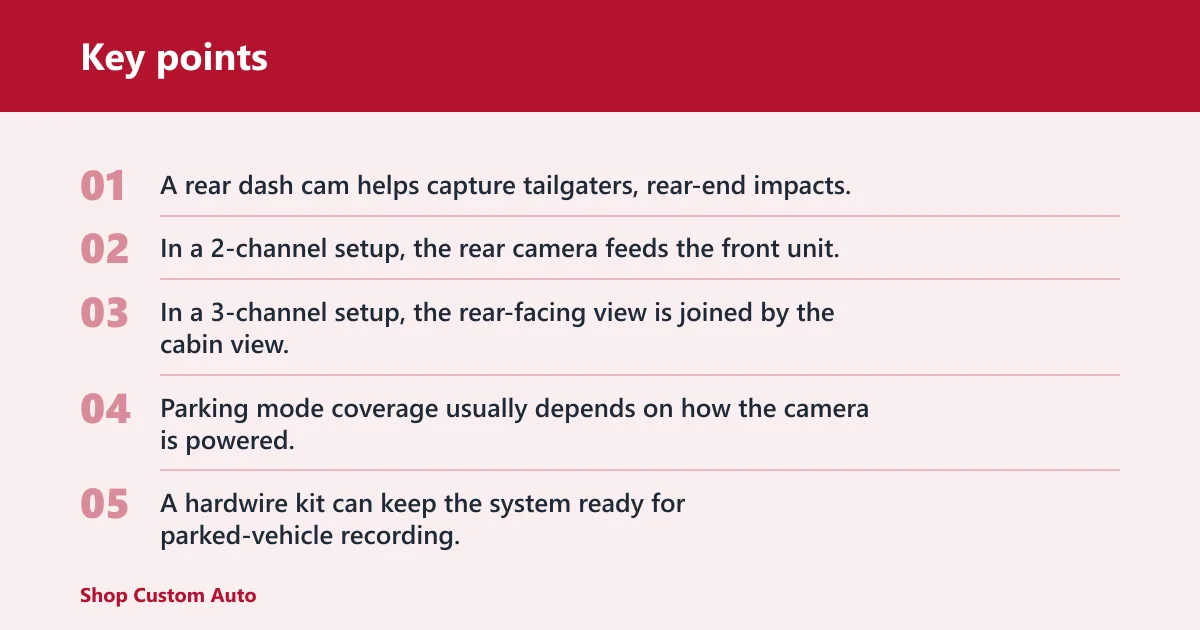
A rear dash cam helps capture tailgaters, rear-end impacts, and the cars behind you at traffic lights. In a 2-channel setup, the rear camera feeds the front unit. In a 3-channel setup, the rear-facing view is joined by the cabin view, which can be useful for rideshare or family use.
Parking mode coverage usually depends on how the camera is powered. A USB socket may turn off with the ignition. A hardwire kit can keep the system ready for parked-vehicle recording, as long as the vehicle and camera support that mode.
Rear-camera resolution and night use
Some rear cameras record at 2K QHD instead of the standard 1080p. That matters when you want cleaner plate detail at distance or in low light, though placement and exposure still matter more than a spec sheet alone. If the rear image is too dark, the angle or tint may be the problem, not only resolution.
Rear dash cam checklist
Start with the vehicle layout, the mounting method, and the power plan. A clean install depends on those three choices more than on the camera brand. Check your rear glass, trim gaps, and power access before you stick anything down.
Vehicle-type install checklist
| Vehicle type | Best rear-camera position | Safest cable path | Common failure point |
|---|---|---|---|
| Sedan | High and centered on the rear windshield | Along the headliner, then down a side pillar that does not contain an airbag path | Wire left loose near the parcel shelf or rear defroster lines |
| SUV | Top center of the rear glass or split rear window section | Across the headliner, then through factory trim to the hatch area without crossing curtain airbags | Cable snagging at the hatch hinge or pinching in moving trim |
| Hatchback | Upper center of the rear glass, clear of the wiper sweep | Under the roof trim and through the hatch pass-through only if the cable can flex freely | Adhesive lift from heat or slack that interferes with hatch movement |
| Van/truck | High center on the rear window or the upper rear glass panel | Above the side trim, then toward the front unit or power source with extra slack for door travel | Wire rubbing against wide door openings or cargo-area panels |
Hardwire-vs-plug-in decision box
| Choice | Best for | Tradeoff | Parking mode |
|---|---|---|---|
| Plug-in USB power cable | Simple install and fast removal | More visible wiring and fewer power options | Usually limited unless the socket stays live when parked |
| Hardwire kit | Cleaner setup and permanent power supply | More install work and fuse box access | Better support for parking mode when the camera allows it |
Tools and prep
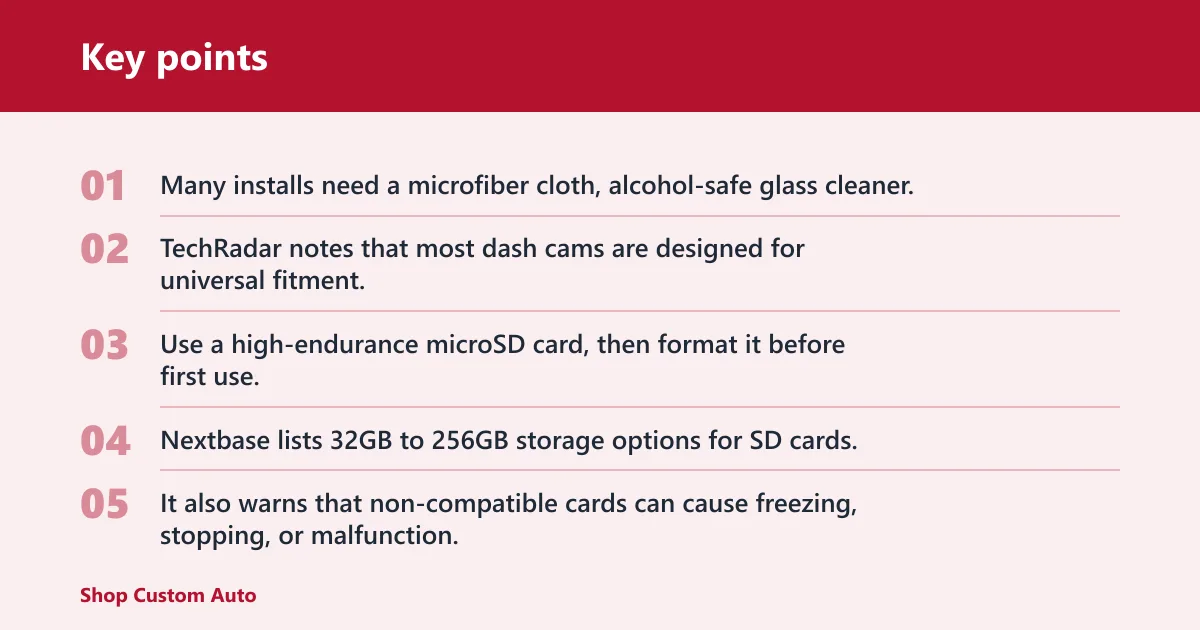
Many installs need a microfiber cloth, alcohol-safe glass cleaner, trim clips or a panel tool, the included mounting kit, and the correct memory card. TechRadar notes that most dash cams are designed for universal fitment, and installation usually needs no real technical skill unless hard-wired.
Use a high-endurance microSD card, then format it before first use. Nextbase lists 32GB to 256GB storage options for SD cards. It also warns that non-compatible cards can cause freezing, stopping, or malfunction.
The same source states front-and-rear 1080p/720p recording time can be 200 minutes on 32GB. It also states front-and-rear 4K/1080p recording time can be 60 minutes on 32GB. That range shows why loop recording and card capacity matter before you trust the setup.
Where should you mount it?
Mount the rear camera high and centered on the rear windshield. That placement gives the widest usable rear view and keeps the lens away from trunk trim, cargo, and passengers. Nexar recommends the rear camera near the top center of the rear windshield, and that is the best starting point for most vehicles.
Rear glass, tint, and defrosters
Place the camera on clean glass so the adhesive or sticker can bond properly. Avoid the rear defroster grid lines, because the camera can interfere with them or pick up glare. Many installation guides advise avoiding obstruction of the rearview mirror and rear defroster grid lines.
Tinted rear glass can reduce image brightness at night. If the tint is dark, check the live view before you commit to the mount. A camera that sits too low can also lose the plate area behind you under the rear seat headrests or cargo line.
Sedan versus SUV versus hatchback versus van/truck
A sedan usually gives the simplest run because the rear glass and cabin structure stay fixed. SUVs and hatchbacks are more complicated because the rear camera cable may need to cross into a hatch area or near a moving glass panel. calls out that rear camera installation can be more complicated for SUVs, hatchbacks, or vehicles with removable rear windows.
On a van or truck with a large rear opening, think about how the rear door or liftgate moves before you stick the camera down. Leave enough slack for the door to open fully without pulling on the cable or tugging the mount.
Say your hatchback has a heated rear window and a short roofline. If you mount the camera 2 inches too low, the defroster lines can cut across the frame and the hatch can tug the cable every time it opens. Move the mount up to the top center instead.
How do you route the cable safely?
Route the rear camera cable from the rear glass To the front unit or power source under factory trim, not across open cabin space. Keep it hidden under the headliner where possible, and avoid any path that crosses airbags, hinge points, or moving seats. A rear window camera uses a cable connection to the rear windshield.
A-pillar and C-pillar safety
The main hazard is the airbag path. Many vehicles have curtain airbags behind the A-pillar and along the roofline near the C-pillar. Do not stuff the wire into those zones. Instead, place the cable behind trim only where the trim route stays clear of the airbag deployment area.
At the A-pillar, keep the wire out of the airbag cover and do not pinch it under hard plastic that could break free later. At the C-pillar, check whether the trim sits beside a curtain airbag or over a fixed panel. If the path is unclear, choose the exterior edge of the trim or stop and inspect the owner manual.
Headliner, trim, and hatch movement clearance
Use a trim tool to lift the headliner edge just enough for the cable to slip in. Then guide it behind the pillar trim and toward the front unit. Leave gentle slack near any hatch or liftgate hinge so the wire can move without tension.
A common first-timer mistake is to hide the wire so well that it becomes tight when the hatch closes. The result is a cable that pulls the camera out of alignment or rubs through the insulation over time.
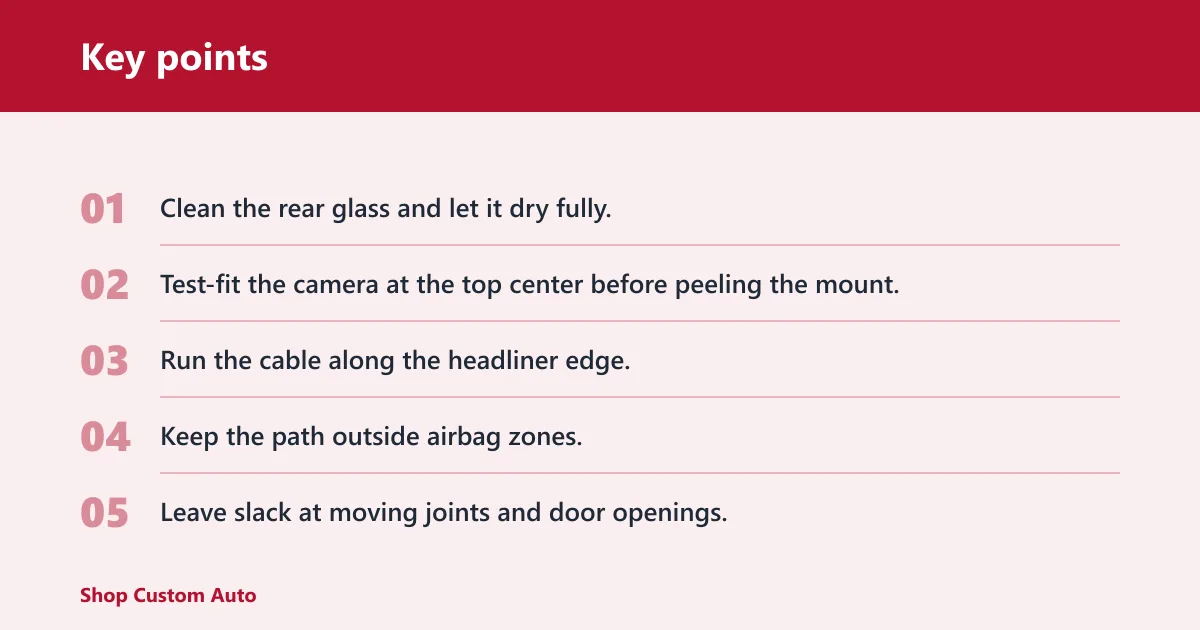
- Clean the rear glass and let it dry fully.
- Test-fit the camera at the top center before peeling the mount.
- Run the cable along the headliner edge.
- Keep the path outside airbag zones.
- Leave slack at moving joints and door openings.
- Hide the remaining wire at the front unit or power source.
Should you plug in or hardwire?
Use the USB power cable if you want the easiest install and do not need parked-vehicle recording. Choose a hardwire kit if a cleaner power setup, a more permanent supply, or parking mode support is desired. The right choice depends on whether you value speed, hidden wiring, or power features more.
USB power cable setup
A plug-in installation is usually the lowest-risk option. You route the cable to the front unit or a nearby socket, then secure the extra length under trim. This is the easiest path for most drivers because it avoids fuse box work and keeps the installation reversible.
Hardwire kit and fuse box connection
A hardwire kit typically connects to the fuse box and provides the camera with a more permanent power source. That can support parking mode and reduce visible wiring. It also adds complexity, because you need the correct fuse taps, a safe ground point, and confidence around the vehicle’s electrical system.
The same source notes that installation usually needs no real technical skill unless hard-wired. That is a useful line: if the fuse box route feels uncertain, a professional install is the safer choice.
How do you install front and rear dash cam?
Install the front camera first, then the rear camera, then connect the rear cable to the front unit or harness. In a 2-channel system, the rear camera usually plugs into the front camera body. In a 3-channel system, the rear and cabin feeds may both run through the front unit or its accessory ports.
Power-on order and app pairing
After the hardware is in place, power the system and confirm the app connection if your model uses one. Make sure the front camera boots normally before you trust the rear feed. If the app has no rear view, check the cable connection before changing the angle.
The same source says front and rear dash cam installation typically takes around 10 minutes each. That number assumes a straightforward route, not a difficult SUV hatch path or a hardwire kit job.
Rear camera angle and test pass
Turn on live view and check the rear image before you finish the trim work. The frame should show the lane behind you, not the sky or the top edge of the hatch. If plate detail looks weak, move the camera angle before you call the install done.
Final pre-drive check
Check that the adhesive pad, suction cup, or electrostatic sticker is fully seated. Adhesive pads usually hold best for long-term use and heat resistance. Suction cups are easier to move but can loosen in heat. Electrostatic stickers can help with cleaner removal, but the camera still needs a stable mount underneath.
Confirm that the cable does not rattle, pinch, or touch a moving hinge. Then verify loop recording is enabled, the microSD card is recognized, and the rear image remains clear after the trunk or hatch closes.
Suppose a sedan has a slightly dark tint and the rear window defroster is on. If the camera is one grid line too low, the image may look clear in daylight but lose plate detail at dusk. Shifting the mount higher often solves that without changing the rest of the route.
Frequently asked questions
How do I install a rear dash cam in my car?
Mount the rear camera high and centered on the rear windshield, clean the glass first, then route the cable under trim and away from airbags. Finish by powering the camera, checking live view, and confirming the rear image is not blocked by defroster lines or headrests.
Where should I place the rear camera for the best view?
The best starting point is the top center of the rear windshield. That placement gives a wide rear view and keeps the lens clear of cargo, passengers, and much of the lower glass clutter. Avoid the rearview mirror’s sightline and the defroster grid lines.
How do I route the rear camera cable neatly?
Run the cable along the headliner, then behind factory trim, and keep it clear of curtain airbags, hinge points, and seat tracks. Use short sections of slack where the body flexes or the hatch opens. The goal is hidden wiring that still moves safely with the vehicle.
Can I hardwire a rear dash cam instead of using the USB power cable?
Yes. A hardwire kit connects to the fuse box and can provide a more permanent power supply, which is often better for parking mode. It is cleaner than a USB cable, but it adds electrical work, so DIY stops being the better choice if the fuse layout is unclear.
How do I safely install a dash camera in a car with airbags?
Keep the cable out of the A-pillar and C-pillar airbag paths, and never force wire under trim that could interfere with curtain deployment. Route alongside factory channels only where the airbag space is clear. If the path is uncertain, stop and inspect before hiding the cable.
Can I install a rear dash cam on an SUV or hatchback?
Yes, but the route is usually more involved than in a sedan. SUVs and hatchbacks often need a cable path that accounts for the hatch or tailgate moving every time it opens. Leave enough slack and avoid wiring that could snag, pinch, or pull the mount loose.
Should the rear dash cam go behind the rearview mirror or on the rear glass?
The rear camera should go on the rear glass, not behind the rearview mirror. The rearview mirror area is for the front camera in a front-and-rear setup. For the rear unit, the top center of the rear windshield gives the most useful backward view.
How long does rear dash cam installation usually take?
For a simple plug-in install, the work can be fairly quick. The same source says front and rear dash cam installation typically takes around 10 minutes each. Hardwiring, hatch routing, or careful airbag-safe trim work can add more time, especially on SUVs and hatchbacks.
What tools do I need to install a rear dash cam?
Have a microfiber cloth, a glass cleaner safe for the rear window, trim clips or a panel tool, and the included mount. You also need a compatible high-endurance microSD card. If you hardwire the unit, add fuse taps and the correct kit for your vehicle.
How to install a rear dash cam in your car
Clean the rear glass, mount the camera high and centered, run the cable under trim, and avoid airbags and moving parts. Then connect power, format the microSD card, and check live view before driving. That sequence gives the cleanest result and the fewest routing problems.
How to install front and rear dash cam in car
Install the front camera first, because it usually anchors the power and cable layout. Next, mount the rear camera, route its cable to the front unit, and confirm both feeds appear in live view or the app. Finish by checking angle, cable slack, and recording status.