Rearview Mirror Monitor: How to Choose and Install
Choose a rearview mirror monitor by matching mount style, screen size, and video input count to your vehicle. Clip-on units suit leased cars, and towing or RV use usually calls for two camera inputs. Buy the wrong setup and you can block your sightline, end up with mirror shake, or create wiring faults that waste time. This guide covers fit checks, mirror and camera options, wiring routes, and a DIY install sequence for cars, SUVs, pickups, RVs, trailers, and leases.
Start with the right system type
Rearview mirror monitor vs mirror dash cam
A rearview mirror monitor can be only a display, or it can be a mirror dash cam that records video. That split changes wiring, storage, and price more than many buyers expect.
A display-only mirror usually shows a rear camera feed when reverse is triggered, or full time if it gets constant power. A mirror dash cam adds front recording, rear recording, memory card support, and sometimes a GPS module for speed and location data.
If a product advertises WiFi or app playback, read that line carefully. In many mirror dash cam setups, 5.8GHz WiFi handles phone connection, settings, or file transfer, not the live rear camera signal path. The live camera feed may still be wired.
Display-only mirror vs front and rear recording system
Choose a display-only mirror when the goal is reversing help and a cleaner install. Choose a mirror dash cam when you want a front camera, rear recording, parking footage options, or app playback.
A common mistake is buying a recording mirror when all you need is a reverse display, then finding the front camera housing hangs low enough to bother the driver’s sightline. The opposite mistake happens too: buying a basic display, then later wanting an always-on rear view and incident recording.
Single-camera vs dual-camera layouts
Single-screen systems can still support two video inputs, but many budget kits do not. That matters for pickups that tow, RVs, and trailers. One rear camera may be enough for a sedan. Towing setups often need one camera for the truck bed or hitch area and another for the trailer rear.
Check how reverse-trigger behavior works. Some mirrors switch automatically to the rear camera only when the reverse-light wire gets power. Others can show a full-time rear view, split view, or manual camera selection. If the product supports dual inputs, verify whether both can be viewed on demand or only one is tied to reverse.
When a factory camera changes the buying path
Check the vehicle first. If it already has a factory backup camera, mirror electronics, rain sensor housing, auto-dimming mirror, garage-door controls, or driver-assistance hardware near the windshield mount, a full replacement mirror may create fit or compatibility problems.
In that case, a clip-on monitor or a separate monitor can be the cleaner route. Replacing a smart factory mirror with an aftermarket unit often means losing built-in features unless the system is designed around that vehicle.
How do you choose the right rearview mirror monitor for your vehicle?
Pick the system around the vehicle before you pick the screen. A sedan usually works with a single rear camera and a short wired run, an SUV needs more care with rear-glass angle and glare, a pickup or trailer setup needs cable length or wireless range planned up front, and a leased vehicle should stay close to clip-on or no-drill hardware unless bracket fit is fully confirmed.
Sedan and hatchback priorities
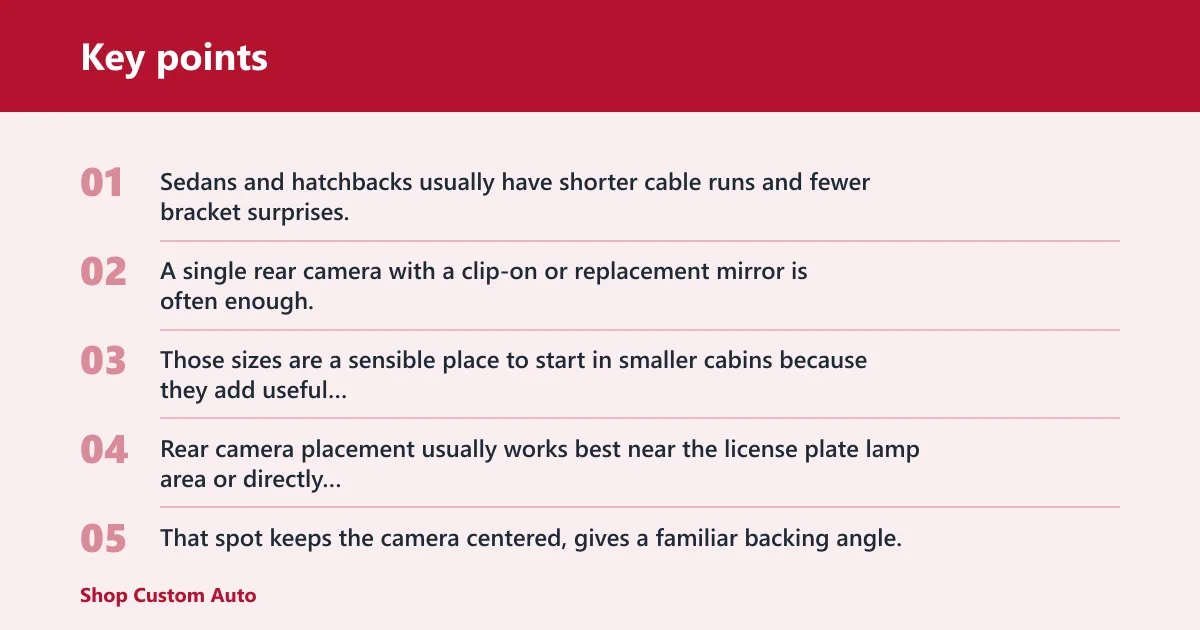
Sedans and hatchbacks usually have shorter cable runs and fewer bracket surprises. A single rear camera with a clip-on or replacement mirror is often enough, unless the car already has heavy mirror electronics.
Those sizes are a sensible place to start in smaller cabins because they add useful display area without pushing as close to the driver’s peripheral view as larger mirrors can.
Rear camera placement usually works best near the license plate lamp area or directly above the plate on the trunk lid. That spot keeps the camera centered, gives a familiar backing angle, and usually lets you route power and video through existing trunk trim with less exposed wiring.
SUV and crossover priorities
SUVs and crossovers often have taller liftgates, steeper rear glass, and more distance between the mirror and the camera. That changes both angle and signal reliability.
If the camera mounts inside the rear window, glass tint, defroster lines, and wiper sweep can affect the image. If it mounts outside, weather resistance matters more, so an outdoor rear camera with strong waterproofing is the safer target. This rating matters because the camera lives through rain, road spray, wash cycles, and winter grime.
Night readability matters more in SUVs because the rear glass sits higher and headlights from traffic behind often hit the camera and the display at steeper angles. Look for manual brightness control on the mirror, check whether the camera has usable low-light performance, and avoid relying on oversized screen claims if the image blooms after dark.
Pickup, RV, and trailer priorities
Pickups, RVs, and trailer setups should be chosen around signal path first. Long vehicles expose wireless weaknesses fast, so two-input mirrors, long cable planning, or higher-rated wireless range matter more than display cosmetics.
That matters much more on an RV or trailer than on a compact sedan. Some wireless rearview cameras use a 2.4GHz digital signal, which can work well, but range and interference limits still need a realistic check before purchase.
Short-bed trucks add another wrinkle. A license-plate camera can sit low and far from the hitch, which is not always ideal for coupling a trailer. A bumper or tailgate-area mount may give a better angle, but it can require more careful cable routing around moving parts.
Leased vehicle priorities
Leased vehicles usually benefit from low-commitment hardware: clip-on mirrors, battery-powered cameras, magnetic camera kits, or systems that avoid drilling and permanent hardwiring.
Battery and solar kits have real limits. That can make sense for a leased vehicle, but battery charging cadence and winter performance still need consideration.
Mirror monitor decision matrix
Rearview mirror monitor decision table
| Vehicle type | Mirror-monitor style | Install complexity | Likely fit risk |
|---|---|---|---|
| Sedan | Clip-on or replacement, single rear camera | Low to medium | Low if the factory mirror is plain; medium if auto-dimming or sensor housing is present |
| SUV | Replacement or stable clip-on, single rear camera or optional dual input | Medium | Medium from tall liftgate angle, rear-glass tint, and longer cable path |
| Pickup | Replacement mirror with rear camera; dual input if towing | Medium to high | Medium to high from bed vibration, hitch-angle needs, and trailer plans |
| RV/trailer | Dual-camera mirror, wired when possible or long-range digital wireless | High | High from long distance, connector exposure, and signal drop risk |
| Leased vehicle | Clip-on mirror, magnetic or battery/solar camera | Low | Low for removability; medium for mount stability and charging upkeep |
How to read the matrix before you buy
Read the last two columns first. Install complexity tells you whether the wiring plan fits a first-time DIY attempt. Fit risk tells you where returns and troubleshooting usually begin: bracket mismatch, mirror shake, weak wireless range, or a camera angle that looked fine on paper but misses the hitch or bumper edge.
For pickups, do not treat replacement mirrors as the only normal choice. Clip-on mirrors are also common and can be preferable when you want reversibility, need to avoid factory mirror electronics, or are still deciding on the best camera position for towing.
Should you buy a clip-on or replacement mirror monitor?
Buy a clip-on mirror monitor when you need reversibility, already have a standard mirror shape, or want to avoid removing factory hardware. Buy a replacement mirror only when vehicle-specific fit and function are confirmed and stability matters more, because a proper replacement usually shakes less and looks cleaner once installed.
When clip-on mirrors make sense
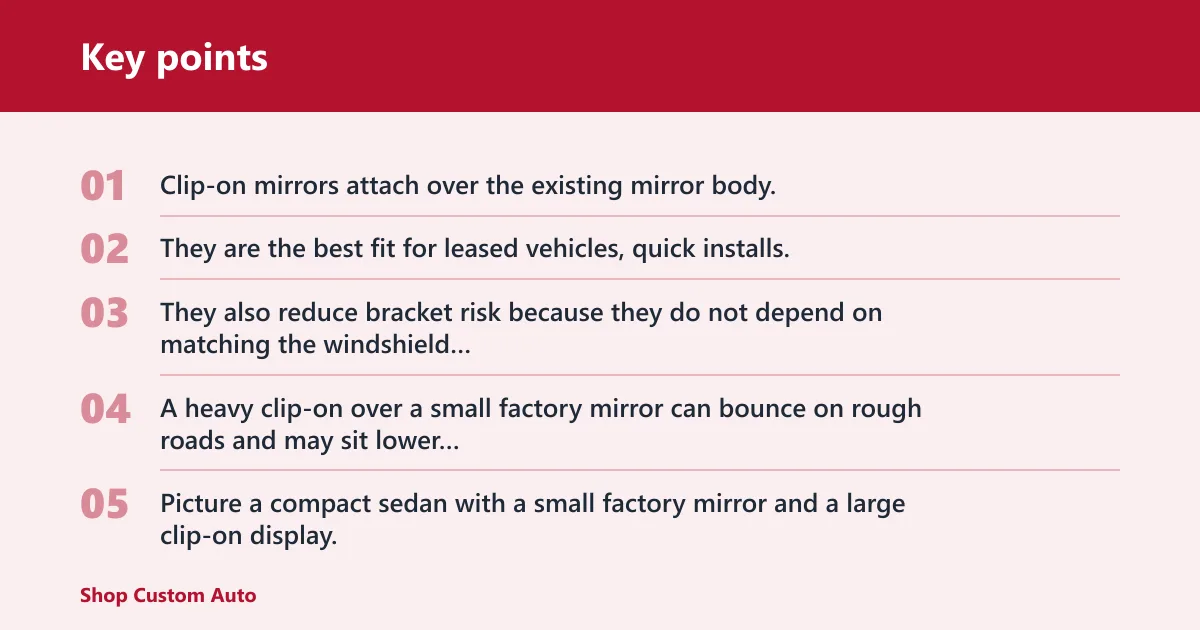
Clip-on mirrors attach over the existing mirror body. They are the best fit for leased vehicles, quick installs, and cars where removing the factory mirror would disturb sensors or trim.
They also reduce bracket risk because they do not depend on matching the windshield button or stem. The tradeoff is thickness and weight. A heavy clip-on over a small factory mirror can bounce on rough roads and may sit lower in the driver’s field of view.
Picture a compact sedan with a small factory mirror and a large clip-on display. The install looks simple, but the added mass lets the mirror vibrate on coarse pavement. The symptom later looks like a blurry camera problem even though the camera is fine.
When replacement mirrors are the better fit
Replacement mirrors make more sense when the vehicle has room for the housing, the mount type is confirmed, and the driver wants the monitor to feel like a built-in part.
They are often the better pick for larger 10-inch and 12-inch displays because those sizes can feel less awkward on a proper replacement mount than on a clip-on shell. They can also be better for mirror dash cams, where front camera position and cable routing benefit from a fixed housing.
Bracket match alone is not enough on many modern vehicles. If the factory mirror area includes auto-dimming, microphones, compass functions, telematics, garage-door controls, or driver-assistance hardware, use only a vehicle-specific replacement approach or stay with a clip-on or separate monitor so you do not disable features or create safety or legal problems.
Bracket types, adapters, and vibration stability
This is where many installs go wrong. “Universal” may only mean the mirror body is universal, not the windshield bracket. Before buying, compare the existing mirror mount, stem shape, and windshield button style with the kit’s included hardware.
Some replacement mirrors include assorted brackets or adapters. If the kit does not show your mount clearly, assume extra parts may be needed. Stability matters as much as fit. A bracket that technically attaches but allows twist or sag will turn into glare issues, shake, and a display angle that drifts.
How to confirm windshield and mirror-stem compatibility
Measure the mirror width. Check clearance above and behind the mirror for any camera bulge, rain sensor cover, or headliner interference. Then inspect how the factory mirror attaches: clip-on shell over a plain mirror, or a direct replacement onto a windshield-mounted bracket or stem.
If the product page does not show the rear side of the mirror and the bracket hardware clearly, treat fit as unconfirmed.
What screen size is best: 8-inch, 10-inch, or 12-inch?
An 8-inch mirror suits smaller cars and drivers who want less obstruction, a 10-inch size is the middle ground for most daily drivers, and a 12-inch display gives the broadest image but demands the most care with sightline placement and cabin fit.
Viewing area vs mirror obstruction
Bigger screens make camera details easier to read, especially parking lines and trailer edges. They also occupy more visual space at eye level.
An 8-inch option is easier to integrate in a compact cabin. A 10-inch option often lands in the sweet spot for midsize cars and SUVs. A 12-inch mirror can work very well in larger vehicles, but that size should be checked against the existing mirror and windshield clearance before purchase.
Day and night readability
Brightness control matters more than raw size if the screen washes out in sunlight or blooms at night. Touchscreens are easier to set up while parked, but fingerprints and glare can be more noticeable on glossy larger screens.
Basic button controls can be slower to use, yet they can also keep the front surface cleaner. For a vehicle used mostly in bright daytime traffic, that can be a real advantage.
Touchscreen vs button controls
Touchscreen control is common on mirror dash cams. That can make menu use, camera switching, and playback simpler, especially on larger displays.
For a simple backup display, basic buttons may be enough. The better choice depends on whether the screen will be adjusted often or mostly left alone after setup.
Sightline placement and safety concerns
A rearview mirror monitor can widen the rear camera view, but it does not replace properly adjusted mirrors or direct observation, and the camera view can distort distance judgment. It can also create a new obstruction if it sits too low, too wide, or too close to the driver’s natural line of sight.
Say your vehicle has a thick sensor housing above the mirror and only a narrow gap below the headliner. A tall replacement mirror may force the screen lower than stock. The rear image becomes larger, but the driver now loses part of the forward right-side view at intersections.
Before buying or installing, check your state and local rules on windshield obstruction, mirror replacement, and screen visibility from the driver’s seat. If the legality of a large clip-on or full-screen mirror is unclear, choose a smaller or less intrusive setup.
Which camera and signal link should you choose?
Choose the camera and signal link together. Wired video is usually the most consistent for long vehicles and fixed installs, 2.4GHz digital wireless can reduce cabling in shorter setups, and 5.8GHz WiFi usually relates to phone features rather than the live reverse video feed.
Wired video vs 2.4GHz digital wireless
Wired systems take more install time but usually remove pairing drama, range doubts, and many “no signal” complaints. They are the safer path for RVs, frequent towing, and anyone routing cable only once.
Wireless can be a good fit on sedans, leased vehicles, and some SUVs. Some wireless rearview cameras use a 2.4GHz digital signal. Check rated range carefully, especially if the camera sits behind metal bodywork or the vehicle is long.
What 5.8GHz WiFi or app control actually does
5.8GHz WiFi on a mirror dash cam or camera kit usually means phone pairing for settings, app playback, or file access. It does not automatically mean the rear camera streams to the mirror over WiFi.
That distinction matters. Buyers sometimes assume “WiFi camera” means no video cable anywhere, then later find that the mirror still needs a wired rear camera input or a separate wireless transmitter module.
Night vision, IP69K waterproofing, and outdoor durability
Night vision claims vary, so judge them in context. A rear camera near the plate sees headlights, brake lights, and road spray. In that environment, weather sealing is not optional.
IP69K can be a useful plus for an exterior rear camera, but it is not the only acceptable choice for outdoor use. Many suitable automotive cameras use lower water-resistance ratings, and for cameras mounted inside a rear window, waterproofing matters less than glare control, tint compatibility, and window cleanliness.
License-plate, bumper, and rear-window mounting tradeoffs
License-plate mounting is convenient and centered, but it sits low. Bumper mounting can improve hitch visibility or clear trim, though it often takes more drilling or bracket work. Rear-window mounting protects the camera but changes angle and can reduce performance at night through glass.
Choose the mount based on what you need to see. A license-plate mount usually gives the cleanest centered parking view, a bumper or tailgate mount often works better when you need to see a hitch ball, and a rear-window mount makes the most sense when you need to avoid drilling or protect the camera from road spray.
How should you plan power and wiring before installation?
Plan power before buying because reverse-only power, constant power, battery operation, and solar-assisted charging all change what the mirror can do. The wrong power plan leads to delayed screen wake-up, missing reverse trigger, or a display that never shows the camera except during manual testing.
Reverse-light trigger vs full-time power
A reverse-light tap tells the monitor or camera when to show the rear image automatically. That is the common choice for backup-only use.
Full-time power makes sense for always-on rear view or recording mirrors. It can require a fuse tap or hardwire kit and more careful power management. If a mirror dash cam offers parking functions, confirm whether it needs constant power and low-voltage protection.
Hardwired, battery-powered, and solar-assisted options
Hardwired systems are the most settled long-term route, but they take more trim removal and planning. Battery-powered kits avoid running long power wires, yet they add charging upkeep. Solar-assisted systems reduce that burden but do not remove it.
That model profile suits drivers who want fewer permanent changes, not drivers who want to forget charging completely.
Cable routing by vehicle type and vehicle length
Sedans usually route cleanly through trunk trim and into the cabin. SUVs often need a path through a liftgate boot, which is a common pinch point. Pickups can involve bed movement, tailgate joints, or exposed sections. RVs and trailers may need weather-protected connectors and careful strain relief.
A common installation mistake is choosing a rearview mirror monitor that blocks the sun visor or interferes with the auto-dimming sensor. The cable never runs straight. It follows headliner edges, pillars, sill trim, trunk lids, liftgates, or frame rails, so the actual path is longer and has more bend points.
Before probing any wire, get the vehicle wiring diagram and use a digital multimeter first. On some modern vehicles, a generic test light can be the wrong tool for low-current, monitored, or networked circuits.
Tools checklist
| Tool or supply | Why it matters |
|---|---|
| Plastic trim tools | Lift panels without marking interior trim |
| Multimeter or test light | Confirm reverse-light and accessory power wires |
| Socket or screwdriver set | Remove interior panels and camera brackets |
| Electrical tape and zip ties | Secure and protect wiring runs |
| Fuse tap, if hardwiring | Power the mirror from the fuse box cleanly |
| Wire fish or pull cord | Guide cable through headliner or hatch areas |
DIY difficulty scale
Low: clip-on mirror with battery or magnetic wireless camera. Medium: wired sedan or SUV with basic reverse trigger. High: replacement mirror on an uncertain bracket, dual-camera setup, or any trailer and RV routing job.
How do you install a rearview mirror monitor without fit mistakes?
Install cleanly by measuring before opening trim: mirror width, windshield clearance, camera path length, and the rear view angle you actually need. Most fit mistakes begin before power is connected, when the mirror is too large, the bracket is wrong, or the camera location cannot see the bumper edge or hitch.
Measure first: mirror width, bracket style, and cable length
- Measure the existing mirror width and height.
- Check clearance to the headliner, sensor cover, and windshield glass.
- Inspect the rear of the mirror to identify whether the system is clip-on or direct replacement.
- Map the cable route, not the straight distance.
- Decide what the camera must show: bumper edge, hitch ball, lane behind, or trailer tail.
Mount the mirror monitor and set screen position
Install the mirror first and confirm it adjusts like the factory unit. A mirror that touches the headliner at full travel or hits a sensor cover is already the wrong fit.
Then sit in the normal driving position and check forward sightlines. The monitor should not cover traffic lights, the upper-right windshield view, or the driver-assistance camera area if the vehicle has one.
Install and aim the rear camera
Mount the camera where its angle matches the job. For reversing, include a small portion of bumper or plate frame in the bottom of the image so orientation stays consistent. For towing, bias the view toward the hitch or trailer lane.
Before final tightening, test in daylight and at night. Rear-window-mounted cameras need a glare check after dark because cabin reflections can look fine in the garage and poor on the road.
Rearview mirror monitor troubleshooting flowchart
- Start: Does the new unit clip securely over the existing mirror without blocking adjustment?
- If yes: Use the clip-on style, then check for vibration and sightline height.
- If no: Does the product include a replacement bracket that matches the windshield mount or stem?
- If yes: Test-fit the bracket, then confirm the mirror sits level and locks without twist.
- If no: Is a vehicle-specific adapter available for the existing windshield button or stem?
- If yes: Buy the adapter before wiring anything.
- If no: Stop and switch to a clip-on system or a different replacement mirror that lists the correct mount.
- At every replacement step: also confirm vehicle-specific compatibility with any mirror electronics, sensors, microphones, or driver-assistance hardware near the mount before proceeding.
Why does the monitor show no signal, a black screen, or the wrong image?
No signal, black screen, and reversed or upside-down video usually trace back to an earlier buying or install choice: wrong input selected, missing reverse trigger, poor wireless pairing, a bad ground, or a camera menu setting that was never matched to the mounting orientation.
No signal after pairing or wiring
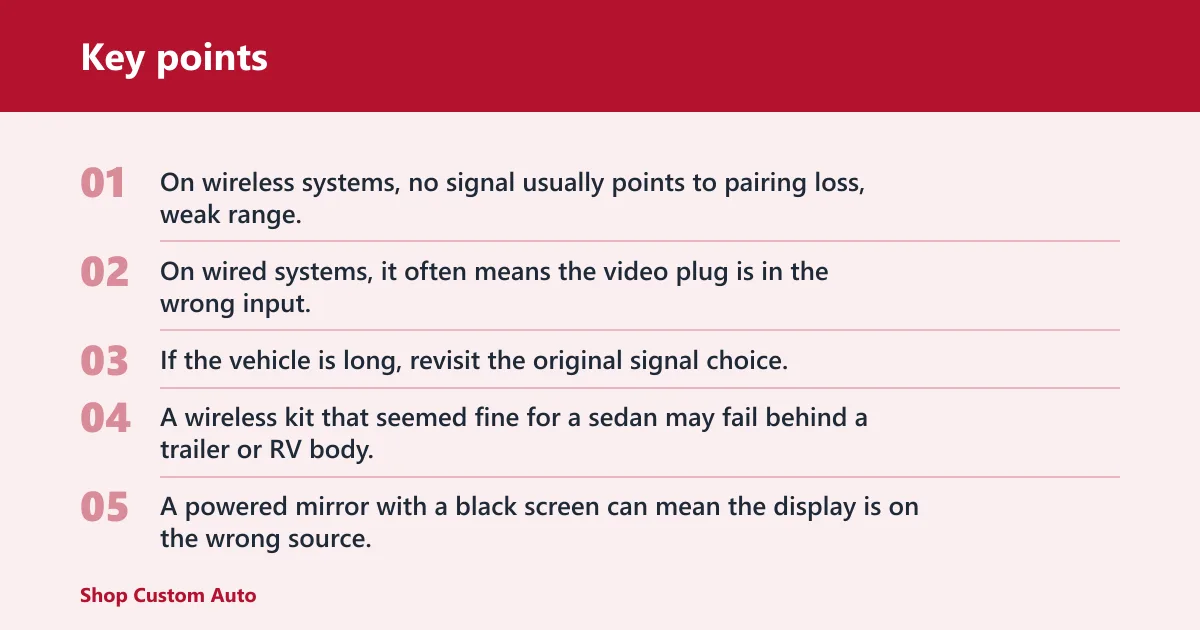
On wireless systems, no signal usually points to pairing loss, weak range, power at the camera but not the monitor, or interference. On wired systems, it often means the video plug is in the wrong input, the trigger wire is missing, or the camera never received power from the reverse-light circuit.
If the vehicle is long, revisit the original signal choice. A wireless kit that seemed fine for a sedan may fail behind a trailer or RV body.
Powered on but black screen
A powered mirror with a black screen can mean the display is on the wrong source, the screen is waiting for a reverse trigger, or the camera is not sending image data even though it has power.
Check whether the mirror is a display-only unit that sleeps until reverse is engaged. Then confirm the camera output format and input port are matched as the manual specifies, because a powered camera can still show a black screen if its video standard does not match what the mirror accepts.
Upside-down, mirrored, or delayed reverse image
Upside-down video usually comes from mounting a camera in the opposite orientation from the menu setting. Mirrored video can be a camera configuration issue, especially if the unit can switch between rear-view and front-view mode. Delayed reverse display often points to slow wireless wake-up, weak trigger wiring, or a monitor that is powering from the wrong source.
Suppose a camera is mounted under a liftgate handle instead of above the plate. If the installer forgets to flip the image setting, the picture can appear upside down or left-right wrong even though every wire is connected correctly.
Shaky mount, glare, and weak daytime visibility
These problems are often blamed on screen quality, but fit is usually the real cause. A loose clip-on shakes. A glossy touchscreen placed too low catches side light. A camera aimed too high loses the bumper edge and makes distance harder to judge.
Correct the mount first, then adjust brightness and camera aim.
Frequently asked questions
How do I choose the right rearview mirror monitor for my car?
Start with the vehicle type, then confirm mirror style, bracket fit, and camera link. Sedans can use simpler single-camera systems, SUVs need angle and glare checks, and towing setups need two inputs or a longer-range signal path. Always check factory mirror electronics before buying a replacement unit.
Should I buy a clip-on or replacement rearview mirror monitor?
Choose clip-on for leased vehicles, uncertain bracket fit, or cars with factory mirror electronics you do not want to disturb. Choose replacement when the mount is confirmed and stability matters more. Replacement mirrors usually shake less, while clip-ons are easier to remove and less committed.
What screen size is best for a rearview mirror monitor?
An 8-inch size suits smaller cabins and lower obstruction risk, a 10-inch size works for many daily drivers, and a 12-inch display fits best in larger vehicles where windshield space allows it. Bigger screens help visibility, but they need tighter sightline checks before installation.
Can I install a rearview mirror monitor without replacing my mirror?
Yes. A clip-on rearview mirror monitor installs over the factory mirror and avoids bracket replacement. That is often the best path for leased vehicles or cars with auto-dimming mirrors and sensor housings. The tradeoff is extra bulk, possible vibration, and a greater chance of blocking part of the forward view.
Why does my rearview mirror monitor say no signal?
No signal usually means the camera and monitor are not paired, the camera lacks power, the wrong input is selected, or the wireless link is marginal for the vehicle length. On trailer and RV setups, the original signal choice is often the real problem rather than a defective screen.
Does a rearview mirror monitor block your view or create safety issues?
It can if the screen is too large, mounted too low, or stacked over a thick factory mirror. The safer install keeps the mirror in the stock sightline, clears sensor housings, and leaves key forward views open. A wider rear image helps, but only if the mirror itself does not create a new blind spot.