Where Should You Place a Rear Dash Cam for the Best View?
Mount a rear dash cam high and centered when the rear glass is shallow and clear. On hatchbacks and SUVs, place it just below the top edge, then shift it slightly if spoilers, defrosters, or wipers block the view. Poor placement can leave you with trim, tint bands, or sky instead of plates and impacts. This guide shows how glass angle, vehicle shape, and common obstructions change the best mounting point.
What you’ll need
- Rear dash cam and the supplied mount hardware
- MicroSD card and power cable for the front unit
- Trim tool, microfiber cloth, and alcohol wipe
- Phone or playback screen for a test clip
- Small tape or marker for a temporary alignment point
Where should you place a rear dash cam?
Start from the rear glass centerline, then move only as needed for obstructions. The best rear-facing recording position is usually high enough to see approaching vehicles, lane positions, and the impact area behind you without putting the lens into a spoiler shadow, wiper sweep, or thick trim band.
A rear dash cam can capture vehicles approaching from behind and help preserve rear-end collision evidence. Two-channel systems usually pair a front camera with a smaller rear camera on the rear windshield, and the rear camera usually sends footage to the front camera instead of using its own microSD card.
Use the rearview mirror reference point
If the front camera is already aligned near the rearview mirror reference point, use that same centerline as a starting axis for the rear camera. That keeps the system visually centered and makes the rear view easier to compare with the forward view. It also helps the camera look discreet.
Center is a starting point, not a rule. Rear glass geometry decides the final location.
Move off-center only for a clear reason
Shift left or right if the lens lands behind a brake-light housing, falls inside a wiper sweep path, or sits under a spoiler lip that cuts the upper frame. A high mount is usually better than a low one because it preserves lane coverage and reduces blind-spot loss.
On vehicles with dark privacy glass, the mount may stay centered while the camera itself sits slightly lower or to one side to avoid a tinted band or heater grid that reduces plate readability at night.
Choose the rear glass mount zone
The best zone depends on the rear window shape, rake, and the parts that cross the glass. A hatchback with steep glass behaves differently from a sedan with a shallow rear windshield, and a van with split rear glass needs a different approach again.
Sedan and hatchback roofline placement
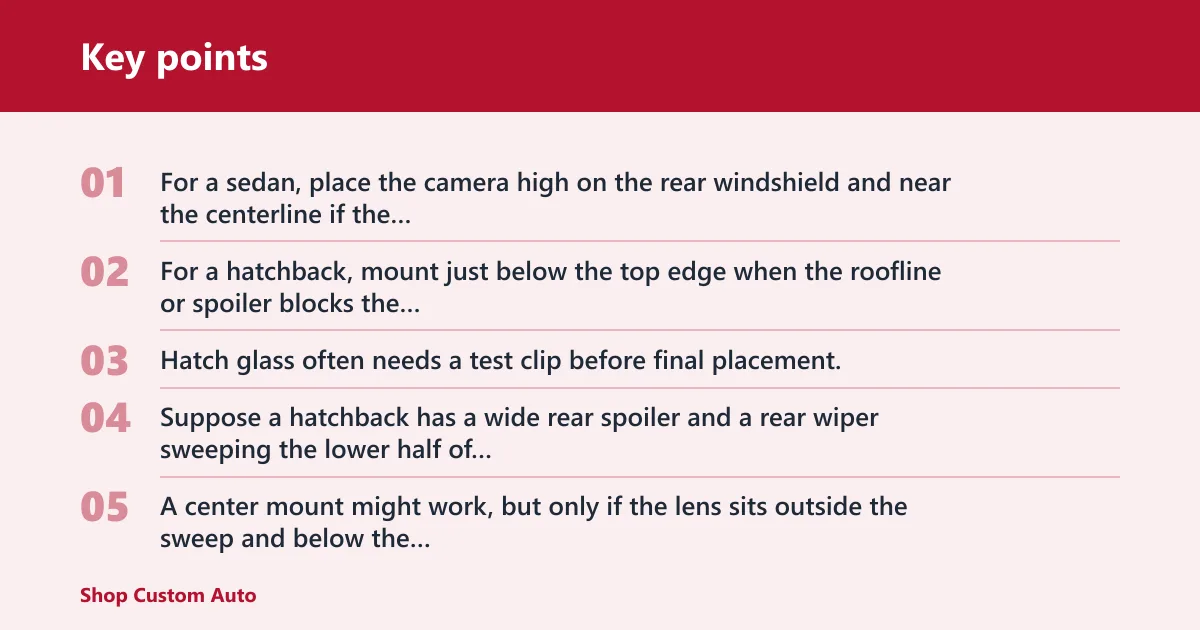
For a sedan, place the camera high on the rear windshield and near the centerline if the glass is shallow and clear. For a hatchback, mount just below the top edge when the roofline or spoiler blocks the upper corners. Hatch glass often needs a test clip before final placement.
Suppose a hatchback has a wide rear spoiler and a rear wiper sweeping the lower half of the glass. A center mount might work, but only if the lens sits outside the sweep and below the spoiler shadow. If not, slide the mount a few centimeters to the clear zone and retest.
SUV and van upper-glass placement
On SUVs and vans, the rear glass is often more vertical, so the best mount is usually higher and slightly under the top edge. That position helps the camera see traffic behind the vehicle rather than the top of the cargo area or the headliner reflection.
If the rear glass is split, tinted heavily, or framed by a large tailgate structure, choose the side that leaves the widest clean field of view. A van with tall cargo doors may need the camera mounted on the fixed glass section instead of the movable panel.
Truck rear window and cab placement
For a pickup truck, mount the rear camera high on the back cab window if the cab glass has enough width for a level horizon. If a sliding window, cab brake light, or headrest blocks the center, move the mount left or right until the lens sees the lane behind the truck bed and tailgate area.
Pickups often have steeper or smaller rear glass than SUVs, so a few centimeters of movement can change the view more than expected.
When a spoiler, brake light, or wiper changes the zone
A spoiler can cut the top edge of the image, a brake-light housing can occupy the center, and a rear wiper can erase the lower portion of the frame during motion. None of those automatically rule out the glass. They do mean the mount point should be chosen around the obstruction, not through it.
How do you set the angle?
Set the rear camera angle by keeping the horizon level first, then checking whether the frame covers the lanes and the following vehicle without excessive sky, decklid, or bumper. Do not rely on one universal degree range for every vehicle. Rear glass rake changes the usable angle.
Align to the horizon first
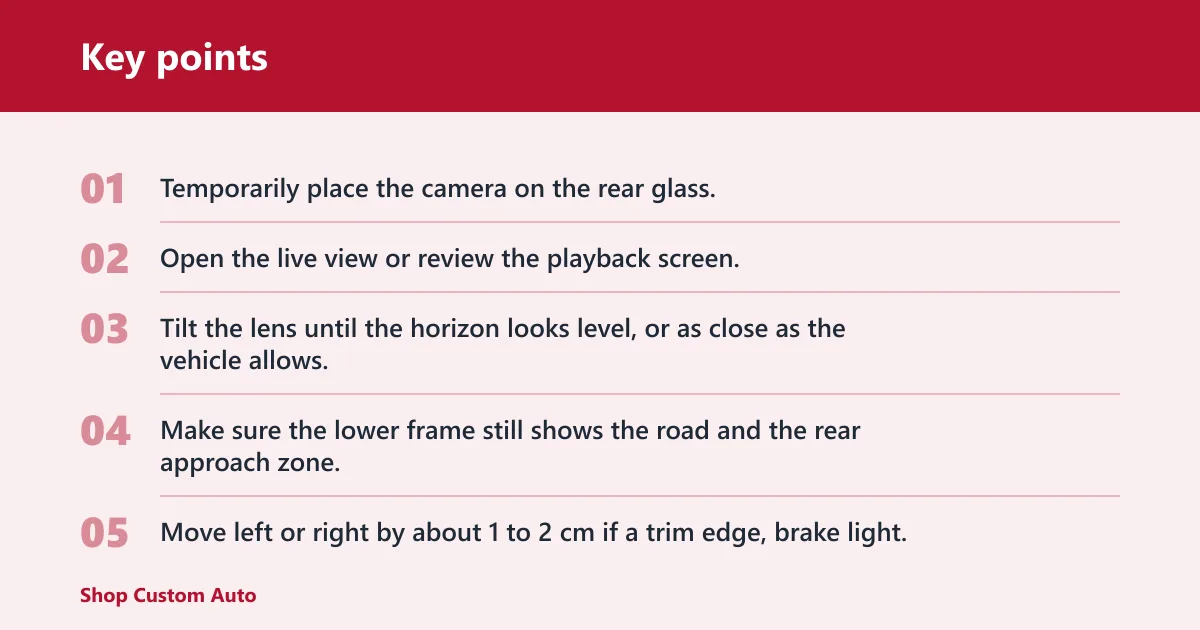
- Temporarily place the camera on the rear glass.
- Open the live view or review the playback screen.
- Tilt the lens until the horizon looks level, or as close as the vehicle allows.
- Make sure the lower frame still shows the road and the rear approach zone.
Vantrue advises keeping the lens angle around 15°–30° from the horizontal ground line, but that is a setup guide, not a universal fit for every rear window. Use it as a check only if the glass shape makes it practical.
Check lane coverage in a short test recording
A common rule of thumb is to record about 10 to 20 seconds with normal road traffic or a parked-car reference behind the vehicle. Review whether the rear camera captures a full lane, nearby vehicles, and enough context to explain a rear-end collision. If plates are too low or the image is all glass and sky, the mount is too high or tilted too far upward.
A common first-timer mistake is leaving the camera a little too low because the lower edge looks cleaner during installation. The result is often a rear view dominated by the hatch, cargo shelf, or bumper, which cuts evidence quality when another vehicle closes in.
Shift the camera in fixed steps
- Move left or right by about 1 to 2 cm if a trim edge, brake light, or wiper arm still clips the frame.
- Move up by about 1 cm if the road view is too low and the sky is crowding out traffic.
- Move down by about 1 cm if the upper frame is blocked by a spoiler or roof lip.
- Recheck after each change with a new test clip.
If that still does not solve it, move the camera to the next clear glass zone rather than forcing the original spot. Rear visibility is usually better from a clean offset than from a centered but obstructed mount.
Rear dash cam placement checklist
Use this checklist to compare vehicle shape, obstruction risks, and adjustment direction. It turns the placement decision into a repeatable pass-fail process instead of guesswork.
| Vehicle type | Ideal mount zone | Common obstruction | Angle check | Cable route | When to move the camera left/right/up/down |
|---|---|---|---|---|---|
| Sedan | Upper center of the rear windshield | Defroster lines, headrests, rear parcel shelf | Keep the horizon level and the following lane visible | Tuck behind the roof lining, then down a pillar trim path | Move left or right if a headrest blocks the center; move down if the upper frame is too close to the roof |
| Hatchback | Just below the top edge of the rear glass | Spoiler shadow, rear wiper sweep, top tint band | Check that the lens is not aimed too high into the sky | Route along the hatch trim and into the front-unit cable path | Move down if the spoiler cuts the top edge; move sideways to clear the wiper arm path |
| SUV | High on the rear glass, near the centerline or clear side zone | Privacy glass, upper trim, roof spoiler | Confirm lane coverage and a visible rear approach lane | Run behind the headliner and along the rear pillar trim | Move slightly left or right if the center sits behind a dark band or frame piece |
| Truck | Upper cab window, high enough for rear approach visibility | Sliding window frame, brake light housing, headrests | Check for a flat horizon and enough road behind the tailgate | Follow the cab trim to the front unit without crossing the glass | Move off-center if the sliding window rail or brake light blocks the lens |
| Van | Upper fixed glass or clear section of the rear window | Split glass seam, cargo partition reflection, tall tailgate frame | Make sure the frame shows the lane, not the cargo area | Hide the cable under the roof lining or upper trim | Move to the clearer half of the glass if a split panel divides the view |
Quick pass or fail checks
| Check | Pass | Fail |
|---|---|---|
| Tint | Night footage still shows vehicles and plate shapes | Image turns too dark or muddy after sunset |
| Defroster lines | Lines are present but do not block the main frame | Lens sits directly behind a heavy band that obscures the lane |
| Wipers | The sweep path stays outside the lens view | Blade crosses the frame during normal operation |
| Spoiler | The upper image edge stays open | Top of the frame is shadowed or clipped |
| Rear wiper sweep | Clear glass remains in the middle of the frame | Most of the lower view is wiped away or smeared |
Common mistakes
Most errors come from forcing a center mount without checking the glass shape. Another common miss is placing the camera so low that the rear bumper fills too much of the frame. Both reduce the value of the recording when another driver approaches quickly.
- Mounting too low and losing lane context
- Ignoring spoiler shadow or rear wiper sweep
- Putting the lens behind a dark privacy band without checking night footage
- Running the cable across visible glass instead of behind trim
- Skipping the short recording before final mounting
Check local laws before installing. Rules for rear glass placement can differ from front-windshield rules, and line-of-sight requirements vary by state or country. A spot that works on rear glass may still fail if it blocks the driver’s view.
If that didn’t work, try this next
- Move the camera to the next clean section of glass.
- Recheck the frame after dark if the vehicle has factory tint.
- Reroute the cable behind trim or the headliner if the wire pulls the mount out of position.
- Use a wider framing point if one lens position cannot avoid the spoiler or wiper path.
For a clean installation, the rear camera cable should tuck behind trim or roof lining and then follow the front-unit connection path without crossing open glass. That keeps the mount stable and reduces the chance of the cable tugging the camera loose.
Where should you mount it in your vehicle?
Match the mount to the body style. A sedan usually accepts a higher centered rear-window position. An SUV often needs a higher mount just under the top edge. A truck may need an off-center cab-window position. A van often needs the clearest upper section of the rear glass rather than the exact middle.
Sedan
Use the upper center of the rear windshield if the glass is shallow and clear. If headrests or the parcel shelf intrude, slide the camera sideways until the lens sees open road behind the car.
SUV
Mount high on the rear glass and adjust around privacy glass, spoiler shadows, and the rear wiper. The goal is a stable horizon and enough lane coverage to identify a vehicle closing from behind.
Truck
Choose the clearest upper cab window area. If the center is blocked by a sliding section or a brake light housing, move the camera to the side that gives the longest clean view through the glass.
Van
Use the upper portion of the rear window or the clearest fixed glass panel. Vans with split rear glass need extra attention to seam lines, tailgate framing, and interior reflections from the cargo area.
Frequently asked questions
Where should I put a rear dash cam for the best view?
Put it as high as the rear glass allows, then refine the spot by checking for a level horizon and clear lane coverage. The best view is usually the highest unobstructed section of the rear windshield, not a fixed center point on every vehicle.
Should a rear dash cam go in the center of the rear window?
Center is a good starting point, but it is not always the best final position. Move off-center if the center lands behind a spoiler, brake-light housing, wiper sweep path, or a dark band of glass that hurts night readability.
How high should a rear dash cam be mounted?
High enough to keep the road, lane behind you, and following traffic in frame. In practice, that often means near the top of the rear glass or just below it, with the lens still clear of roof trim, spoiler shadow, and moving wiper parts.
Can a rear dash cam be placed behind tinted glass?
Yes, if the tint is not so dark that night footage becomes unreadable. Mzuri Auto notes that placement behind tinted glass can work, but the real check is whether rear plates and following vehicles remain visible after dark.
Will a rear dash cam interfere with rear wipers or defrosters?
It can if the lens sits in the sweep path or directly behind a heavy obstruction. Defroster lines do not automatically disqualify a spot, but the camera should not sit where a wiper blade repeatedly crosses the image or where a trim piece cuts the frame.
How do I test if my rear dash cam angle is correct?
Record a short clip, then review whether the horizon looks level and whether the frame includes the lane behind you. If the view is too high, too low, or blocked on one side, shift the camera by 1 to 2 cm and test again.