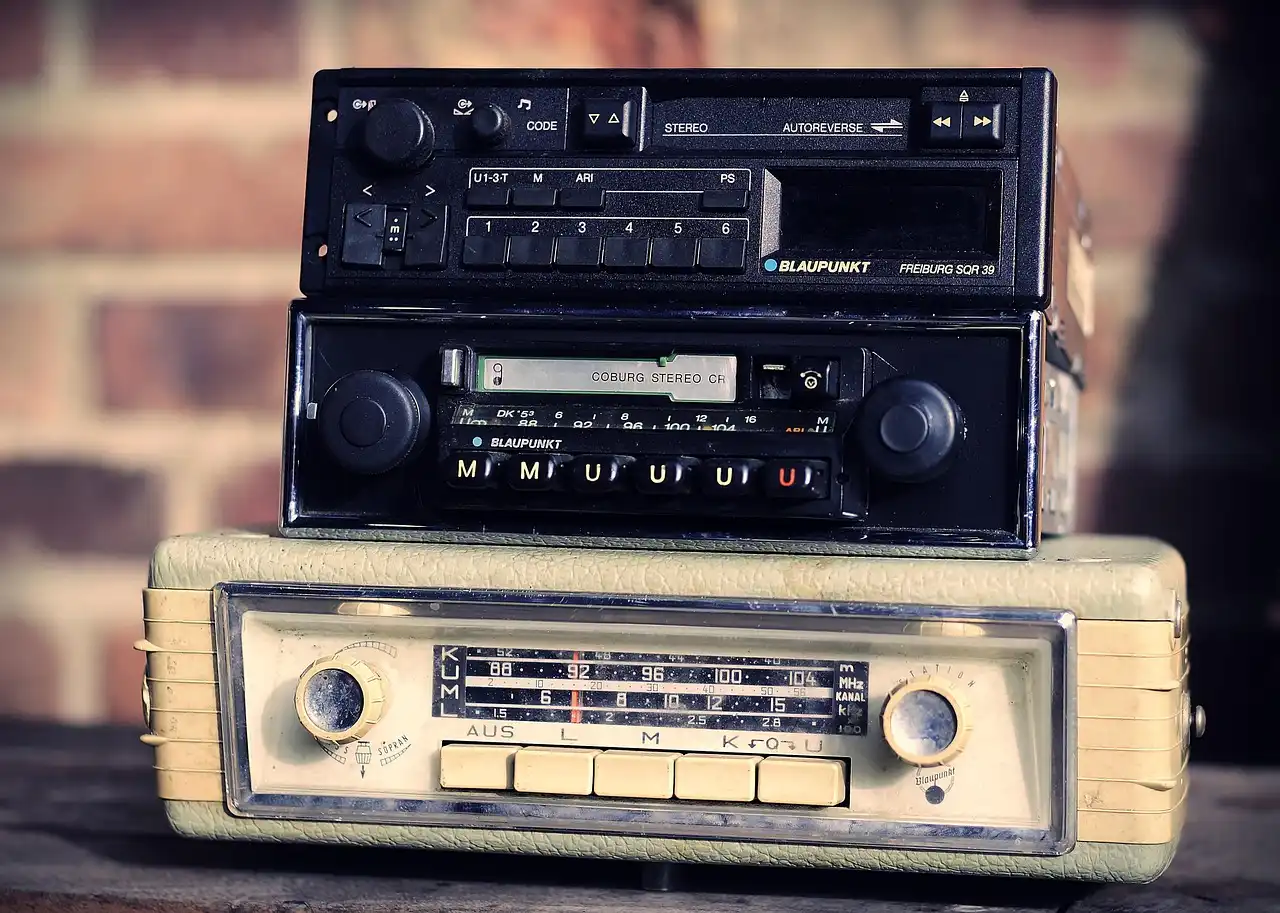
Why Is My Double Din Radio Not Working?
A double din radio that works sometimes usually has a power, ground, fuse, wiring, or software fault. The fastest split is simple: if the display is dead, check power and ground first; if the display works, move to audio, Bluetooth, or antenna circuits. If you chase the wrong circuit, you can replace a good head unit and keep the same no-sound or no-connect problem. This guide shows how to diagnose each symptom by circuit so you can narrow the fault before buying parts.
What you’ll need
- Digital multimeter
- Radio fuse chart or owner’s manual
- Trim tools and a flashlight
- Basic hand tools
Start by isolating the symptom
Use the symptom to choose the circuit layer first. A dead unit often points to a power, fuse, or ground issue. A lit screen with no audio points to speaker wiring, mute, amplifier, or output-stage faults. A working screen with weak AM/FM reception points to antenna, cable, or tuner trouble. Bluetooth trouble is usually a pairing, firmware, or phone compatibility issue.
Say your screen lights up, the clock keeps memory, but AM/FM is full of static while Bluetooth audio still works. That points away from total power loss and toward the antenna path or the tuner inside the head unit. A different symptom usually means a different layer.
- Note whether the unit has no power, a blank screen, no sound, static, or Bluetooth drops.
- Check whether the problem changes with the key off, key on, and engine running.
- Match the symptom to the likely layer before you remove trim.
Why won’t my double din radio turn on?
A no-power complaint usually starts at the radio fuse, then the constant power wire, switched ACC power wire, and ground wire. Both the constant and switched power lines need to be connected properly. A loose or corroded ground wire can prevent the stereo from powering up, and a miswired ACC lead can leave the unit dead with the key on. Most vehicle fuse boxes and owner manuals identify the radio or ACC circuit, and head-unit makers typically require a hard reset or firmware update only after the power feed checks out.
If that didn’t work, try this next
- Check the radio-specific fuse in the vehicle fuse box and replace it with the correct amperage if it is blown.
- Back-probe the connector for B+ at the constant power wire with the key off; it should show about 12.0-12.8V engine off.
- Test the ACC wire with the key on and off; it should switch from no voltage to about 12V with the key on, and many units only boot when ACC is present.
- Check ground continuity from the radio ground wire to clean chassis metal, and confirm the ground voltage drop is near 0V under load.
Use the meter at the connector, not only at the fuse. A fuse can look fine while the wiring is not carrying power to the unit. If the radio has no display and no response after correct power and ground are confirmed, the head unit may have internal failure. For multimeter setup and basic voltage testing, see Fluke’s voltage testing guide.
Why is my double din screen blank or dim?
A display can be dim, flickering, or blank even when the stereo powers on. The problem can come from a faulty backlight, wiring problems, or internal failure. A blown fuse can prevent the display from lighting even if sound still plays, and a poor ground can cause the display to flicker or go dark. If the unit supports a dimmer lead, illumination input, or day/night setting, those inputs can also keep the screen too dim to use.
If that didn’t work: confirm the unit has power
- Confirm the unit has power by checking whether audio prompts, button beeps, or illumination react.
- Inspect the dimmer lead and illumination setting in the radio menu.
- Check the dash kit fitment for pressure on the screen frame and a pinched cable behind the unit.
- Run a factory reset or firmware update only after wiring checks are complete, using the manufacturer’s support instructions for your model.
Suppose the radio turns on and plays music, but the screen is black until you tap the bezel. That points more toward a loose connector, a poor ground, or dash kit pressure than a dead radio. If the screen still stays blank after those checks, the backlight or display section may be failing. Many manufacturers post model-specific reset and firmware steps in their support pages; for example, Pioneer’s support downloads and Kenwood’s support portal are useful references when wiring has already been verified.
Why does my double din radio have no sound?
No sound often comes from speaker wiring, balance or fader settings, mute mode, a failed internal amplifier, or an external factory amp that is not turning on. Poor sound, static, or Bluetooth issues are among the most common car stereo problems. If one side or one channel works, the fault is often in the speaker wire path, not the main power feed. If the vehicle uses a factory amplifier, the radio may still power up normally while the amp stays muted because the amp turn-on lead, remote wire, RCA/preamp settings, or amp signal path is wrong.
If that didn’t work: set balance and fader
- Set balance and fader to center in the audio menu.
- Turn mute off and raise volume to a known normal level.
- Inspect speaker wires at the connector for pinches, loose pins, or shorts to metal.
- Check whether the car uses an external factory amp, verify amp turn-on or remote wire voltage, and confirm RCA/preamp output settings if the radio has them.
If sound cuts out when a door opens or the dash is pressed back into place, the wiring may be pinched behind the dash kit. If every speaker is silent and the unit has proper power, the internal amp stage can be at fault. To separate speaker-wire faults from amp/output-stage faults, test speaker output at the radio side first: isolated speakers usually read about 3-8 ohms, while an open circuit, a very low reading, or a reading that changes when the harness is moved points to a wiring or speaker fault. If the radio feeds an external amp, verify the amp wakes up, then check whether the amp outputs sound; if the amp has power and turn-on signal but no output, the amp or its input path is more suspect than the head unit’s speaker stage.
Why is my Bluetooth disconnecting on my double din radio?
Bluetooth drops are often caused by a full pairing list, old phone entries, firmware bugs, or interference from other accessories. If the issue continues, a full stereo reset may clear persistent Bluetooth bugs. When a radio fails with one phone only, the problem may be on the phone side; when it fails with several phones, look at the head unit. Before you reset, follow the maker’s support steps for clearing devices and updating firmware, because some units keep old pairing data until the reset is done in a specific order.
If that didn’t work: open the head unit Bluetooth
- Open the head unit Bluetooth menu and delete saved devices.
- On the phone, forget the radio, then pair again from scratch.
- Turn off nearby accessories that can add interference, such as unused Bluetooth devices.
- Check the maker’s support menu for a firmware update or a model-specific reset path.
A common first-timer mistake is leaving old pairings in place and assuming a reset is needed right away. Clear the pairing list first. If pairing fails across multiple phones after a reset and firmware update, stop and replace the unit or have it bench-tested. For reset and firmware references, check the brand’s support pages such as Alpine’s support page or your model’s manual.
Why is my double din radio getting static or weak reception?
Weak reception can be caused by a damaged antenna, loose connections, or poor grounding. If one band works and the other doesn’t, the tuner may be failing. A loose cable behind the dash or a corroded antenna lead can cause weak AM/FM reception even when the rest of the radio works normally.
If that didn’t work: check the antenna mast
- Check the antenna mast for damage and make sure it is fully seated.
- Inspect the antenna cable at the back of the head unit for a firm fit and corrosion.
- Try both AM and FM bands to see whether one band is dead.
- If reception stays weak on both bands, suspect the antenna path or tuner.
Static that changes when you touch the antenna lead often points to a bad connection rather than a bad station. If the cable is tight, the mast is intact, and the radio still hisses on every station, the tuner stage may be failing internally.
Double din radio troubleshooting matrix
| Symptom | Likely fault layer | Exact test to run | Expected reading or behavior | Next action | Stop and replace |
|---|---|---|---|---|---|
| No power | Fuse, B+, ACC, ground | Check the radio fuse; meter B+ and ACC at the connector; test ground continuity | Correct fuse, about 12.0-12.8V on B+ engine off, ACC switching to battery voltage with key on, ground drop near 0V | Repair wiring or replace the blown fuse with the correct amperage | No response after correct power and ground are confirmed |
| Blank or dim screen | Backlight, dimmer, wiring, internal display fault | Check display with audio on; inspect dimmer lead and connector fit | Screen should react, light should change with settings, no pinched cable | Reset or update firmware after wiring checks | Screen stays dark with proper power and ground |
| No sound | Speaker wiring, mute, external factory amp, internal amp | Set balance and fader to center; inspect speaker pins and shorts; verify amp turn-on/remote if equipped | Isolated speaker circuits typically read about 3-8 ohms; amp should wake up if the turn-on circuit is correct | Repair speaker wiring, correct amp trigger or preamp settings, or correct mute/settings issues | All channels silent with known-good power, wiring, and amp turn-on verified |
| Static or weak reception | Antenna, cable, tuner, ground | Check mast and rear antenna lead; test AM and FM bands | Reception should improve with a firm connection | Repair antenna path or ground | One band works and the other stays dead |
| Bluetooth drops | Pairing list, firmware, phone conflict | Forget devices, re-pair, and check for firmware update | Stable connection after a clean pair | Clear saved devices and update firmware | Pairing fails across multiple phones after reset |
How do I know if it’s a fuse, wiring, or the head unit itself?
Use a simple decision tree. If the fuse is blown and the radio lost power at the same time, you have a power interruption and should inspect the wiring path before just replacing the fuse. If the fuse is good and B+ and ACC both read correctly but the unit still will not boot, the head unit itself is more likely at fault. If the problem appears or changes when you move the harness, press the dash, or wiggle the connector, that points to a wiring or install fault rather than an internal radio failure.
When the radio has retained memory but fails to wake with the key, focus on the ACC circuit first. When all voltages are right and the unit still behaves erratically, the internal board, display, or software is the stronger suspect. That sequence helps avoid replacing a functional fuse, harness, or adapter.
Common mistakes
Skipping the fuse and connector checks wastes time. So does replacing the head unit before testing ACC, B+, and ground at the connector. Another common error is confusing a blank display with total power loss when the unit still has audio or button response.
Ignore install errors at your peril. Loose dash kit fitment, a pinched speaker wire, or the wrong harness adapter can create symptoms that look like internal failure. If the trouble changes when the dash is pressed or the steering wheel is turned, inspect the install before buying parts.
Frequently asked questions
Why is my double din radio not working?
Start with the radio fuse, then verify constant power, switched ACC power, and ground at the connector. If the screen is dark, that is a power-layer problem. If the screen works but sound or Bluetooth fails, move to audio, antenna, or software checks instead of replacing the unit first.
How do I test a double din radio?
Use a digital multimeter at the connector: check B+ with the key off, ACC with the key on, and ground continuity to clean metal. Then test speaker outputs, antenna connection, and the Bluetooth menu. That order separates power faults from display, audio, and connection faults quickly. For manufacturer fuse and wiring references, start with the vehicle owner manual and the head unit’s installation guide before probing deeper.
Why is my double din screen blank but the unit has power?
Check the dimmer lead, illumination setting, and dash fitment before assuming the display is bad. A loose connector or pinched cable can kill the screen while the rest of the radio still works. If the screen stays blank after a reset and wiring check, the display section may be failing.