Is Wireless CarPlay Worth It for Your Car Stereo?
Wireless CarPlay is worth paying for if you take frequent short trips, dislike plugging in, or already charge the phone often. If you spend long stretches behind the wheel and rely on one cable anyway, wired CarPlay usually gives better value. Buy it for the wrong use case and you can pay extra for slower startup, added battery drain, and audio hiccups you did not need. This guide weighs commute length, charging habits, and existing wired CarPlay so you can choose the right stereo upgrade.
| Driver type | Best for | Not worth it if | Price range | Recommendation |
|---|---|---|---|---|
| Short-trip city driver | Skipping the cable on every errand, quick in-and-out use, cleaner daily routine | You already plug in every drive or dislike any startup delay | Adapter: usually low hundreds or less; head unit: higher once parts and labor are added | Wireless CarPlay adapter if you already have wired CarPlay |
| Long-commute driver | Charging while driving, immediate startup, steadier connection | You mainly want a cord-free cabin and can live without charging from the stereo | Wired: lowest if already built in | Stay wired unless the factory system is already a problem |
| Older-car owner | Adding CarPlay where none exists, better screen and integration | You only want wireless convenience and already have factory wired CarPlay | Head unit: often the most expensive once install parts are included | Aftermarket head unit if the factory system is obsolete or incompatible |
| Feature-first upgrader | Modern UI, larger display, audio/camera integration, wireless and wired flexibility | You want the cheapest fix or the cleanest factory-like reliability | Varies by single DIN vs double DIN and required interfaces | Full head unit swap if you want the whole system improved |
Fast scoring check: add 1 point for each “yes” answer. If you score 4 or 5, wireless is likely worth it. If you score 0 to 2, wired is usually the better buy.
- My trips are mostly under 20 minutes.
Who benefits from the hassle-free connection
Wireless CarPlay is best when daily convenience matters more than constant charging or the quickest possible startup. If you make short trips, stop often, and want your iPhone to connect on its own after setup, it makes sense. If your phone is already on the cable for most drives, wired CarPlay usually stays the better buy.
What changes when you cut the cable
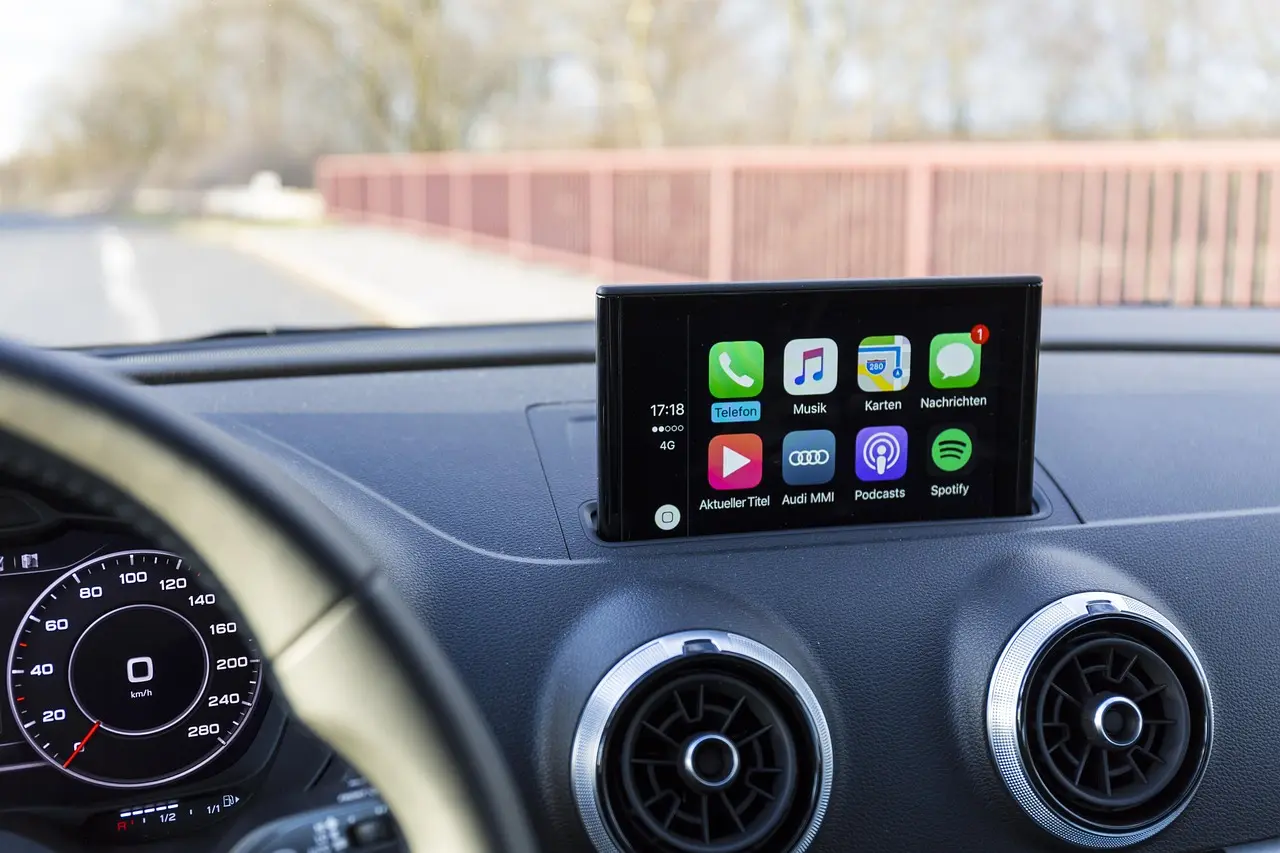
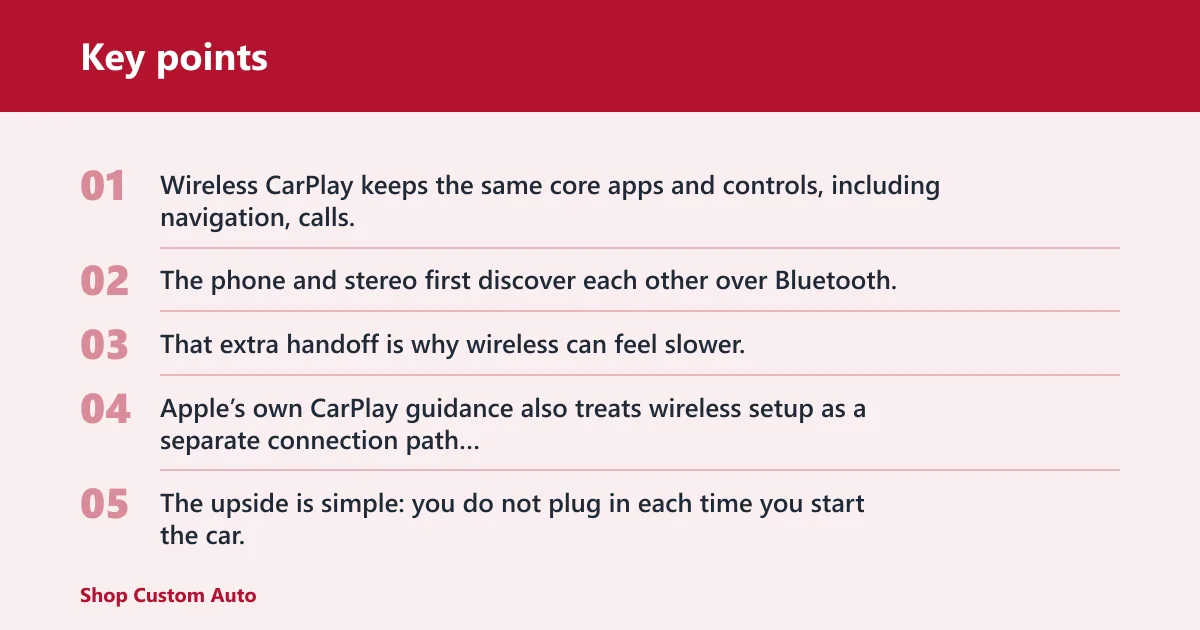
Wireless CarPlay keeps the same core apps and controls, including navigation, calls, messages, music, podcasts, and Siri. The phone and stereo first discover each other over Bluetooth, then shift the data link to Wi‑Fi. That extra handoff is why wireless can feel slower, and why some cars connect less cleanly than others. Apple’s own CarPlay guidance also treats wireless setup as a separate connection path from USB, which is why the same phone can behave differently across vehicles and head units.
The upside is simple: you do not plug in each time you start the car. The trade-off is simple too: the phone uses more battery, and the connection can take a few seconds to wake up after startup. In current product listings and installer notes, wireless CarPlay startup commonly lands in the low-teens to around 15 seconds on some units, while wired CarPlay remains closer to the vehicle’s boot time. That gap is small in absolute terms but obvious in a rush.
The quick verdict by driver type
If you often drive short hops around town, wireless CarPlay can be worth the extra cost because it removes a repeated step. If you drive 45 minutes or more and want the phone charged on every trip, wired CarPlay usually fits better. For drivers who only use CarPlay occasionally, the upgrade often feels like a want, not a need.
Say your commute is an eight-minute school run and grocery trip, with the phone already in your pocket and the stereo booting quickly. Wireless CarPlay helps because the gain shows up every drive. Now suppose you commute 70 minutes on a freeway and leave the phone on a charging pad or cable anyway. In that case, the cable is doing useful work, so wireless adds less value.
How wireless CarPlay works
Wireless CarPlay uses Bluetooth for discovery and Wi‑Fi for the data connection. After setup, the stereo and iPhone usually reconnect on their own when the car starts, which lets you launch maps, calls, texts, music, podcasts, and Siri without plugging in. That automatic handoff is the whole point of the feature.
Bluetooth discovery and Wi‑Fi data transfer
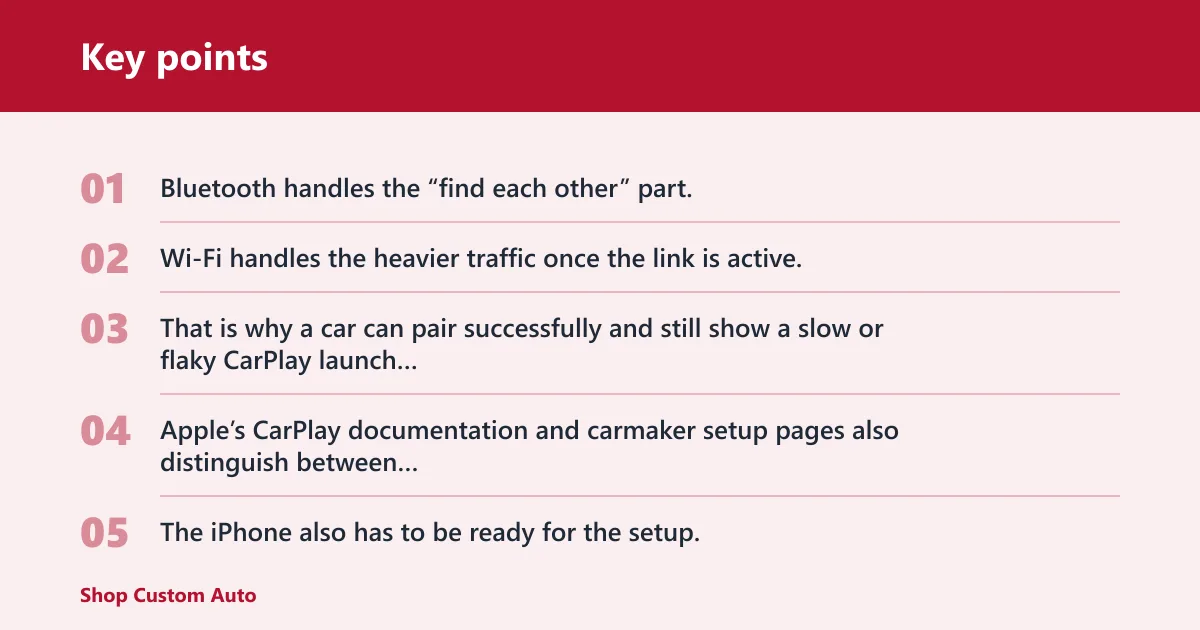
Bluetooth handles the “find each other” part. Wi‑Fi handles the heavier traffic once the link is active. That is why a car can pair successfully and still show a slow or flaky CarPlay launch later; pairing alone does not guarantee a smooth wireless session every time. Apple’s CarPlay documentation and carmaker setup pages also distinguish between first-time pairing and the later wireless reconnect, which is where most user complaints usually appear.
The iPhone also has to be ready for the setup. Bluetooth and Wi‑Fi must both be enabled, and the phone uses its own data connection for maps and streaming unless you have downloaded content. Siri works through the same connection path, so a weak wireless link can affect voice commands as well as navigation.
Why automatic reconnect is not identical in every car
Auto-connect depends on more than the phone. The vehicle infotainment system has to wake up, finish booting, and then hand off to CarPlay fast enough for the phone to reconnect cleanly. Some cars do that almost every time. Others are slow to wake, which creates a delay or a failed reconnect. This is one reason compatibility guidance from manufacturers often stresses both model-year support and the right USB port or module, not just “CarPlay-compatible” in general.
Home Wi‑Fi handoff can also cause trouble. If the phone is still clinging to a nearby network, or the car’s wireless stack takes too long to become ready, the reconnect can lag or stall. That is one reason some drivers report a smooth routine while others see random failures on the same feature.
What the iPhone and stereo each do
The iPhone manages the apps, the data, and the voice assistant. The stereo supplies the display, touch controls, microphone routing, speakers, and in some cars the steering wheel button inputs. A factory screen that already supports wired CarPlay can often be converted to wireless through an adapter, but only if the head unit already speaks CarPlay. That compatibility limit is the key filter: no wired CarPlay port, no simple wireless adapter solution.
Wireless CarPlay comparison matrix
Here is the plain-text decision matrix. It compares wired CarPlay, a wireless adapter, and a full aftermarket head unit across the factors that affect ownership, not just convenience.
| Factor | Wired CarPlay | Wireless adapter | Aftermarket head unit |
|---|---|---|---|
| Upfront cost | Usually lowest if already built in | Cheaper than a full swap | Highest once unit and install parts are added |
| Install complexity | Lowest | Low to moderate | Highest |
| Auto-connect reliability | Generally strongest | Depends on the car and firmware | Depends on the unit and install quality |
| Charging convenience | Best for charging while driving | No cable to remember, but no charging from CarPlay itself | Depends on whether you still plug in or add another charger |
| Battery drain | Lower during use | Higher than wired in typical use | Varies by wired or wireless CarPlay and charging setup |
| Compatibility requirement | Car must already support CarPlay | Requires existing wired CarPlay USB port | Can add CarPlay to a vehicle that has none |
| Audio upgrade potential | Limited | Limited | Higher, especially if the new unit improves the whole system |
| Best use case | Drivers who want stability and charging | Drivers who already have wired CarPlay and want cord-free use | Drivers who need a full replacement or better factory integration |
Upfront cost and install complexity
Wired CarPlay is usually the cheapest path if your car already has it. A wireless adapter adds cost, but it is still cheaper than replacing the whole head unit in most cases. A full aftermarket unit can start with a low sticker price, yet labor and extra parts often change the total quickly. Public product listings for current Pioneer and Boss Audio units show how wide the sticker-price spread can be, but the vehicle-specific install is usually where the real budget decision happens.
Boss Audio wireless head units were introduced at a price of just $400, and CNET lists the Pioneer DMH-1500NEX as a cheaper option at $400. CNET also lists the Pioneer AVH-W4500NEX at $1,000. Those unit prices do not include the rest of the job, and MacRumors notes that other install costs can double the head unit price. In practice, that means the “cheap” stereo can quickly become a midrange project once the parts list is complete.
That extra spend often comes from the parts required to make the new unit fit and behave correctly. A wiring adapter, dash kit or trim plate, steering wheel control module, and backup camera interface can all be part of the bill. Labor matters too, especially when the dash has to be torn down and rebuilt cleanly. Installers and retailers commonly treat single-DIN and double-DIN fitment as separate jobs because the dash opening, trim, and bracket work are not interchangeable.
Auto-connect reliability and connection delay
Wired CarPlay is still the safer bet for people who want the phone to work immediately every time. Wireless has more points of failure: Bluetooth discovery, Wi‑Fi handoff, boot timing, and firmware behavior. RoadGearLab says one wireless adapter creates about a 1-second delay on taps, which is small but still noticeable if you are sensitive to lag.
The reviewed Boss/Planet Audio unit used a 6.75-inch capacitive display with a 480×800 resolution, and wireless CarPlay appeared about 15 seconds after the car started. That is acceptable for many drivers, but it is not identical to a cable that is ready as soon as the system boots. Factory systems that wake slowly, or vehicles with a long accessory-on sequence, tend to feel the delay most.
Charging convenience and battery drain
Wired CarPlay is the better choice if charging while driving is part of the plan. Wireless CarPlay leaves the USB cable free, but it also means the phone is not pulling power from the stereo. For short commutes, that may not matter. For long trips or heavy navigation use, it can.
Does wireless CarPlay drain my iPhone battery faster? Usually, yes, compared with wired use, because the phone is using Bluetooth, Wi‑Fi, navigation, and streaming while not charging from the CarPlay connection. The amount varies by trip length, screen brightness, app use, and the phone model. A short errand may not show much drop. A long road trip can. In real-world installer guidance, the more the phone is asked to navigate, stream, and keep the screen awake, the more the battery difference tends to show up over 30 to 60 minutes.
Audio upgrade potential
Sound quality itself is not automatically better just because CarPlay is wireless. If the rest of the system is unchanged, the audio path is usually close enough that the bigger story is convenience, not fidelity. Real audio gains usually come from the head unit, amplifier, speakers, and integration work, not from cutting the cable.
That is why a full head unit swap can matter more than a simple adapter. If the factory screen is weak, the Bluetooth stack is clumsy, or the backup camera and steering controls are not integrated well, a new unit may improve the whole front end of the system rather than only the CarPlay connection.
Wireless CarPlay vs wired CarPlay
Wired CarPlay wins on reliability, charging, and usually price. Wireless wins on cord-free convenience and a cleaner in-car routine. The right choice depends less on the feature list and more on how often you drive, how long each drive lasts, and whether you already keep the phone charged some other way.
Reliability and connection delay
Wired CarPlay is usually more predictable. You plug in, the link starts, and the phone charges at the same time. Wireless can take longer to wake, and some systems need a few seconds before the phone appears on screen. That is fine for a casual driver. It is annoying for someone who leaves immediately after starting the car.
Suppose your car starts slowly on cold mornings and the screen takes a bit to boot. Wireless CarPlay can stack another delay on top of that. In a tight morning routine, that can be enough to push you back to the cable or to a full replacement that boots more cleanly.
Charging while driving
Wired CarPlay is still the smarter buy for drivers who want one cable to handle both data and charging. Wireless CarPlay gives you a cleaner cabin, but it does not replace the need to charge on long trips. If your driving habit already depends on topping off the phone, wireless may solve the wrong problem.
When wired is the smarter buy
Wired makes more sense when the car is used for long commutes, road trips, delivery work, rideshare duty, or navigation-heavy routes where the phone stays active for hours. It is also the better choice if the phone battery is already marginal, or if the car’s wireless reconnection is known to be picky.
Wireless adapter or new head unit?
A wireless adapter is the lighter fix. A new head unit is the bigger one. If your car already has factory wired CarPlay, an adapter can be enough. If your car has no CarPlay at all, or the factory system is too limited, a full unit swap usually makes more sense even if the price climbs.
When an adapter is enough
The same source says wireless CarPlay adapters only work if the car already has wired CarPlay. That matters more than price. If your factory screen already supports CarPlay over USB, an adapter can add wireless convenience without replacing the dash hardware. It is the low-risk move for drivers who like their current system.
When a head unit swap makes more sense
A full aftermarket head unit makes more sense when the car has no CarPlay, when the factory screen is outdated, or when you want a better long-term front end for audio and camera integration. The fitment details matter. CNET notes single DIN openings measure 2×8 inches, while double DIN openings measure 4×8 inches. Those dimensions are the starting point for compatibility, not the whole answer.
That size choice affects both the hardware and the install job. A single DIN setup can be simpler in some older vehicles. A double DIN can fit a larger screen and often supports a more modern interface. Either way, the install may require trim work, harness adapters, and steering wheel control integration.
Cost differences that matter after installation
Sticker price is only part of the math. The head unit itself may seem affordable, but once you add install hardware and labor, the total can jump. That is why a wireless adapter often looks attractive for an existing CarPlay car: it solves the cable problem without turning the dash into a project.
What your car needs
Compatibility is not only about the phone. The vehicle infotainment system has to support the right connection path, wake quickly enough, and keep the parts of the car you care about working. If you want to retain steering wheel controls, use the backup camera, or keep the factory screen behavior, those details need to be checked first. Compatibility failures are most common when the car has only Bluetooth, when the USB port is charge-only, or when the head unit firmware is too old for wireless handoff.
Factory wired CarPlay or a compatible aftermarket unit
A wireless adapter needs factory wired CarPlay, full stop. It plugs into the existing USB CarPlay port and converts the connection to wireless. If your car only has Bluetooth, that is not enough. Bluetooth alone can handle calls and music on many factory systems, but it does not equal CarPlay support. Put differently: a wireless adapter is a convenience layer, not a compatibility cure.
Screen, steering wheel controls, and backup camera support
A head unit swap works best when the installer matches the new radio to the car’s existing equipment. That can include the wiring harness adapter, dash kit or trim plate, steering wheel control module, and backup camera interface. Leave one out, and you can lose a function that used to work from the factory.
Picture a car with a factory backup camera, steering wheel volume buttons, and a dash opening sized for a double DIN radio. If the new unit is chosen without the proper interface parts, the screen may fit but the controls may not behave correctly. The install is not just about the faceplate.
Installation hardware and labor realities
Installation hardware is not optional decoration. It is what lets the new stereo fit, communicate with the car, and keep existing features alive. Labor also matters because clean integration takes time. That is why a low-priced unit can still become a relatively expensive project once the parts list is complete.
Choose wireless if… / Choose wired if…
Choose wireless if your driving pattern is short, repetitive, and convenience-first. Choose wired if your trips are longer, your charging needs are constant, or your car is one of the systems that takes too long to wake up. The decision is less about trend and more about how you actually use the car.
Choose wireless if…
- Your drives are mostly short commutes or errands.
- You want CarPlay to connect without plugging in every time.
- Your phone battery is not a concern on most trips.
- You already have wired CarPlay and want a cheaper upgrade than a full stereo swap.
Choose wired if…
- You drive long distances and want dependable charging.
- You care more about quick, repeatable startup than cable-free convenience.
- Your car already has wired CarPlay and wireless reconnect seems flaky.
- You do not want to spend extra for a feature that your current cable already solves.
Frequently asked questions
Is wireless CarPlay worth it for daily driving?
Yes, if your daily drives are short and repeated. Wireless CarPlay removes a small task from every trip, which adds up in stop-and-go use. If your daily drive is long enough that you need the phone charging anyway, wired CarPlay often gives you more value for less money.
Is wireless CarPlay worth it if I already have wired CarPlay?
It can be, but only if you will use the convenience often enough to justify the added cost and possible delay. If your wired setup is reliable and you already keep the phone charged in the car, an adapter may be enough. If not, staying wired is usually the cleaner choice.
Does wireless CarPlay drain my iPhone battery faster?
Usually yes. Wireless CarPlay uses Bluetooth and Wi‑Fi while the phone stays active for maps, calls, messages, music, and Siri, but it does not charge through the CarPlay connection. The amount of drain depends on trip length, screen use, signal quality, and whether you are streaming or navigating heavily.
How much does it cost to add wireless CarPlay to a car stereo?
If you already have wired CarPlay, a wireless adapter is the lower-cost path. A full head unit swap can start around the low hundreds for the unit itself, such as the $400 Boss Audio and Pioneer DMH-1500NEX examples, but other install costs can double the head unit price. Labor and parts are the real swing factors.
Does wireless CarPlay connect automatically every time?
No. It often reconnects on its own after setup, but not every vehicle behaves the same way. Boot time, Wi‑Fi handoff, and firmware behavior can slow or block the reconnect. A system that shows CarPlay in about 15 seconds may still feel slower than a wired link on a rushed morning.
Will wireless CarPlay work in my car if I only have Bluetooth?
No. Bluetooth alone is not enough. Wireless CarPlay needs either factory wired CarPlay or a compatible aftermarket head unit that already supports CarPlay. Bluetooth-only factory systems can handle calls and audio, but they do not provide the CarPlay connection path that a wireless adapter needs.