How to Choose the Best Steering Wheel Control Adapter
Choose the adapter by matching three things: your vehicle’s steering-wheel signal type, your radio’s control input, and any retained features such as CAN data or amplified audio. If any one is wrong, the buttons often fail or lose functions. Bad picks cost you steering-wheel control, retained audio features, or time spent redoing the install. This guide shows how to choose the right adapter by signal type, radio input, and the factory features you need to keep.
Why the right adapter matters
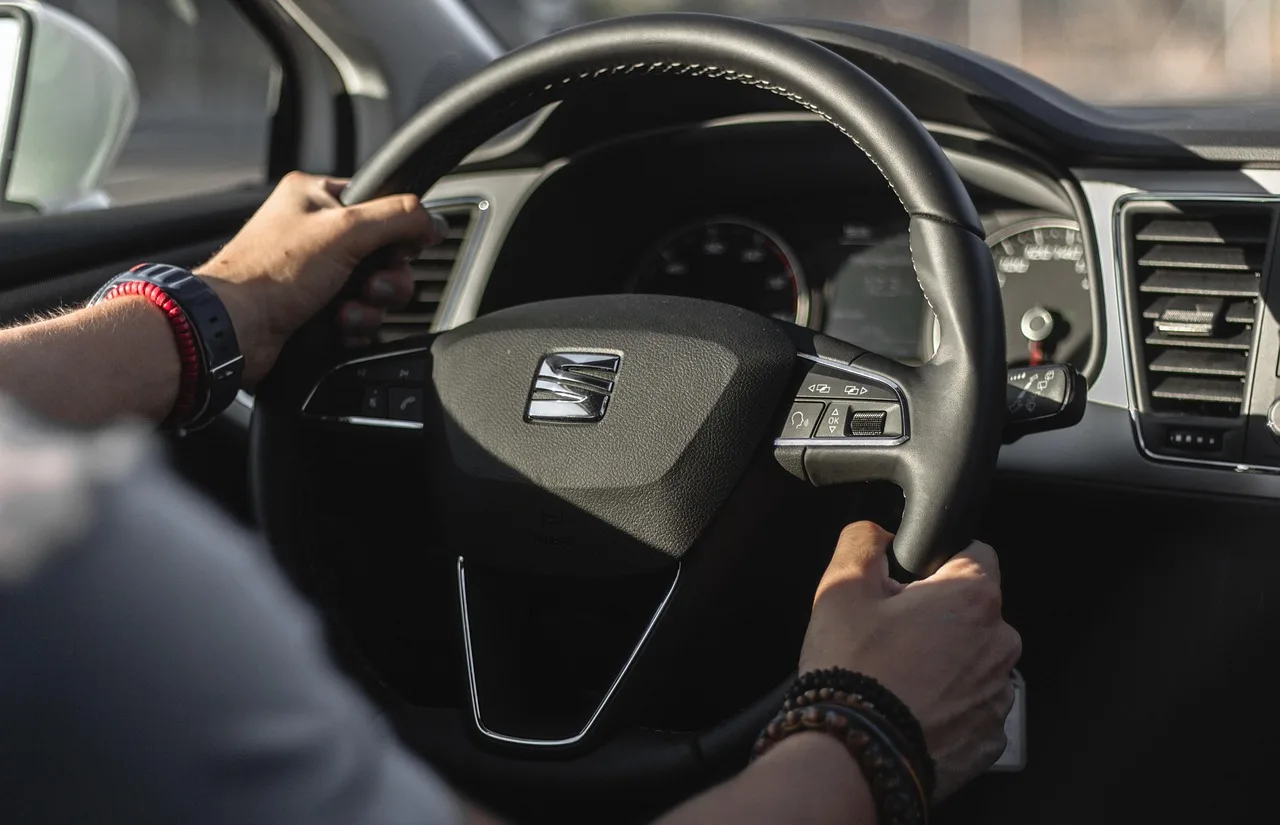
Steering wheel controls add convenience and safety, but aftermarket stereos do not natively understand factory button signals. A steering wheel control adapter sits between factory wiring and the new head unit, and it translates button signals before the aftermarket radio receives them. That only works cleanly when the adapter type matches the car and the radio.
Some installs are plug-and-play. Others need a programmable interface module that lets you map buttons yourself. The wrong choice can leave you with volume only, no phone buttons, or a dead interface after the first power cycle.
What you’ll need
- Vehicle year, make, model, and trim
- Factory radio type: base, premium branded, or navigation/display
- Photo of the factory connector shape and pin count
- Aftermarket head unit model and its steering-wheel-control input type
- Vehicle-specific wiring kit or programmable interface module
- Patch lead if the radio needs one
- Antenna adapter if the factory antenna plug does not match
- Amplifier interface if the vehicle has a factory amplifier
- Trim tools, a multimeter, and basic hand tools
Steering wheel control adapter table
| Vehicle signal type | Factory amplifier present | Head unit input type | Likely adapter category | Common add-on parts to budget for |
|---|---|---|---|---|
| Simple analog button resistive ladder | No | Wire or 3.5 mm jack | Vehicle-specific wiring kit | Patch lead, antenna adapter |
| Simple analog button resistive ladder | Yes | Wire or 3.5 mm jack | Vehicle-specific wiring kit with amplifier retention | Amplifier interface, patch lead, antenna adapter |
| CAN data-bus signal | No | Wire, 3.5 mm jack, or data-bus | Programmable interface module | Patch lead, antenna adapter |
| CAN data-bus signal | Yes | Data-bus or wired SWC input | Programmable interface with amplifier retention | Amplifier interface, patch lead, antenna adapter |
| Separate module after premium or navigation radio | Often yes | Data-bus input | Vehicle-specific wiring kit or branded-data interface | Amplifier interface, patch lead, antenna adapter |
How do you match the adapter to your car?
Start with year, make, model, and trim, then confirm the factory radio type and connector shape. That is the fastest way to avoid a wrong kit. The checklist starts with year, make, model, and trim because the same badge can use different audio wiring in different trims.
Identify the factory radio type
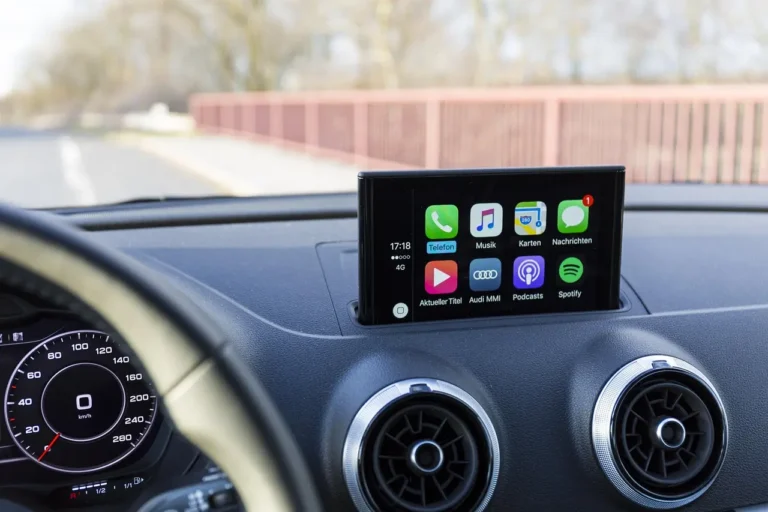
Factory radio type can be base, premium branded, or navigation/display. Premium and navigation units may route control signals through a separate module, which changes the adapter you need. If the screen or radio has car settings, a factory amplifier, or a branded audio badge, do not assume a basic kit will fit.
Check the steering wheel signal type
Look for analog button wiring first, then data-bus signaling. Older or premium systems can route control signals through a separate module, so a programmable interface module is often the safer choice. Programmable interface modules let you map buttons yourself, which helps when the car sends button data over the vehicle network.
Confirm connector shape and pin count
Connector shape and pin count are used to confirm a vehicle-specific wiring kit fit. Compare the plug photos from the seller with the factory plug in the dash before buying. A kit can be labeled for the right model year and still miss the right pin layout.
Which adapter type fits your head unit?
Your new radio matters as much as the car. Aftermarket head units may use a wire, a 3.5 mm jack, or data-bus input, and brand compatibility matters. A unit with no dedicated steering-wheel-control input is the wrong target, even if the vehicle side is correct.
Wired steering wheel control input
Many radios use either a dedicated SWC wire pair or a single learning wire. A vehicle-specific wiring kit or programmable interface usually works here. Check the radio menu for steering wheel setup before purchase, because some units require a learning mode after wiring.
3.5 mm jack input
This is common on many brand-name receivers. You will usually need the correct patch lead from the adapter to the radio’s jack. If the seller cannot confirm the patch lead type, budget for one before installation day.
Data-bus and Android radio input
Some Android head units accept steering-wheel data through a direct data-bus connection or a learning screen inside the setup menu. Treat Android units as their own category; do not assume a radio sold for a name-brand receiver will plug in the same way. Universal adapters may still work, but only when the head unit’s learning mode or data input supports them.
What factory features can change the choice?
Factory amplifiers, premium audio, and retained vehicle functions often decide whether you need a basic kit or a fuller interface package. A factory amplifier may be in the trunk, under a seat, or behind a side panel, and the adapter needs to keep that path alive or bypass it correctly. Can you keep backup camera, chimes, and USB/AUX when you add an adapter? Sometimes yes, but not through a plain steering-wheel adapter alone.
Factory amplifier location and retention
If the car has an amplifier, verify whether the adapter retains it, turns it on, or requires a separate amp interface. Common add-ons include an amplifier turn-on lead and a retention module. Missing this part is one of the fastest ways to get weak sound or no sound at all.
Premium audio and navigation systems
Premium systems often bundle speaker processing, chimes, and button data in one path. That means a simple steering wheel control adapter may only solve one part of the job. If the vehicle uses a premium branded system, choose a kit or interface that names that system explicitly.
Backup camera, chimes, and USB/AUX
Retained features do not always travel with the steering-wheel adapter. Backup camera retention may need a camera interface or a reverse trigger path. Chimes, USB, and AUX often need separate retention pieces, so add them to the budget before checkout.
Say your car has volume, track, and voice buttons, but the new radio only sees volume. That usually means the adapter is matched to the car but not fully matched to the radio’s input or programming mode. The fix is often a different patch lead or a learning pass in the radio menu.
How do you install and program it?
Install the interface, then teach or assign the buttons. Some adapters learn automatically, while others need button mapping in the radio. Keep the process short and methodical, because a loose plug can look like a programming failure.
- Disconnect power. Remove the negative battery terminal and wait a few minutes before touching the dash wiring. That protects the radio and keeps the airbag and amplifier circuits from seeing a hot plug-in.
- Match every connector. Compare the vehicle plug, radio plug, and any patch lead to the kit photos before you connect anything. If the shape or pin count differs, stop and source the right part.
- Connect the interface. Plug the vehicle-specific wiring kit or programmable module into the factory side and the new head unit side. Keep the factory amplifier lead, camera lead, or antenna adapter in the chain if your vehicle needs them.
- Program the buttons. Follow the radio path: usually Settings > Steering Wheel Controls > Learn. Press each button for about 1-2 seconds during programming, then confirm the radio shows the assigned command before moving on.
- Test every mapped key. Check volume, track, source, phone, and voice. Some adapters support only a subset of buttons, so verify what the unit actually learned rather than assuming all keys transferred.
- Cycle and recheck. Turn the radio off, restart it, and confirm the assignments hold after a power cycle. If a button changes behavior after reboot, redo the learning process and inspect the patch lead.
Suppose the radio learns volume up and down, but source changes only on a long press. That usually points to a button map mismatch, not a bad head unit. Re-enter the radio’s SWC setup screen and assign a shorter press or a different command slot if the radio allows it.
Common mistakes
The biggest mistake is buying from the product title alone. A listing that says it fits your car may still miss the factory amplifier path, the radio input type, or the pin count. A five-minute verification before purchase prevents most of the rework.
- Skipping the factory radio type and trim check
- Ignoring connector shape and pin count photos
- Buying an adapter without a matching patch lead
- Assuming a universal module will keep every factory feature
- Overlooking amplifier retention when the car has premium audio
- Expecting every button, including phone and voice, to map automatically
Common failure cases
| Failure case | What it usually means | Adapter choice that usually fixes it |
|---|---|---|
| Only volume works | Wrong patch lead or incomplete button map | Vehicle-specific wiring kit with the correct radio lead |
| Buttons work until reboot | Learning mode was not saved | Programmable interface module with re-learn support |
| Source or phone buttons fail | The adapter supports only a subset of buttons | Interface that lists phone, voice, and source support |
| No sound after install | Factory amplifier was not retained or turned on | Kit with amplifier interface |
| Camera or chimes disappear | Those features need separate retention parts | Retention module plus the SWC adapter |
Frequently asked questions
What is the best steering wheel control adapter for my car?
The best choice is the one that matches your signal type, radio input, and factory features. For many vehicles, a vehicle-specific wiring kit is the cleanest plug-and-play option. If the car uses data-bus steering-wheel signals or a premium radio path, a programmable interface module is usually the better fit.
Do I need a steering wheel control interface for my new radio?
Yes, if you want the factory buttons to keep working. Most aftermarket radios do not understand the car’s button signals on their own, so an interface is commonly used to translate them into commands the radio can read. Check the head unit’s steering-wheel-control input before you buy.
How do I know if an adapter is compatible with my vehicle?
Confirm year, make, model, trim, factory radio type, connector shape, and pin count. Then verify whether the vehicle uses analog buttons or a data-bus module. If the seller cannot match those details, do not rely on the product title alone.
What if my car has a factory amplifier or premium system?
That changes the wiring path. Look for an adapter or kit that keeps the amplifier active and supports the branded audio system. A basic steering-wheel module alone may leave you with no sound, missing chimes, or incomplete retained features.
Will a universal adapter work with my aftermarket head unit?
Sometimes, but only if the radio accepts the adapter’s output type. A universal module can work with a wire, 3.5 mm jack, or learning input, but it still needs the right patch lead and button map. Android units and brand-name receivers should be checked separately.
How do programmable steering wheel control modules work?
They read the factory button signal and let you assign commands to it. In practice, you connect the module, enter the radio’s learn screen, and press each button so the module stores the mapping. That flexibility helps with cars that route signals through a data-bus system.
Can you add steering wheel controls?
Yes, if the new radio and adapter support the car’s button signal path. The usual route is a steering wheel control adapter plus the correct wiring kit or interface module. If the vehicle never had the buttons, the answer depends on whether the car has the needed wiring and control module support.