Parking Mode Dash Cam: How It Works and How to Use It
Parking mode lets a dash cam keep watch after you park, but the power source matters. Use hardwiring or an external battery pack for stops longer than about 1 hour, and use a 12V plug-in only for short parking. Set it up wrong and you can drain the battery or miss the impact that actually mattered. This guide covers mode types, power options, setup steps, and fixes for parking mode that will not record.
Many buyers miss one basic point: a camera can support parking mode and still capture nothing useful. It needs power after shutdown, a trigger that fits where the car sits, and settings that do not stop recording too soon. The usual failure points are power delivery, camera coverage, or the wrong trigger.
What parking mode actually does
What counts as parked recording
Parked recording means the camera can still capture footage with the engine off and the vehicle unattended. Some cameras drop into a low-power standby state and wake on a trigger; others use time-lapse or low bitrate to keep recording through the full parked period. Parking mode is often described as recording even when the car is turned off, but that only happens if the camera still has power.
That difference matters because “24H” on a box often means the camera is able to record, not that it records nonstop for 24 hours. A switched accessory outlet may cut power as soon as you shut the door.
The difference between enabled, powered, and actively recording
Enabled means the menu option is on. Powered means the camera still has a live supply after ignition-off. Actively recording means the chosen mode has actually started: motion entered the frame, the G-sensor tripped, or time-lapse began writing files.
A camera can clear the first step and fail the next two. That is why setup should start with the power path, not the menu screen.
What incidents parking mode can and cannot capture
Parking mode is mainly used to catch parked-car damage, theft attempts, vandalism, and disputes around the vehicle. That is true, but useful evidence still depends on angle, light, and timing. A front camera may capture the sound and shake of a side swipe without ever showing the point of contact.
Buffered clips help because they save footage from before and after the trigger. Without buffering, some cameras store only the aftermath: the parked car rocking, a brake light pulling away, or a person already leaving the scene.
Suppose your car is parked nose-in against a wall in a dim garage. The G-sensor may catch the bump, but the front lens can still miss the cart, bike, or person that caused it because the event happened outside the field of view.
How does parking mode on a dash cam work?
Parking mode works by switching the camera from normal driving recording into a parked state after ignition-off, then using motion detection, impact detection, or time-lapse to decide when to save video. Useful footage depends on three things working together: continued power, the selected trigger, and camera placement that actually sees the incident.
How the camera switches into parked mode
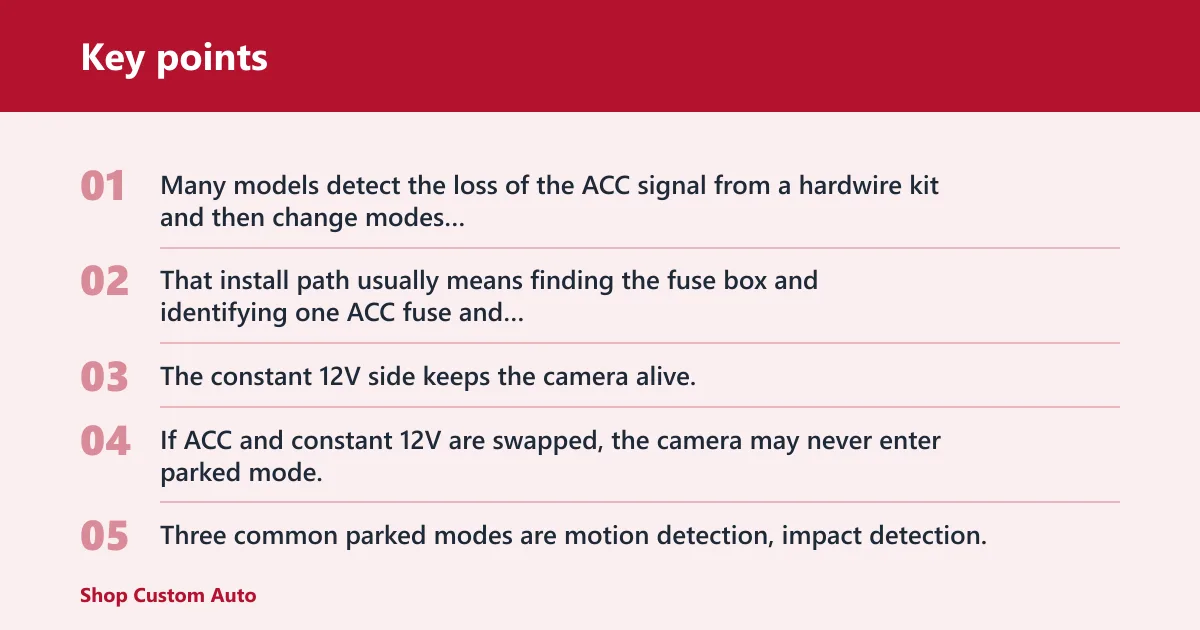
Many models detect the loss of the ACC signal from a hardwire kit and then change modes automatically. That install path usually means finding the fuse box and identifying one ACC fuse and one constant 12V fuse. The constant 12V side keeps the camera alive; the ACC side tells it when driving has stopped.
If ACC and constant 12V are swapped, the camera may never enter parked mode, or it may stay in parked mode while you drive. Both problems are common after DIY installs.
What each parked trigger actually does
Three common parked modes are motion detection, impact detection, and time-lapse recording. Motion detection starts when a person, car, or other movement crosses the camera’s view. Impact detection uses a G-sensor or accelerometer to react to collisions, bumps, or shakes. Time-lapse records at a low frame rate or saves frames at intervals every few seconds to minutes.
Motion and impact modes are event driven. Time-lapse covers the full parked period with less detail but fewer gaps.
Why buffered recording matters
Buffered recording stores video from before and after the trigger. That pre-trigger section is often the difference between “a noise happened” and “the car next to you started backing before contact.” If the camera saves only post-event clips, the evidence loses value fast.
What buffered parking mode saves varies by model, so check the setting. Some cameras buffer only impact events, not motion events.
Why camera view matters as much as the trigger
Triggers do not guarantee usable identification. Motion can wake the camera, but glare, darkness, windshield haze, and distance can still ruin plate readability. Impact can save the clip, but a front-only camera can miss the side or rear angle that shows who caused the damage.
Dual-channel coverage matters most for curb parking, apartment lots, and any place where the hit is likely to come from behind or beside the vehicle.
What is the difference between motion detection and impact detection?
Motion detection reacts to movement inside the camera view, while impact detection reacts to physical force on the vehicle. Motion works better for approach-and-leave events. Impact works better for actual contact. Each has blind spots, so many drivers get better evidence by pairing buffered motion or impact with time-lapse in busier or longer parking situations.
When motion detection works best
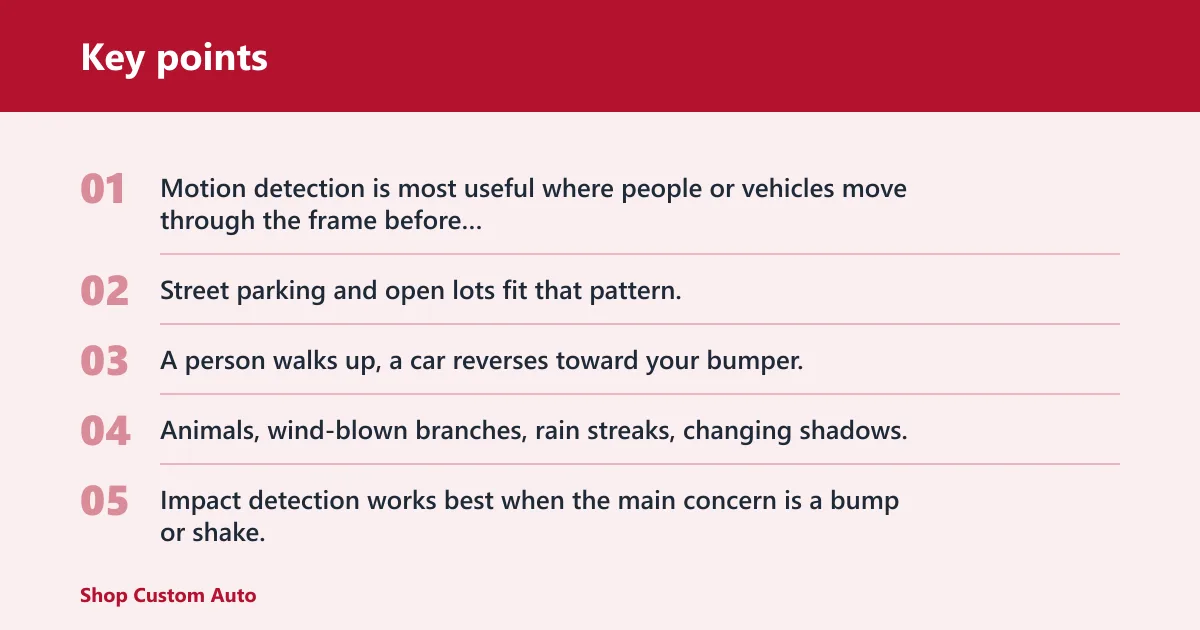
Motion detection is most useful where people or vehicles move through the frame before contact. Street parking and open lots fit that pattern. A person walks up, a car reverses toward your bumper, or someone stays by the door long enough for the camera to wake.
It also has the highest false-trigger rate. Animals, wind-blown branches, rain streaks, changing shadows, and headlights can all create clips that fill the card without adding evidence.
When impact detection works best
Impact detection works best when the main concern is a bump or shake. It can catch door dings with enough force, a low-speed parking hit, or someone jostling the vehicle. It does not need visible movement before contact.
It can still miss non-contact incidents. Keying, a theft attempt at the edge of frame, or someone removing a plate without shaking the car may never cross the sensor threshold.
When time-lapse or low bitrate is the better fit
Time-lapse is usually the better choice for long parked periods because it covers the entire session while cutting power use. Parking mode draw is often described at about 0.2-0.5A continuously, so reducing how much the camera has to process and write can matter overnight or across several days.
Low bitrate and time-lapse are different modes. Low bitrate keeps normal video flow and usually keeps more motion detail, but it uses more storage and usually more power than interval-based time-lapse. Time-lapse cuts storage load and draw, but fast motion may look jumpy and plates can blur between frames.
Say your car sits in an airport lot for two days. Motion mode may trigger constantly from distant traffic and pedestrians. Time-lapse gives complete coverage of the parked window; a buffered event mode may still fit better for a single overnight curb spot where approach detail matters more than duration.
Do you need a hardwire kit for parking mode?
Most drivers do need a hardwire kit for reliable parking mode because factory 12V outlets often cut power when the ignition turns off. A proper kit connects to ACC, constant 12V, and ground, then uses low-voltage cutoff to stop before the starter battery is drained too far. External battery packs are the main alternative.
Why plug-in power often fails after shutdown
Most parking mode features need a hardwire kit because factory 12V outlets cut power with ignition off. Some vehicles do keep the socket live, but many do not, and some shut it off after a timer expires. A plug-in cable is fine for short parking only if that outlet is always hot and the camera supports parked recording from that source.
That is why a 12V accessory outlet usually cannot support true parked recording by itself.
How a hardwire kit is connected
A hardwire kit taps into a constant-power fuse that stays live 24/7, plus an ACC fuse that switches with the ignition. It also needs a good chassis ground. Fuse taps are commonly used, and the fuse choice matters: pick the wrong circuit and the camera may not see shutdown correctly or may lose power at random.
Quality kits usually include a low-voltage cutoff to prevent battery drain. That cutoff is the part that decides when parked recording stops.
What low-voltage cutoff does and what to set
Common cutoff examples are 11.8V, 12.0V, and 12.2V. Lower settings keep parking mode active longer but leave less reserve for starting. Higher settings protect starting ability better but end recording sooner.
For a healthy daily-driven vehicle, 12.0V is a practical middle setting. For an older battery, short-trip use, or cold weather, 12.2V is the safer choice. For longer coverage with a strong battery and regular driving, 11.8V can extend recording time, but it carries more starting risk.
When an external battery pack is the smarter option
An external dash cam battery pack can support parked use without relying on the starter battery. It charges while driving and, depending on capacity, camera load, and ambient temperature, can support roughly 24 to 72 hours of parked use.
This option makes sense for airport parking, weak batteries, short commutes that never fully recharge the car battery, and high-heat use where you want the camera body to have a supercapacitor instead of an internal lithium cell. A supercapacitor handles heat better than battery-based camera designs, but it only keeps the camera stable briefly; it is not a long-duration parking power source.
How to set up parking mode correctly
Choose the power method first
- Check whether the camera needs constant 12V for parked recording.
- Test whether the vehicle’s 12V outlet stays live after ignition-off.
- If the outlet shuts off, use a hardwire kit or external battery pack.
- If using a hardwire kit, identify one ACC fuse, one constant 12V fuse, and a clean ground point.
- Set the low-voltage cutoff before long parking sessions.
Select the mode for where the vehicle sits
Street parking overnight usually favors buffered motion or buffered impact because you want footage from the approach and the contact itself. Apartment lots often call for dual-channel coverage because backing incidents and side contact are commonly reported. Garages tend to have less motion, so impact detection or low-rate time-lapse usually creates fewer false clips.
Long-term parking favors time-lapse or low bitrate plus an external battery pack. High-heat parking favors cameras with supercapacitors and conservative settings that reduce heat load and battery stress.
Set sensitivity, cutoff, and recording options
Start with medium motion sensitivity and medium G-sensor sensitivity, then adjust based on actual false triggers and misses. If the card fills with clips from passing shadows, lower motion sensitivity or narrow the detection zone if the camera allows it. If a door slam beside the car does not trigger anything, raise G-sensor sensitivity one step.
Turn buffered recording on if the model supports it. Then choose a cutoff setting that matches vehicle condition and parking length.
Verify that parked mode actually activates
Do not stop at “feature enabled.” Shut the vehicle down, lock it, and wait through the camera’s transition delay. Look for the parked-mode icon, voice prompt, LED behavior, or app status that confirms the switch happened.
A common first-time mistake is enabling parking mode in the app, plugging into a dash socket, and assuming the camera will keep watching overnight. The next morning, the last file ends exactly when the ignition turned off because the outlet lost power.
Parking setup matrix
| Parking situation | Recommended mode | Power method | Cutoff setting | Expected battery risk | Common failure point |
|---|---|---|---|---|---|
| Street parking overnight | Buffered motion detection or buffered impact detection | Hardwire kit to ACC and constant 12V | 12.0V | Medium | False motion triggers fill the card or battery runs down before morning |
| Apartment parking | Buffered impact detection with rear coverage; motion if traffic passes close | Hardwire kit; dual-channel if rear incidents are likely | 12.0V | Medium | Front-only view misses side or rear contact |
| Garage parking | Impact detection or low-rate time-lapse | Hardwire kit or always-hot outlet for short stays | 12.2V | Low | Camera sees too little motion to wake before a person leaves frame |
| Airport parking | Time-lapse recording; low bitrate if more detail is needed and power allows | External dash cam battery pack | 12.2V if also tied to vehicle battery | High without external pack; low with one | Starter battery cutoff stops recording long before return |
| Old battery vehicle | Impact detection only, or short-duration time-lapse | External battery pack preferred; hardwire only with conservative cutoff | 12.2V | High | Voltage cutoff trips early or vehicle struggles to start |
| High-heat summer parking | Time-lapse or impact detection with a supercapacitor-based camera | Hardwire kit or external battery pack kept within manufacturer limits | 12.2V | Medium | Heat shutdown, adhesive failure, or battery-based camera instability |
Will parking mode drain your car battery overnight?
It can, but the real answer depends on battery health, starting charge, temperature, camera draw, parked duration, and how often the vehicle is driven. A low-voltage cutoff lowers the risk, yet overnight success on a healthy daily driver is very different from a weak battery, short commute, or multi-day parking session.
What changes the risk in real use
Battery age matters. So does state of charge when you park. A camera drawing about 0.2-0.5A continuously may be manageable for one vehicle and too much for another that only sees ten-minute trips.
Cold weather cuts starting margin. Heat speeds battery aging. In both cases, the same cutoff setting can behave very differently from season to season.
How cutoff voltage changes recording time
At 11.8V, the camera records longer before shutting down. At 12.2V, it quits sooner but leaves more starting reserve. That is the tradeoff, and there is no single best setting for every car.
If the car sits for long periods, protect the starter battery first. If it is driven daily and the battery is strong, longer parked coverage may be reasonable.
Why short commutes and infrequent driving are the bigger problem
Parking mode often fails less because of one long night and more because the battery never gets topped back up. If the car is driven briefly, then parked again, the battery can spend days in a partial-charge cycle while the camera keeps drawing.
Picture a sedan used for a 12-minute commute each way, then left curbside all weekend. Even a sensible cutoff can leave the owner wondering why coverage keeps ending early; the battery simply never recovered enough between sessions.
Why parking mode stops working
Wrong fuse choice or reversed wiring
The camera may fail because the chosen fuse is not truly constant, the ACC circuit was misidentified, or ACC and constant 12V were reversed. If parked mode never starts, or starts while driving, this is the first place to look.
Poor ground causes random restarts, corrupted files, or a camera that powers up and down with door locks and interior electronics.
Cutoff, card, firmware, and overwrite issues
An aggressive cutoff can stop recording much earlier than expected. If the unit powers down after only a short time, raise the battery’s starting charge first, then review the cutoff setting. Do not lower cutoff blindly on an old battery.
Memory card problems are another common cause. A worn or incompatible card can throw write errors, fail to save parked clips, or overwrite the event folder in an odd way. Firmware settings can also disable buffering, limit event length, or prevent automatic parked-mode transition.
Heat shutdown, bad placement, and missed coverage
High cabin heat can shut a camera down even when power is correct. Bad placement creates another kind of failure: the camera records, but not the angle that matters. A low mount behind a wiper shadow, a dirty windshield band, or a wide gap to the next parking row can turn a real event into unusable footage.
Front-only cameras are especially vulnerable to this. If side swipes, rear bumps, or lot backing incidents are the main risk, add rear coverage before chasing mode settings.
How to choose the right parking mode for your situation
Street and apartment parking
For overnight street parking, buffered motion or buffered impact is usually the best fit because there is often visible approach before contact. Use hardwire power, keep the cutoff at 12.0V unless the battery is aging, and favor dual-channel if the rear bumper is exposed.
In apartment lots, side and rear incidents are common. Impact detection plus rear coverage is often more dependable than front-only motion clips.
Garages and low-traffic areas
Indoor parking often has less movement and more stable lighting. That makes impact detection a cleaner trigger and reduces false motion clips. If the vehicle sits for a workday and the battery is healthy, a 12.2V cutoff is a cautious choice that still allows coverage.
Where movement is rare but you want full timeline coverage, low-rate time-lapse is the better fit than motion wake-ups.
Long-term parking, heat, and weak batteries
For airport lots or vehicles that sit for days, use an external battery pack if parked recording matters. That avoids turning the starter battery into the main fuel tank for surveillance.
For high heat, pick a camera with a supercapacitor and keep expectations realistic. Heat tolerance in the camera body does not solve power limits, and it does not guarantee the adhesive mount or memory card will be happy after hours in direct sun.
Frequently asked questions
Can I use parking mode without hardwiring the dash cam?
Yes, but only in a few cases: the vehicle has an always-hot 12V outlet, the camera accepts that input for parked recording, or an external dash cam battery pack is used. Most factory outlets switch off with ignition, so plug-in power alone usually cannot support true parked recording.
What low-voltage cutoff should I set for parking mode?
Use the setting that matches battery health and parking duration. 12.2V is the safer choice for older batteries, cold weather, and short-trip vehicles. 12.0V is a common middle ground. 11.8V gives more recording time but leaves less starting reserve, so it suits only stronger batteries and frequent driving.
Is time-lapse parking mode better than low bitrate recording?
Time-lapse is better for long parked periods because it reduces storage use and usually lowers power demand, but it loses motion detail between frames. Low bitrate keeps fuller video detail and smoother movement, yet it uses more storage and usually more power. Choose by duration first, then by detail needs.
Why is my dash cam parking mode not working?
Common causes are a switched 12V outlet, wrong fuse choice, ACC and constant 12V reversed, poor ground, voltage cutoff set too high, memory card write errors, heat shutdown, or parked mode not actually enabled. Check power after ignition-off before changing camera menus or sensitivity.
What kind of footage does buffered parking mode save?
Buffered parking mode saves video from before and after the trigger, so the clip includes approach, contact, and departure instead of only the aftermath. That pre-trigger section often shows who moved first or where the vehicle came from. Some cameras buffer only certain event types, so verify the setting.
Is a dash cam with built-in battery worth it for parking mode?
Usually no, if the goal is long-duration parked recording. Built-in batteries in dash cams are commonly for safe shutdown and brief backup, not hours of surveillance. For heat tolerance, a supercapacitor-based camera is the better design. For long parking sessions, use hardwiring with cutoff or an external battery pack.