Motion Detection vs Impact Detection in Parking Mode
Use motion detection for scene activity, impact detection for collision alerts, and buffered recording for the strongest evidence chain. Pick the wrong mode and you can miss a hit, save too much noise, or lose the seconds that prove what happened. This guide compares how each parking mode works for street parking, driveways, garages, and apartment lots.
Parking mode at a glance
| Decision factor | Motion detection | Impact detection | Winner |
|---|---|---|---|
| What triggers it | Visible movement in the camera’s field of view | Vibration or physical impact above a G-sensor threshold | Impact detection |
| Best evidence target | People, vehicles, loitering, and approach events | Collisions, bumps, and hit-and-run events | Tie |
| False-trigger risk | Higher in rain, shadows, light changes, and traffic wash | Lower for visual changes, but not immune to vibration sensitivity | Impact detection |
| Evidence chain | Good for seeing the approach, but can miss the lead-up | Good for the strike, but may miss the setup | Buffered recording |
| Storage pressure | Can create many clips in busy scenes | Usually fewer clips, unless sensitivity is set too high | Impact detection |
| Best fit | Theft, vandalism, keying, loitering, and visible approaches | Collision evidence and parking-contact claims | Tie |
What the table means
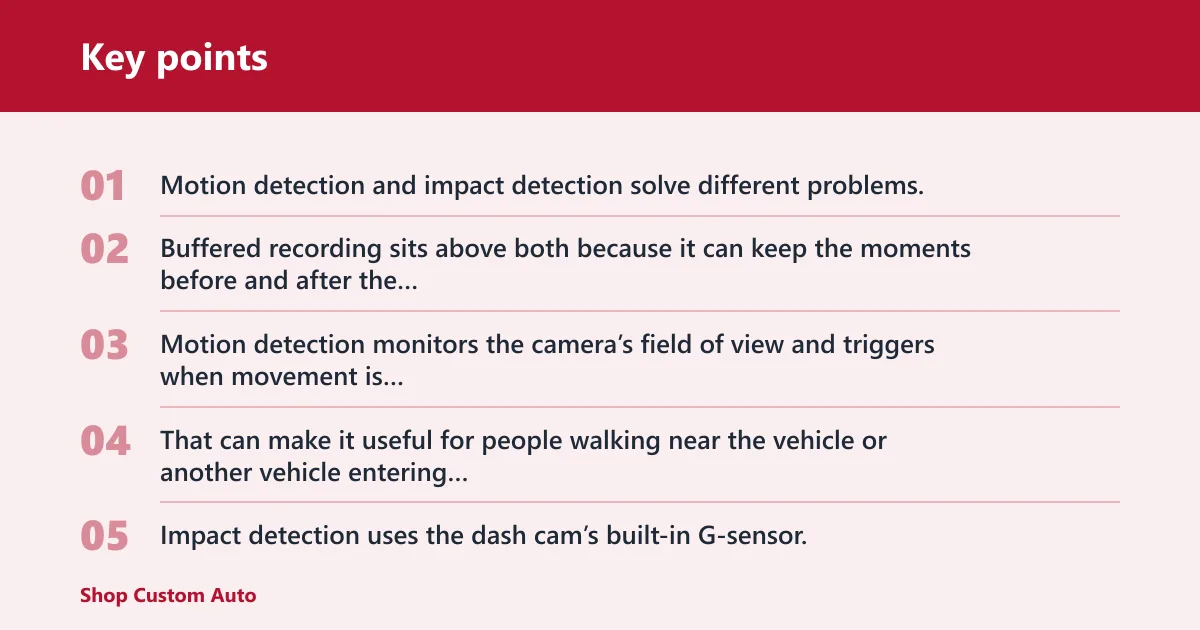
Motion detection and impact detection solve different problems. Motion watches for scene activity. Impact watches for force. Buffered recording sits above both because it can keep the moments before and after the trigger, which improves the value of either mode.
Motion detection
Motion detection monitors the camera’s field of view and triggers when movement is detected. That can make it useful for people walking near the vehicle or another vehicle entering frame, but it also means rain, shadows, light changes, and traffic wash may create extra clips.
Impact detection
Impact detection uses the dash cam’s built-in G-sensor, which is an accelerometer-based sensor that reacts to sudden vibration or force above a set threshold. It is the stronger choice for collisions, bumps, and hit-and-run events, but it can miss low-force impacts and some non-impact vandalism.
Buffered recording
Buffered parking mode keeps a short loop in memory and saves the seconds before and after the trigger. Many models can capture up to 5-10 seconds leading up to the event, which helps preserve the lead-up to a plate, face, or impact. That is why buffered clips often give the clearest evidence trail.
How motion detection works
Motion detection is scene-based. It does not care whether the car was bumped; it cares whether something moved through the camera’s view. That makes it useful for approach events, loitering, theft attempts, and someone opening a door near the vehicle.
Where motion detection fails
Motion detection is limited by field of view and lighting conditions. A person outside the camera’s angle will not trigger it, and low light can reduce what the camera can see. Rain streaks, moving shadows, and headlights from passing traffic can also trigger false recordings.
Best use cases for motion detection
Use motion detection when the question is, “Who came near the car?” It is a strong fit for apartment lots, curbside parking, and places where keying or loitering is a bigger concern than a hard bump.
Say your car sits on a quiet driveway overnight and a neighbor walks up to check a tire. Motion detection will likely capture the person approaching the car, while impact detection may stay idle unless the vehicle is touched or jolted.
How impact detection works
Impact detection uses the dash cam’s G-sensor to detect sudden acceleration or force above a set sensitivity threshold. That makes it the better match for parked-car collisions, shopping-cart bumps, door dings, and hit-and-run events where the car is physically shaken.
G-sensor sensitivity and protected clips
The G-sensor sensitivity can usually be adjusted. Set it too high and ordinary vibration can trigger clips; set it too low and a light hit may be missed. Many dash cams save or lock the event footage into a protected folder when the sensor trips.
What impact detection catches best
Impact detection is best for collisions and parking-contact claims. If another car taps your bumper or backs into a fender, the sensor is more likely than motion detection to start the right recording at the right time.
What impact detection can miss
Impact detection can miss low-force impacts and vandalism that does not shake the car. Keying, leaning, tampering with a door handle, or catalytic converter theft may leave evidence in the scene without creating enough vibration to trip the G-sensor.
Suppose a car is keyed along the passenger side in a garage. Motion detection may catch the person standing beside the vehicle, but impact detection may never activate if no jolt reaches the sensor.
Buffered parking mode in practice
Buffered parking mode changes the value of both motion detection and impact detection because it keeps the moments before the trigger. That matters when the useful proof starts before the event itself, such as a face, plate, or hand reaching for a door handle.
Why pre-trigger footage matters
Event-only clips often start after the key moment has already begun. Buffered recording preserves the lead-up, so the clip can show the person approaching, the vehicle stopping, and then the impact or intrusion. That turns a short alert into a stronger evidence package.
How buffered clips change each mode
With motion detection, buffered clips can capture the approach before the person fully enters frame. With impact detection, they can show the vehicle moving before the hit and the immediate aftermath after it. The result is better context either way.
Where low-bitrate and time-lapse fit
Low-bitrate parking mode records continuously at a reduced data rate, so it can use less storage than full-rate recording and is often paired with G-sensor recording. Time-lapse records at a reduced frame rate, often one frame per second, which preserves broader coverage than event-only modes but can make fast events look choppy.
Some users prefer time-lapse because motion detection can leave pieces missing. That trade-off matters in long parking sessions, where a clip-based system may miss the calm stretch before a trigger.
Motion detection vs impact detection by parking scenario
Parking environment changes the choice. A quiet driveway can favor scene monitoring, while a busy street or apartment lot can tilt the decision toward impact detection or buffered recording because the risk is either too much visual clutter or not enough reliable scene separation.
Quiet driveway
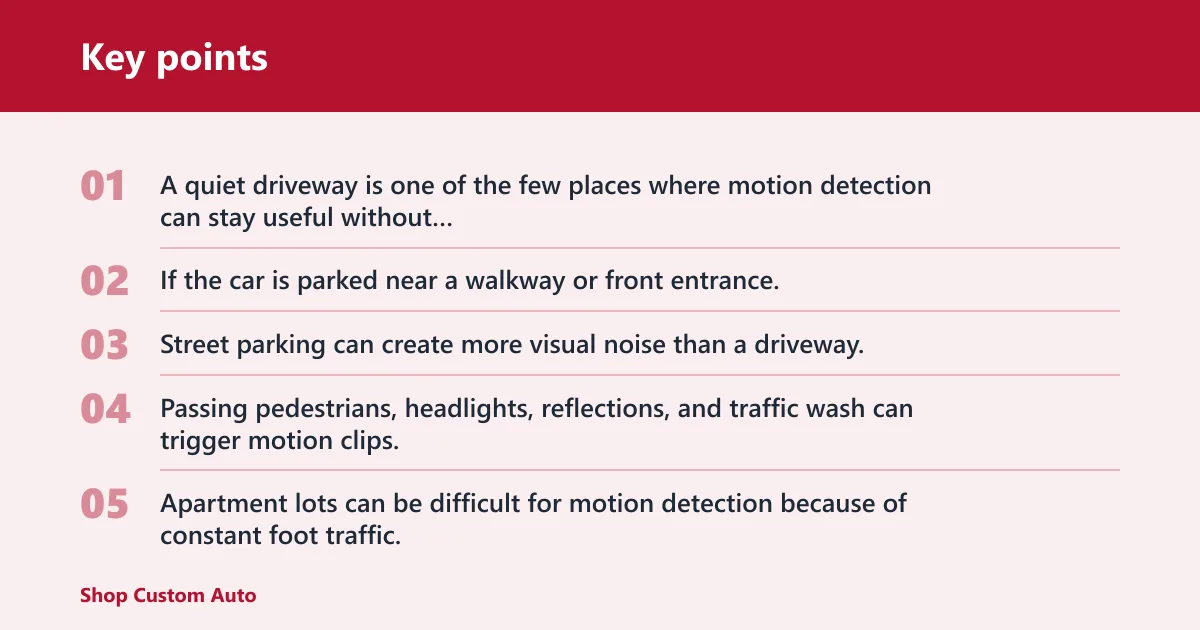
A quiet driveway is one of the few places where motion detection can stay useful without constant clutter. If the car is parked near a walkway or front entrance, motion detection can catch approach activity; if the main concern is a bump in a narrow drive, impact detection becomes more important.
Busy street
Street parking can create more visual noise than a driveway. Passing pedestrians, headlights, reflections, and traffic wash can trigger motion clips, so impact detection or buffered recording usually gives cleaner evidence unless you specifically need to document approach or tampering.
Apartment lot
Apartment lots can be difficult for motion detection because of constant foot traffic. In a mall garage, for example, motion detection can trigger on too many passing people. Buffered impact detection, or a low-bitrate mode paired with the G-sensor, is often easier to manage.
Overnight garage
An overnight garage can be the best place for buffered recording because movement is limited and a clipped pre-trigger segment is more likely to matter. If the risk is a door ding, a scrape, or a slow roll into the bumper, impact detection deserves priority.
Choose motion detection or impact detection?
Choose motion detection if you need scene activity and approach coverage. Choose impact detection if collision evidence matters most. Use both only if your camera supports it and your storage can handle the extra files, because the best setting is the one that still leaves room for the clips you actually need.
Choose motion detection if…
- You care about people walking up to the car, loitering, or attempted entry.
- You want evidence for theft, vandalism, or keying that may not create a hard impact.
- Your parking spot is calm enough that false triggers will stay manageable.
Choose impact detection if…
- Your main worry is a collision, bump, or hit-and-run while parked.
- You want fewer motion-triggered clips from rain, shadows, headlights, or foot traffic.
- You prefer a simpler setup focused on physical force rather than scene movement.
Use both only if…
- Your dash cam supports both modes together.
- You have enough storage to absorb the extra clips without overwrite risk.
- You need both approach evidence and collision evidence in the same parking spot.
Decision matrix for parking scenarios
Use this matrix when you want a practical rule by location. The best answer changes with the parking environment, because quiet spaces reward motion coverage while busy spaces reward stronger filtering and cleaner event capture.
| Scenario | Motion detection | Impact detection | Buffered behavior | Evidence quality | False-trigger risk | Storage use | Best sensitivity setting |
|---|---|---|---|---|---|---|---|
| Quiet driveway | Useful for approach events and loitering | Useful for bumps and contact events | Best if you want the lead-up to a visitor or touch | High for approach, high for contact when buffered | Low to moderate | Moderate | Motion: medium; G-sensor: medium |
| Busy street | Often noisy because of traffic wash and passersby | Cleaner for bumps and collision evidence | Strongest if the dash cam can hold a pre-trigger clip | Higher for collisions than for scene activity | High for motion, lower for impact | High for motion, lower for impact | Motion: low; G-sensor: medium |
| Apartment lot | Can catch people, but may over-trigger in foot traffic | Better for dings, taps, and parking-lot bumps | Best when you need a face, plate, or hand before the event | High for tampering, medium for constant traffic | High for motion | High | Motion: low; G-sensor: medium to high |
| Overnight garage | Useful when someone approaches the car | Strong for contact and hit-and-run evidence | Very strong for short, decisive events | High for contact, good for approach if the camera sees it | Low to moderate | Moderate | Motion: low to medium; G-sensor: medium |
How to read the matrix
Evidence quality is highest when the mode matches the risk. Motion detection wins when the proof depends on seeing someone come near the vehicle. Impact detection wins when the proof depends on a physical strike. Buffered behavior improves both because it fills in the missing seconds around the trigger.
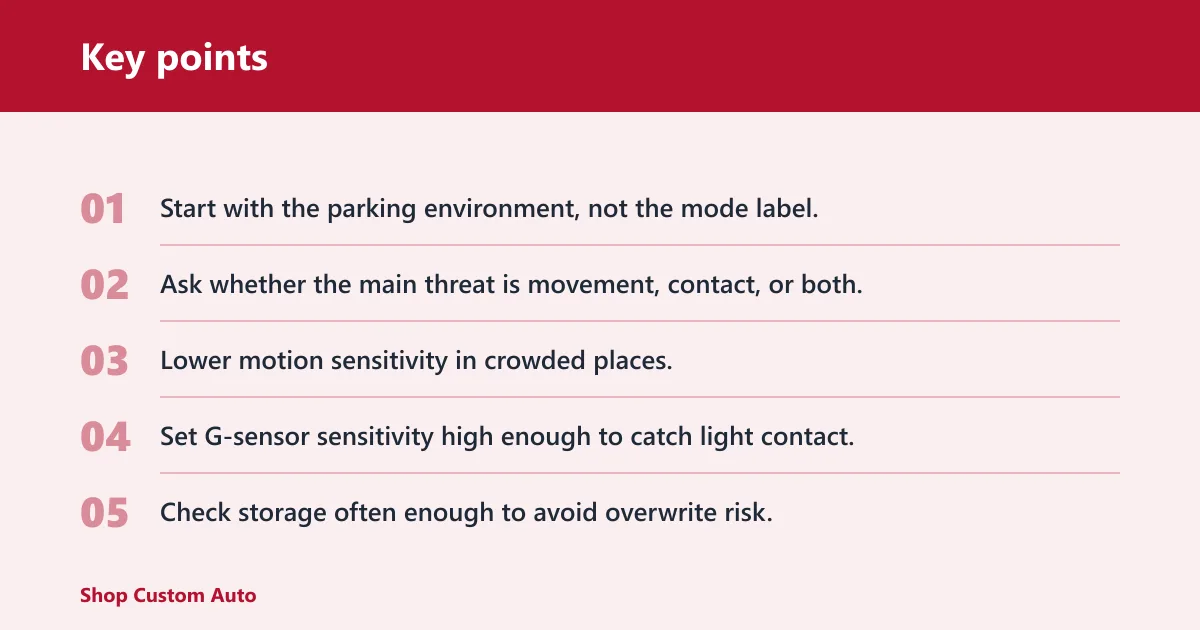
- Start with the parking environment, not the mode label.
- Ask whether the main threat is movement, contact, or both.
- Lower motion sensitivity in crowded places.
- Set G-sensor sensitivity high enough to catch light contact, but not so high that routine vibration locks clips all night.
- Check storage often enough to avoid overwrite risk.
Power, storage, and overwrite risk
Parking mode usually needs continuous power after the ignition is off. A hardwire kit taps the fuse box and includes low-voltage cutoff to protect the battery, which is why it is common for true unattended operation. A dedicated battery pack is the cleaner alternative because it charges while driving and powers the camera while parked.
Parking events create more files, especially with motion detection in busy areas. Larger microSD cards matter because they reduce overwrite risk when the camera saves many short clips. If storage is tight, low-bitrate parking mode or time-lapse can stretch coverage without relying on frequent event clips.
Frequently asked questions
What is the difference between motion detection and impact detection in parking mode?
Motion detection triggers on visible movement in the camera’s field of view. Impact detection triggers on vibration or force above a G-sensor threshold. Motion is better for people, vehicles, and loitering; impact is better for bumps, collisions, and hit-and-run events.
Which is better for parking mode: motion detection or impact detection?
Neither is better in every case. Motion detection is the better choice when scene activity matters, such as theft or keying. Impact detection is the better choice when collisions matter most. Buffered recording is the strongest option when you want the best evidence chain.
Does motion detection drain the dash cam battery faster than impact detection?
Usually yes, because motion detection can create more frequent recordings in busy areas. More clips mean more power use and more storage use. Impact detection often stays quieter unless the car is physically bumped, which makes it easier on both power and memory.
Can impact detection miss a hit-and-run if the car only gets lightly bumped?
Yes. A low-force bump may not trip the G-sensor if the sensitivity is set too low, and some contact does not create enough vibration to register. If light contact is a concern, buffered recording and a carefully adjusted sensitivity setting help reduce missed events.
Is motion detection too sensitive in busy parking lots?
Often yes. Busy lots can create too many motion clips because the camera sees people, carts, headlights, and traffic wash all day. That is why many buyers lower motion sensitivity there or switch to impact detection with buffered recording.
Will parked cars in rain, wind, or traffic trigger false recordings?
They can, especially with motion detection. Rain streaks, shifting shadows, light changes, and traffic wash are common false-trigger causes. Impact detection is less vulnerable to visual clutter, but a sensitive G-sensor can still react to vibration from nearby traffic or heavy wind.