Why Is My Dash Cam Parking Mode Not Working?
Your dash cam parking mode usually fails because the hardwire kit is on the wrong fuse, the cutoff voltage is set too high, or the camera never gets constant battery power. Left alone, that can mean missed impacts, a dead battery, or a camera that reboots as soon as the car is parked. This guide helps you match the symptom to the setup, check the power path, and fix the common parking mode settings.
This guide is part of our Parking mode dash cam: how it works and how to use it series.
What parking mode should do
Parking mode is recording with the ignition off. It is commonly reported to work in one of five ways: motion detection, impact detection, buffered recording, time-lapse recording, or low-bitrate recording. Buffered parking mode is the best fit for hit-and-runs because it saves footage before and after the trigger.
What changes when the engine shuts off depends on the power setup. A camera on a live constant-power circuit can keep recording. A camera on a switched circuit or a socket that cuts with ignition usually cannot. A hardwire kit uses low-voltage cutoff to protect the battery while keeping the camera awake.
Parking mode does not fix every loss of power. It also depends on firmware, a working memory card, and the camera’s parking settings. A bad card can make the feature look dead even when the wiring is correct.
Parking mode types at a glance
| Mode | What it does | Best use | Main weakness |
|---|---|---|---|
| Motion detection | Records when movement enters the scene | Quiet parking spots | Can create many clips in busy areas |
| Impact detection | Records when a hit or vibration is sensed | Parking-lot contact and hit-and-runs | May miss approach footage if not buffered |
| Buffered recording | Stores footage before and after the trigger | Best evidence capture | Needs constant power and correct setup |
| Time-lapse recording | Records frames at a set interval | Long parked periods | Less detail around fast events |
| Low-bitrate recording | Uses less data while parked | Longer retention on the card | Lower detail than normal recording |
Why is my dash cam parking mode not working?
Most parking mode failures come from one of four places: the camera setting, the power source, the cutoff setting, or the storage card. If the camera never engages, it is often a power or wiring problem. If it powers on but saves nothing, look at the card, the parking setting, or the trigger sensitivity.
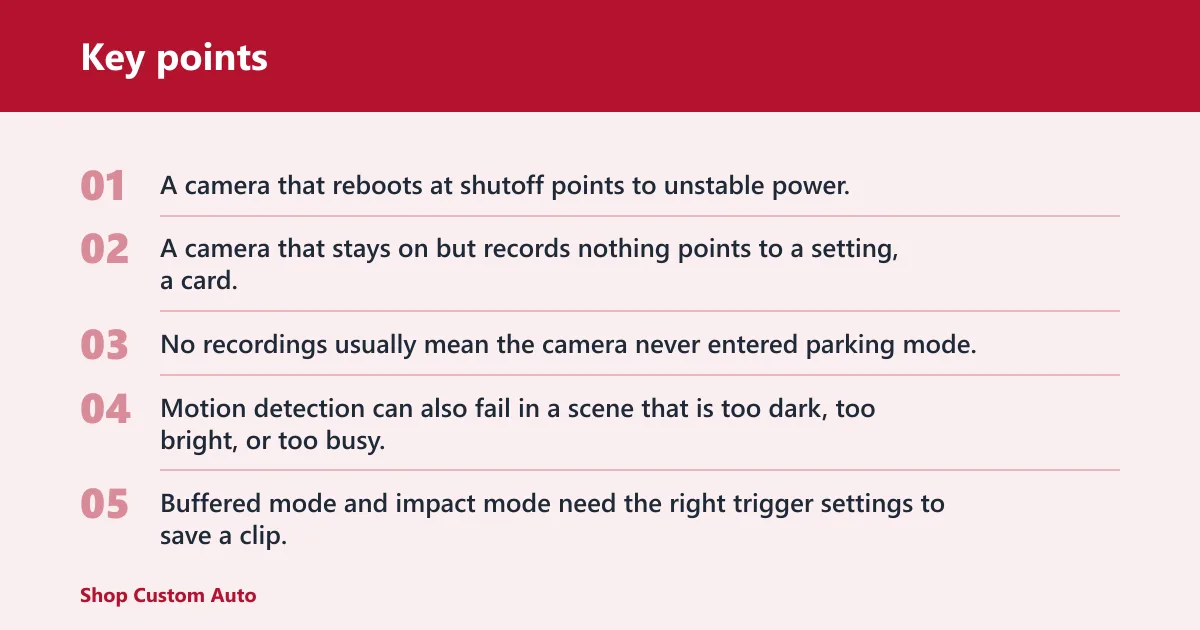
Start with the symptom, not the guess. A camera that reboots at shutoff points to unstable power. A camera that stays on but records nothing points to a setting, a card, or a mode that is too insensitive for the scene.
No parking recordings
No recordings usually mean the camera never entered parking mode, the card is full or faulty, or the parking mode feature is disabled in the menu. Motion detection can also fail in a scene that is too dark, too bright, or too busy. Buffered mode and impact mode need the right trigger settings to save a clip.
Parking mode never engages
If the camera stays in normal driving mode after you park, the accessory wire may still be live, the hardwire kit may be on the wrong fuse, or the camera may not see the ignition-off signal it expects. A 12V socket is often the wrong feed for parked recording because most cigarette-lighter plugs do not keep parking mode powered.
Camera reboots when the car shuts off
Reboots at shutdown point to a voltage drop, a loose ground, or a weak fuse-tap connection. The camera may briefly lose power as the vehicle changes states. That is common when the constant power wire and switched ACC wire are reversed, or when the socket output is unstable.
Battery cutoff happens too early
Early cutoff usually means the low-voltage cutoff is set too high, the car battery is already weak, or cold weather is dropping voltage faster than expected. One guide lists 11.8V to 12.0V as a usual cutoff range, but another recommends 12.2V or 12.4V as safer settings. A standard 12V battery is considered fully charged at about 12.6V to 12.8V.
Parking mode troubleshooting matrix
| Symptom | Most likely cause | Quick test | Fix | Urgency |
|---|---|---|---|---|
| No parking recordings | Parking mode disabled, bad card, or no constant power | Check the menu after key-off and confirm the card records normally in driving mode | Enable parking mode, reformat or replace the card, confirm constant power | High |
| Parking mode never engages | Switched feed only, wrong fuse, or socket shuts off with ignition | See whether the camera loses power the moment the key is off | Move to a constant fuse or use a supported battery pack | High |
| Camera reboots on shutoff | Loose ground, bad fuse-tap fit, or unstable vehicle power | Watch the screen during engine shutoff for a blanking or restart | Re-seat the fuse tap, check the ground point, verify the fuse choice | High |
| Battery cutoff happens too early | Low-voltage cutoff set too high, weak battery, cold weather | Check cutoff setting and measure resting battery voltage after parking | Adjust cutoff carefully, replace aged battery, consider a battery pack | Medium |
| Many short clips in parking mode | Motion detection too sensitive in a busy area | Review clip count after one parking session | Lower sensitivity or switch to buffered or time-lapse mode | Medium |
| No files saved after an event | Memory card error or file-system fault | Test a known-good card and format it in the camera menu | Replace the card if errors return; update firmware if supported | High |
What should you check first when parking mode fails?
- Confirm the camera is set to a parking mode, not normal recording only.
- Check whether the power source stays live after ignition off.
- Inspect the memory card for errors and reformat it in the camera.
- Verify the cutoff setting and the vehicle battery state.
- Review the fuse tap, ground, and constant power wire if the camera is hardwired.
Say your camera shows parking mode in the menu, but every clip stops after two seconds. That pattern points away from motion sensitivity and toward storage or power loss. A quick card swap or a wiring check can separate those causes fast.
Which power setup is failing?
Different power setups fail in different ways. A 12V socket may work only when the ignition is on. A hardwire kit can fail if the wrong fuse is used or the ground is poor. OBD-II cables and battery packs can work, but they bring compatibility and configuration limits.
Power setup checks
| Power setup | Common failure point | Verification step |
|---|---|---|
| 12V socket / cigarette lighter plug | Usually shuts off with the ignition; may stay live in some vehicles | Test the socket with the car off and watch whether the camera stays powered |
| Hardwire kit | Wrong fuse, no constant power wire, bad ground, or cutoff set too aggressively | Confirm constant power, switched ACC, and ground at the fuse box |
| OBD-II power cable | Vehicle compatibility varies; not every car supports parking mode through the port | Check whether the cable supports parking mode and whether the port stays powered as expected |
| External dash cam battery pack | Pack not charged, wrong cable, or camera not set to use it | Confirm charge status and verify the camera receives power after ignition off |
12V socket behavior
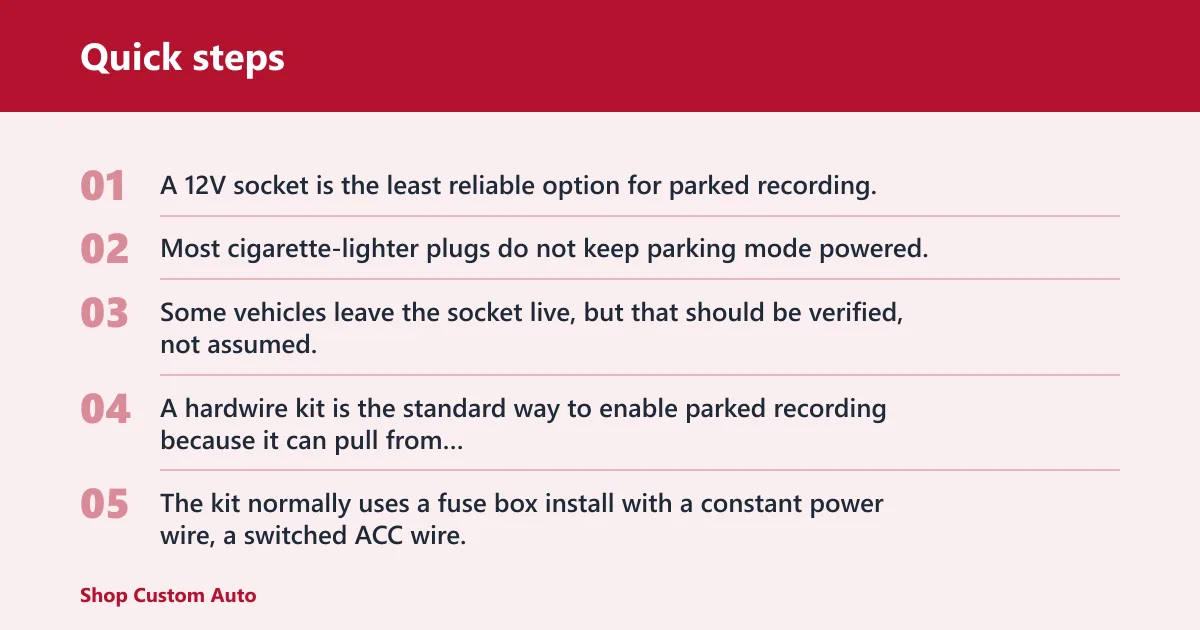
A 12V socket is the least reliable option for parked recording. Most cigarette-lighter plugs do not keep parking mode powered, so the camera stops when the car shuts down. Some vehicles leave the socket live, but that should be verified, not assumed.
Hardwire kit behavior
A hardwire kit is the standard way to enable parked recording because it can pull from constant vehicle power and use a low-voltage cutoff. The kit normally uses a fuse box install with a constant power wire, a switched ACC wire, and a ground wire. If any one of those is wrong, parking mode can fail or reset.
OBD-II cable behavior
An OBD-II power cable can be a practical alternative to hardwiring, but vehicle compatibility varies. Some ports stay live differently from one model to another, and some cables support parking mode while others do not. Do not treat it as universally compatible.
External battery pack behavior
An external dash cam battery pack gives the camera a separate power source and can support longer parked recording. It costs more, but it reduces strain on the car battery. It is a good fit when long parking sessions are common and the vehicle battery should not be used as the main reserve.
Do you need a hardwire kit for parking mode?
You need a hardwire kit if you want reliable parking mode from the vehicle battery. It is the most common way to keep a dash cam awake after ignition off, because it can feed constant power and protect the starter battery with low-voltage cutoff. A socket or adapter may work only in specific vehicles.
Fuse box installation matters. The constant power wire should connect to a fuse that stays live all the time, or to a fuse that is commonly kept live. The switched ACC wire should show ignition behavior when the ignition is on. The ground wire should make solid contact with clean metal. If those three do not match the kit’s design, parking mode can fail or behave erratically.
A common first-timer mistake is using a fuse that looks “always on” but actually drops out during sleep mode. The camera then works for a short while and dies later, which looks like a bad dash cam when the real problem is the circuit choice.
Battery cutoff and battery type
Low-voltage cutoff protects the starter battery, but the setting can be too conservative for some vehicles. One guide lists 11.8V to 12.0V as a usual cutoff range, while another recommends 12.2V or 12.4V as safer values. If parking mode ends too soon, the cutoff may be doing its job too early for your car and weather.
Some kits also shut off after eight, twelve, or twenty-four hours. That timer backup limit can end parking mode even when voltage still looks fine. Check both the voltage threshold and the time limit.
Battery type and cold weather
Battery type changes how parking mode behaves. Lead-acid, AGM, and EFB batteries do not recover and hold voltage the same way. Cold weather can also lower voltage readings and make a healthy battery look weaker than it does in warm conditions.
Picture an AGM battery that sits at 12.4V after a cold night. A cutoff set near 12.4V may stop parking mode far earlier than expected. In that case, the camera is reacting to the setting, not necessarily to a failed battery.
Why does the camera keep turning off and on?
Repeated power cycling usually means the camera is losing voltage during the change from driving to parked mode. A loose fuse tap, a poor ground, a bad fuse choice, or a weak battery can all cause that behavior. Firmware or setting conflicts can also restart the unit if the camera cannot complete the mode change cleanly.
Memory card faults can add confusion. If the card cannot write parking clips, the camera may appear to freeze, reboot, or stop saving files even though the power path is still live. That is why storage checks belong near the top of the list.
Common reset triggers
- Constant power and ACC wires reversed at the hardwire kit.
- Ground wire attached to painted metal or a weak point.
- Loose fuse tap that loses contact when the car vibrates.
- Parking mode setting turned on, but the card cannot store the file.
- Low-voltage cutoff too high for the battery’s current state.
Frequently asked questions
Why does my dash cam turn off when I park?
Most cigarette-lighter plugs do not keep parking mode powered, so the camera turns off with the ignition in many vehicles. A socket that stays live is an exception, not the rule. A hardwire kit, OBD-II cable, or battery pack is usually needed for parked recording.
Do dash cams work when parked?
Yes, but only if the camera has a parking mode feature and a power source that remains active after ignition off. Parking mode can use motion detection, impact detection, buffered recording, time-lapse, or low-bitrate recording. Buffered mode is usually the strongest choice for capturing the moments around an event.
How do I stop parking mode from draining my car battery?
Use low-voltage cutoff, keep the timer limit in mind, and avoid parking mode settings that leave the camera active longer than needed. A cutoff around 11.8V to 12.0V is commonly listed, but some guides recommend 12.2V or 12.4V for more protection. If parking sessions are long, a battery pack can reduce starter-battery strain.